


Restaurant Paging System for Food Pickup & Waitlists

Description
Food pickup & table-ready alerts
Let guests take a seat. Page them when food is ready.
Give your team a direct way to call guests back—without shouting order numbers or collecting a phone number for every order. Guests order, take a pager, and wait nearby. You send the alert when their complete order is ready.
No guest app. No Wi-Fi or phone line. No monthly paging subscription.
Up to 72 hours
Standard guest-pager battery life after a full charge.
About 60 minutes
Approximately one hour for a full standard guest-pager charge.
Up to 1 mile
Base range in line-of-sight conditions. Walls and obstacles can reduce coverage.
Expandable coverage
Add compatible range extenders for additional waiting areas. Optional equipment is sold separately.
Choose your pager quantity and color in the product options, then select Add to Cart. Need advice? Call 1-800-289-3823 or email info@PagerGenius.com.
U.S.-based support · One-year equipment warranty · Compatible replacement pagers available
Choose the quantity—not just the photo
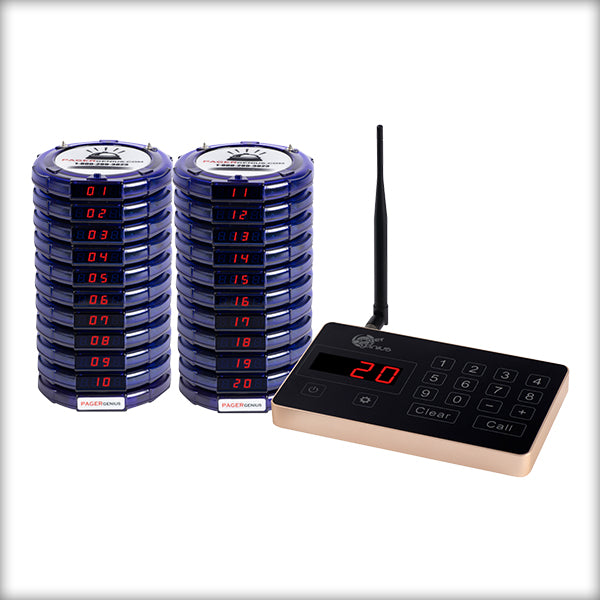
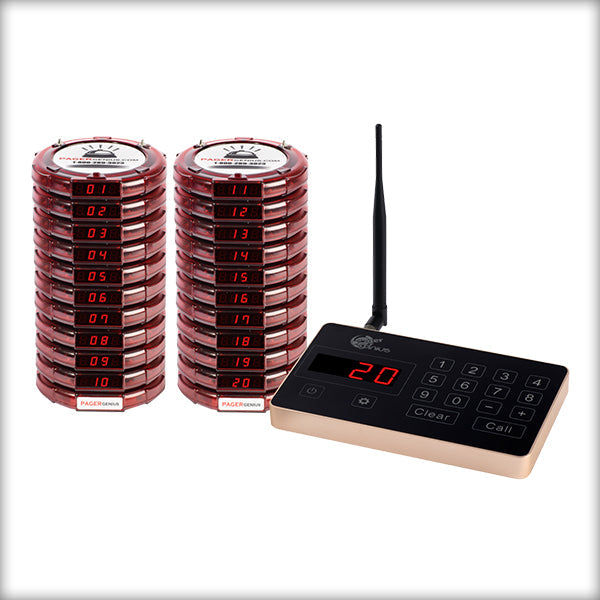
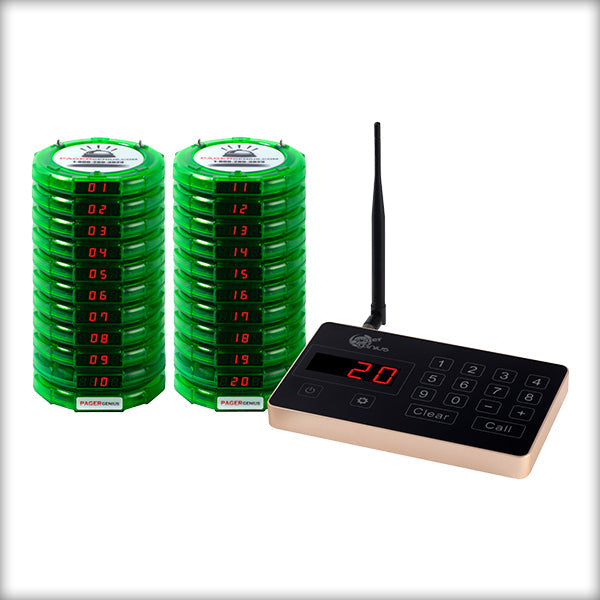
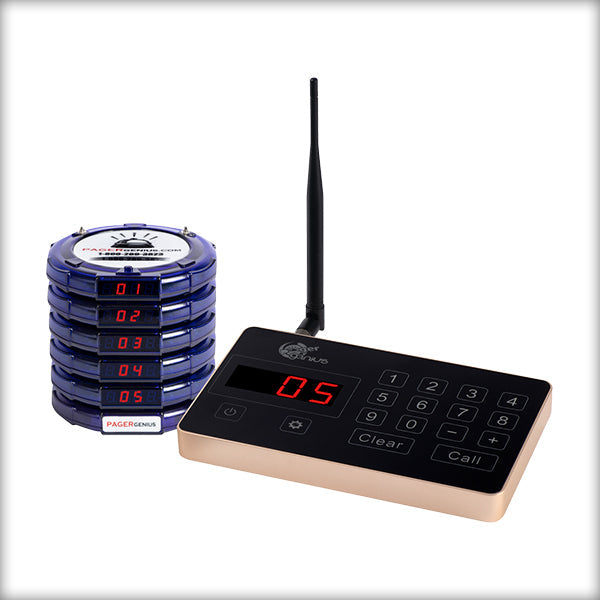
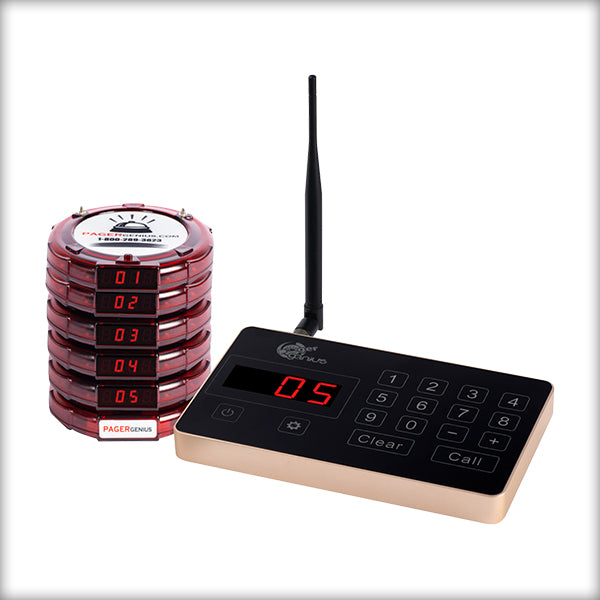
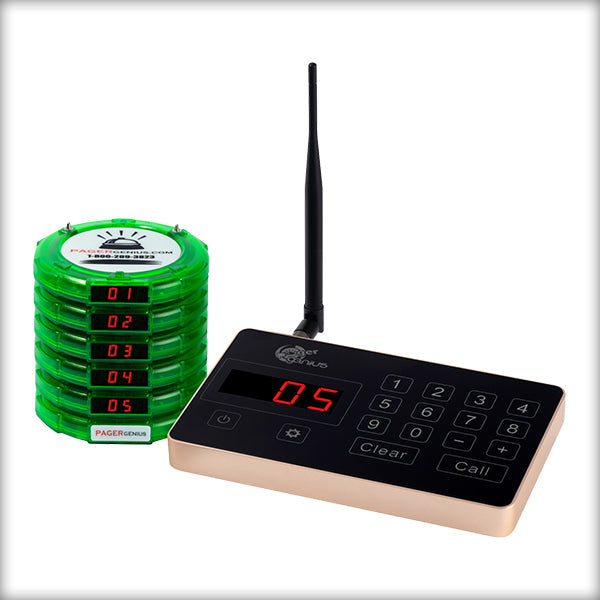
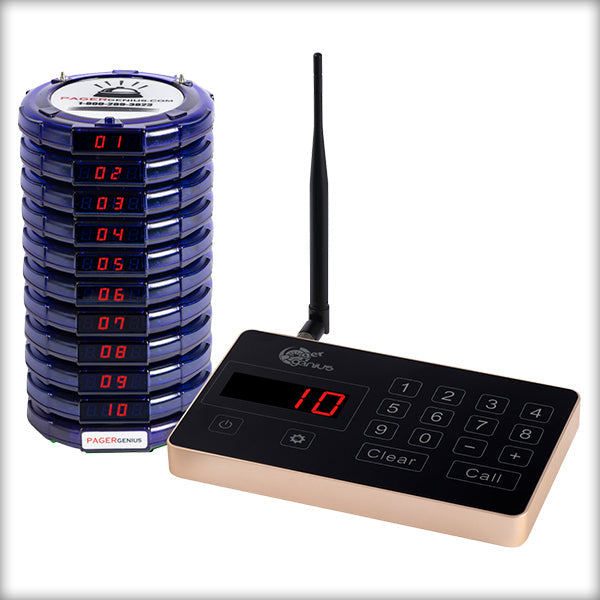
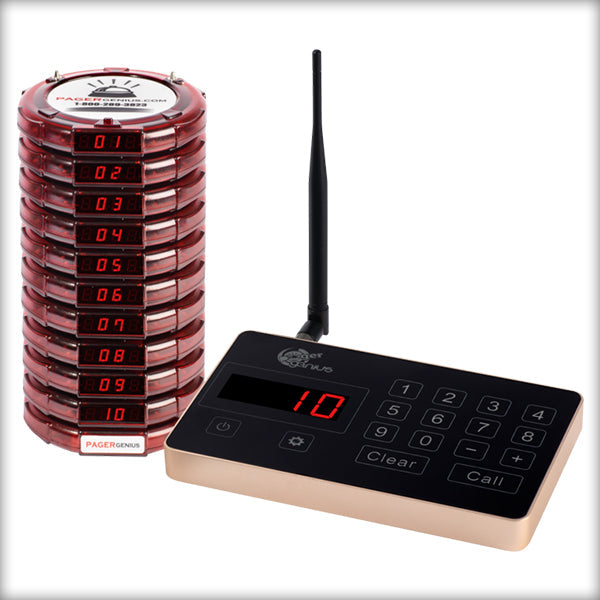
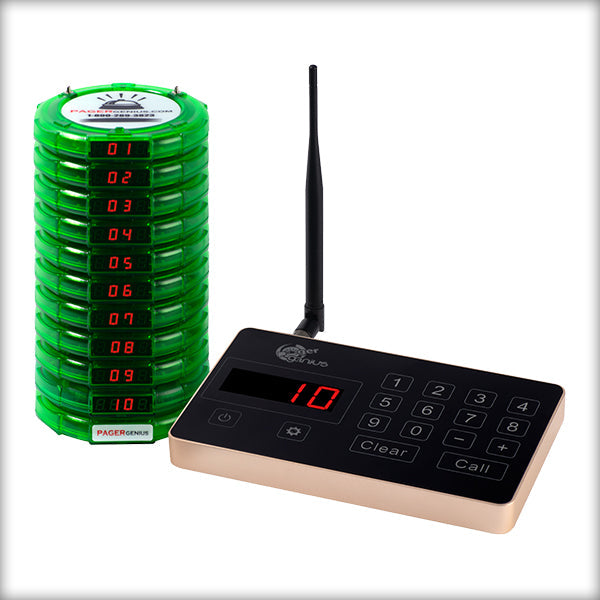
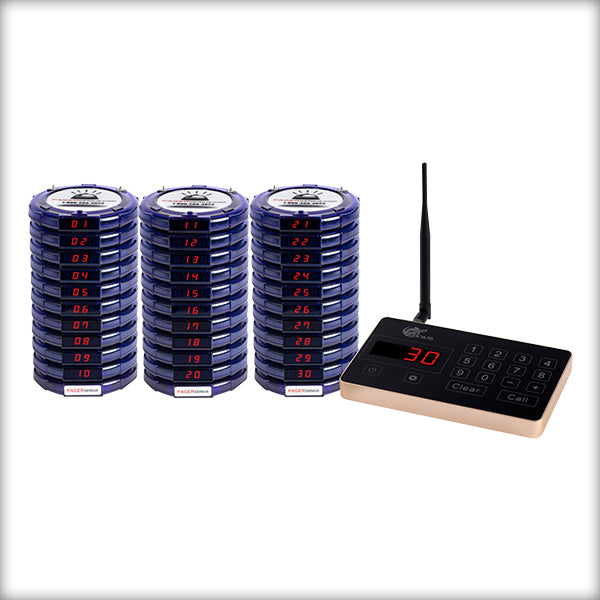
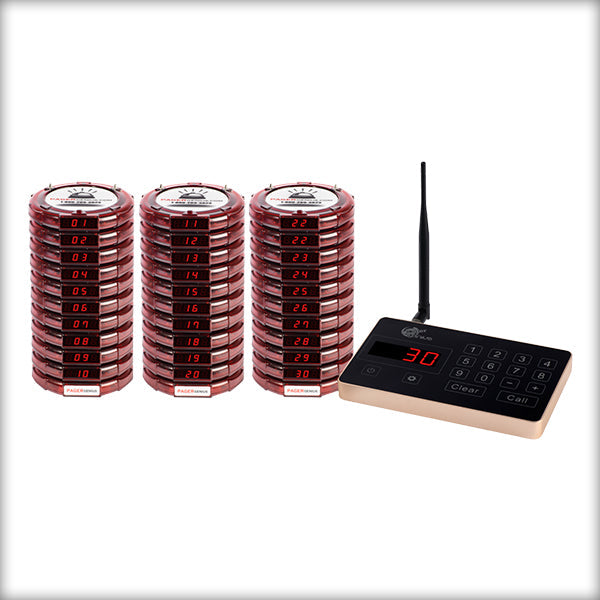
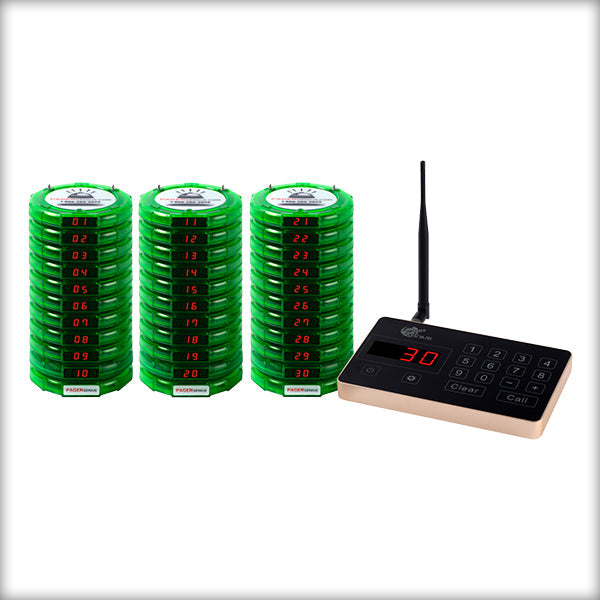
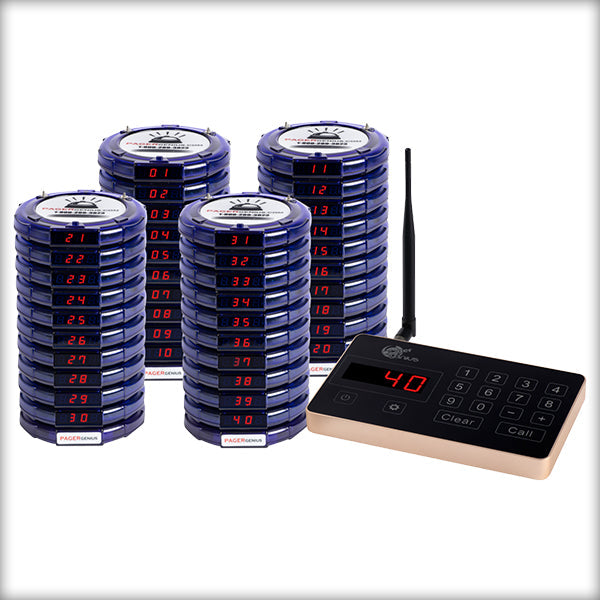
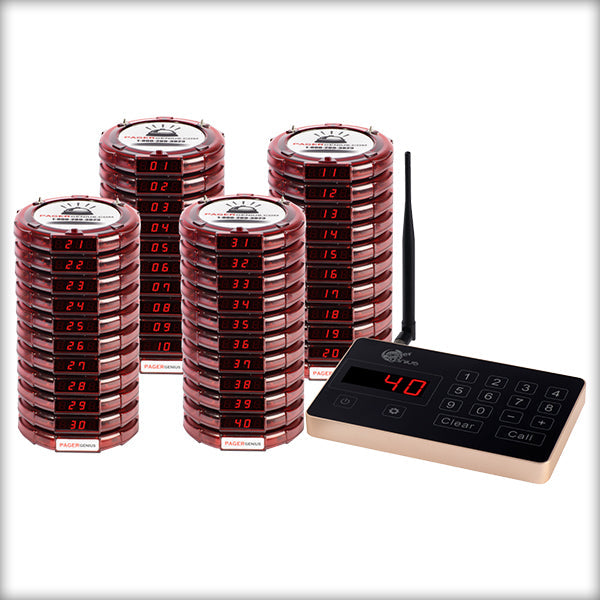
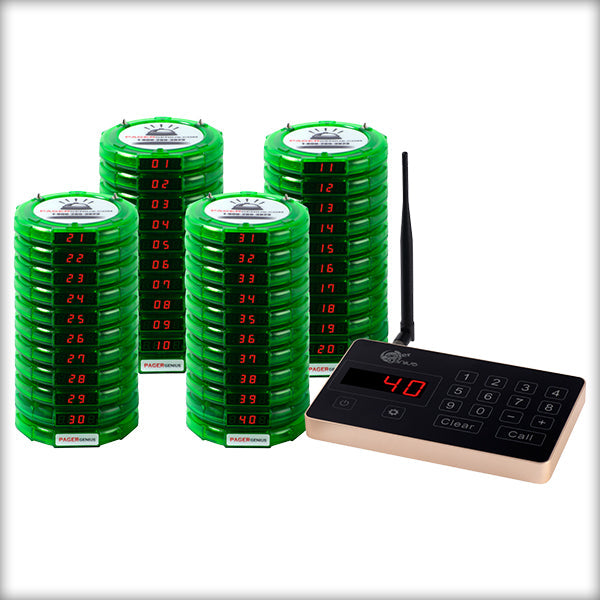
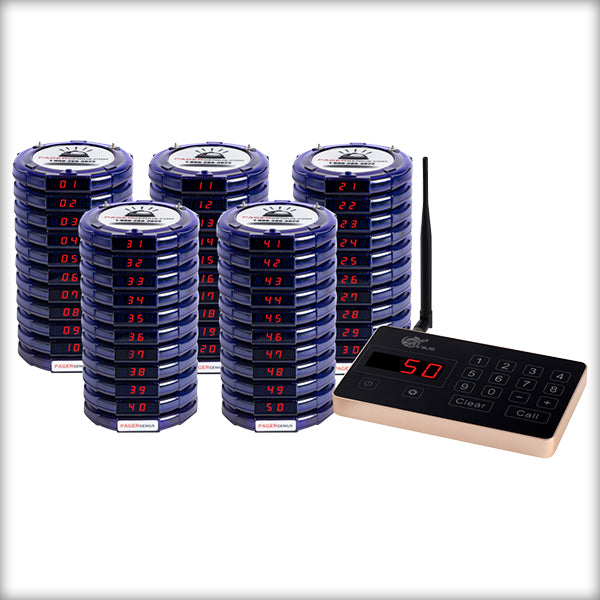
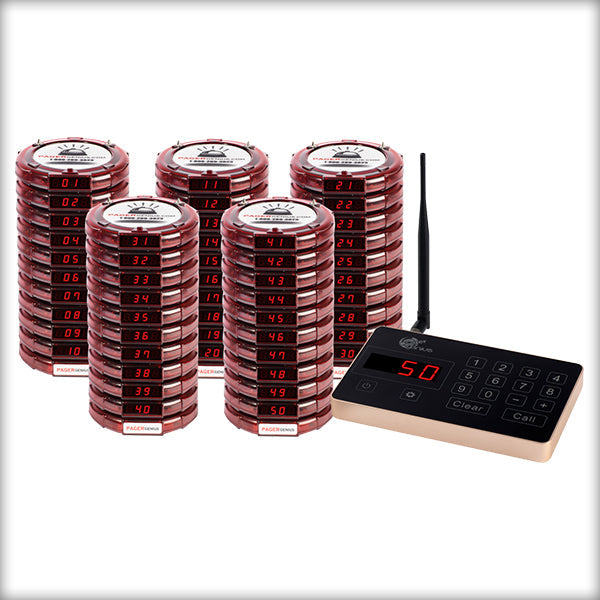
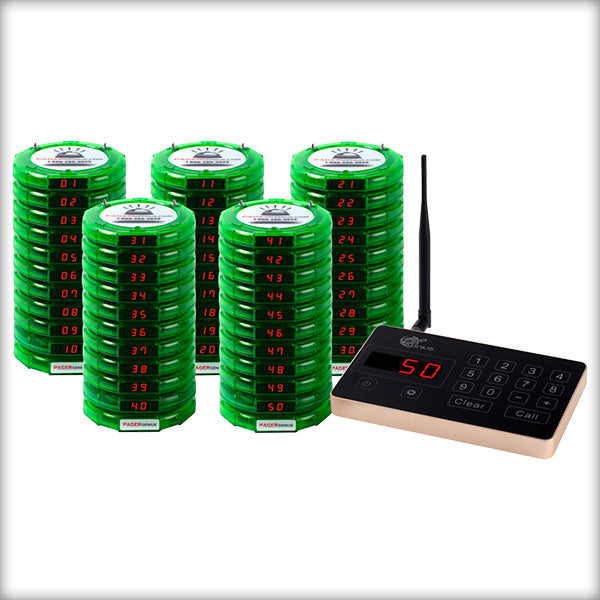
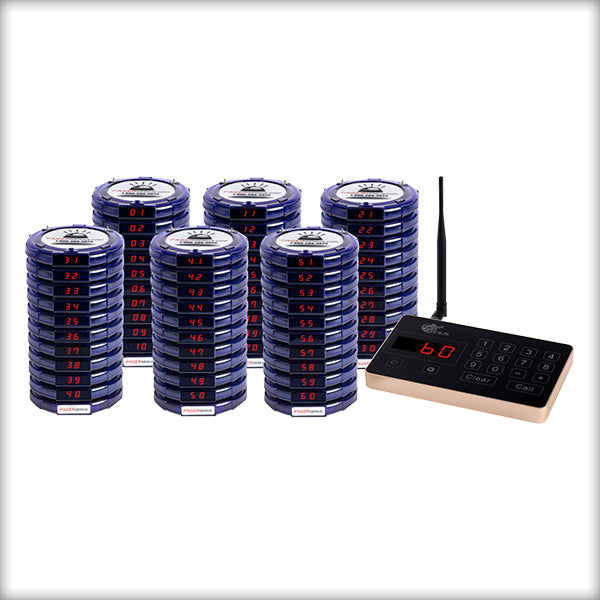
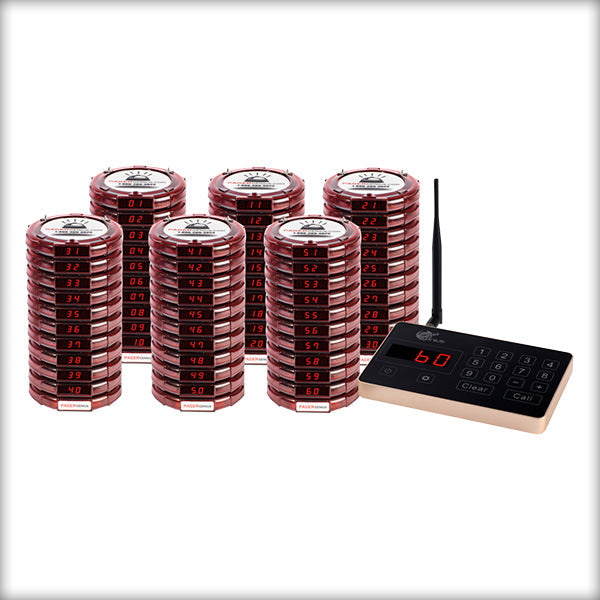
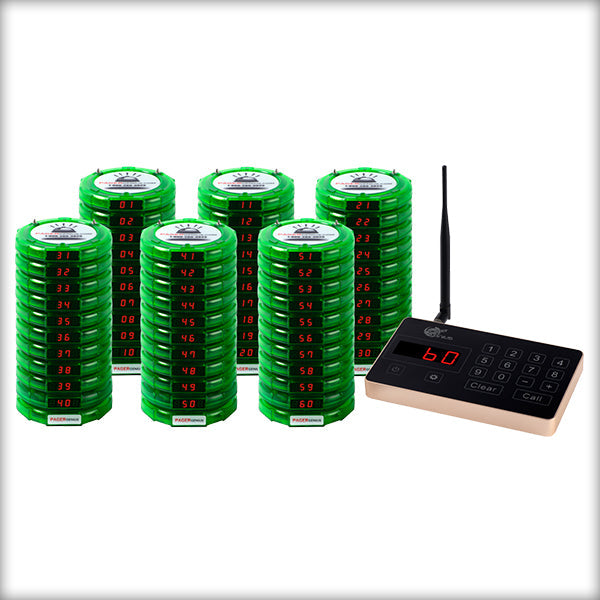
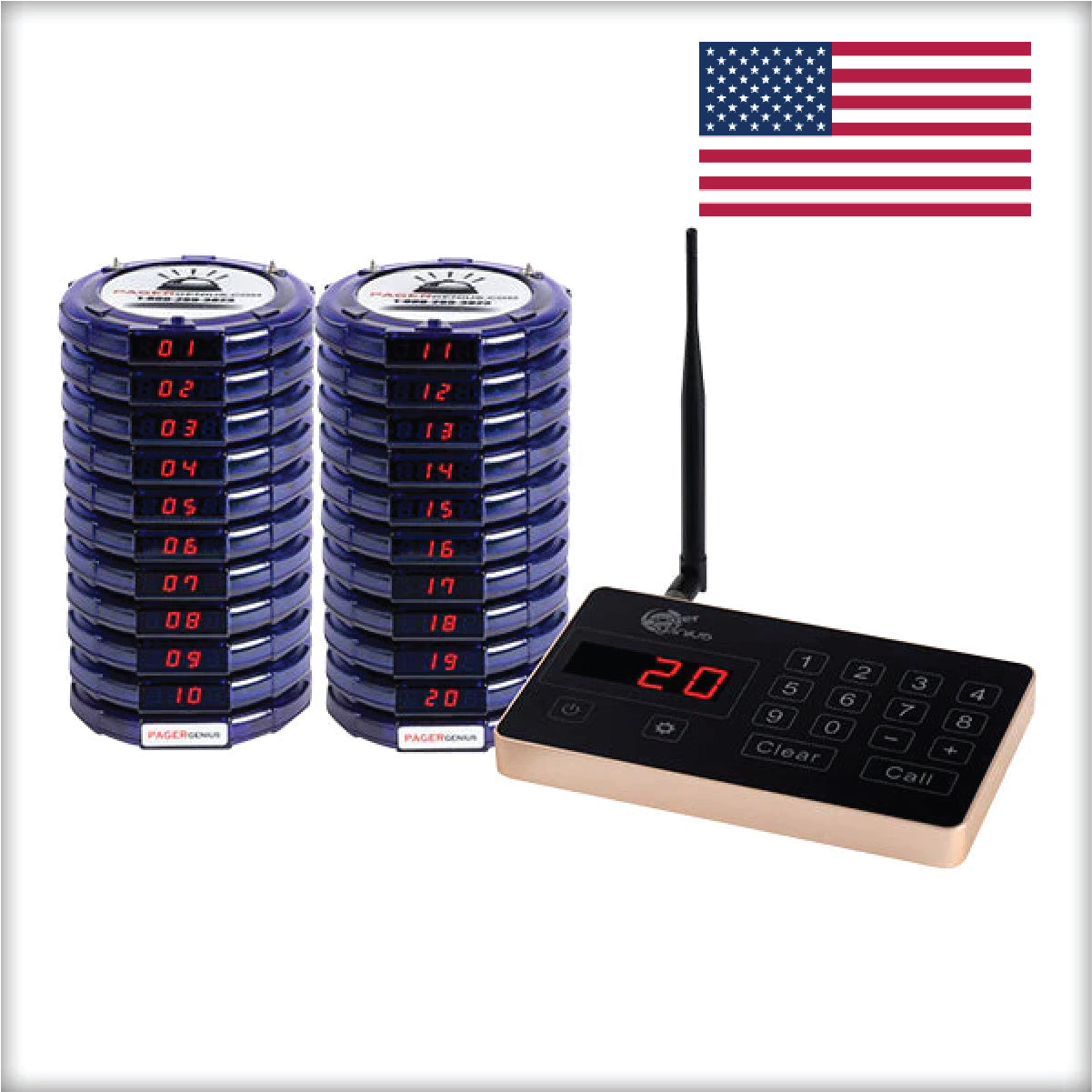
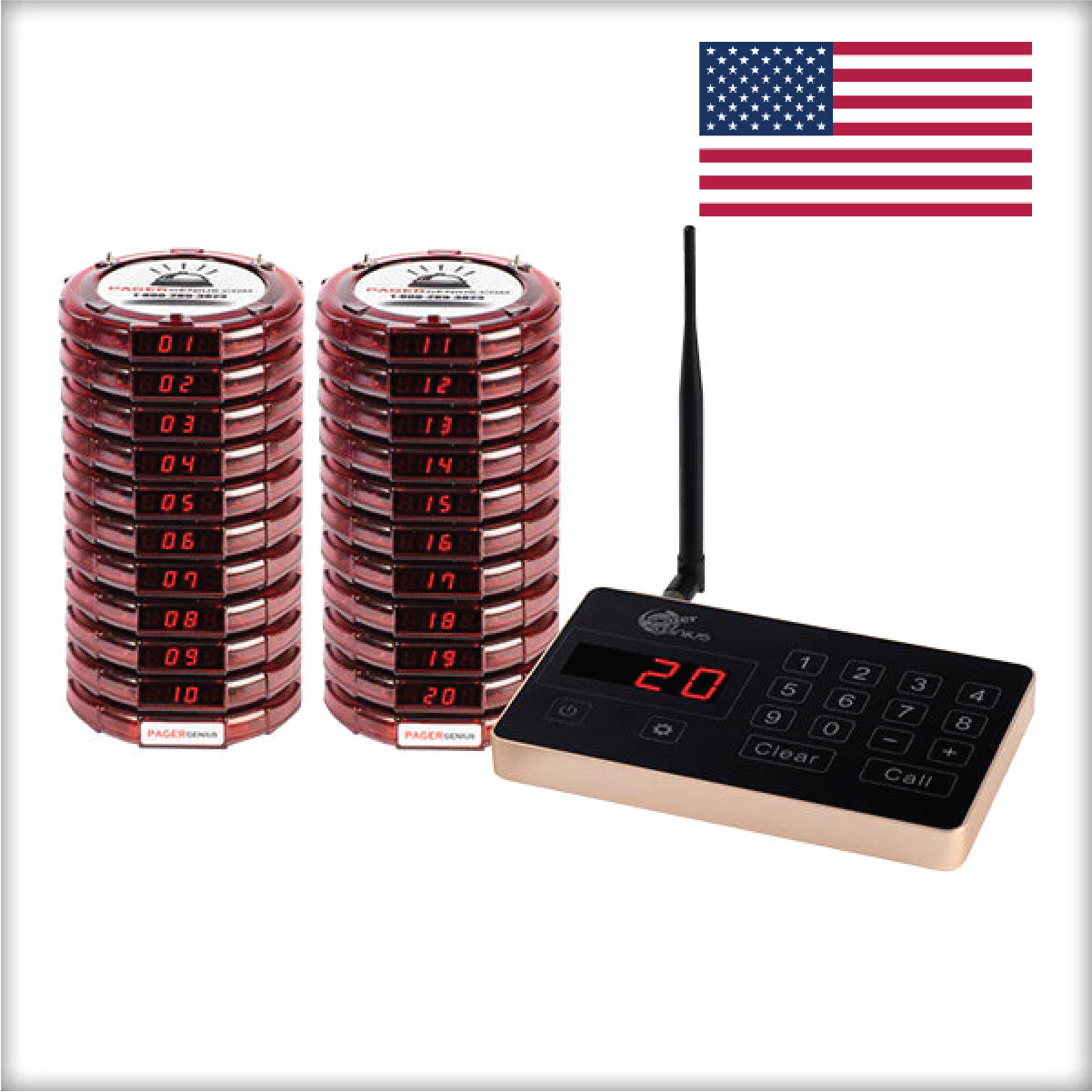
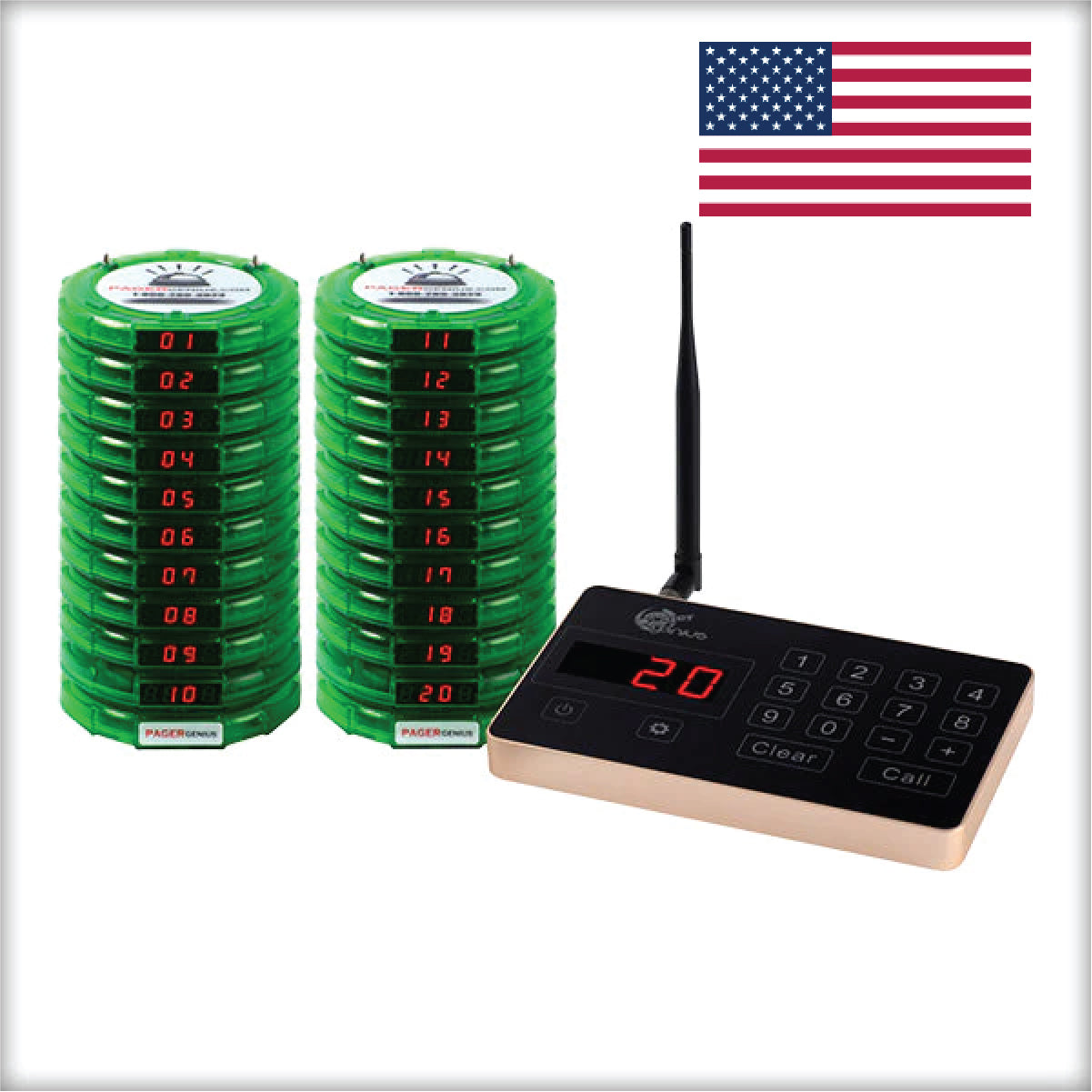
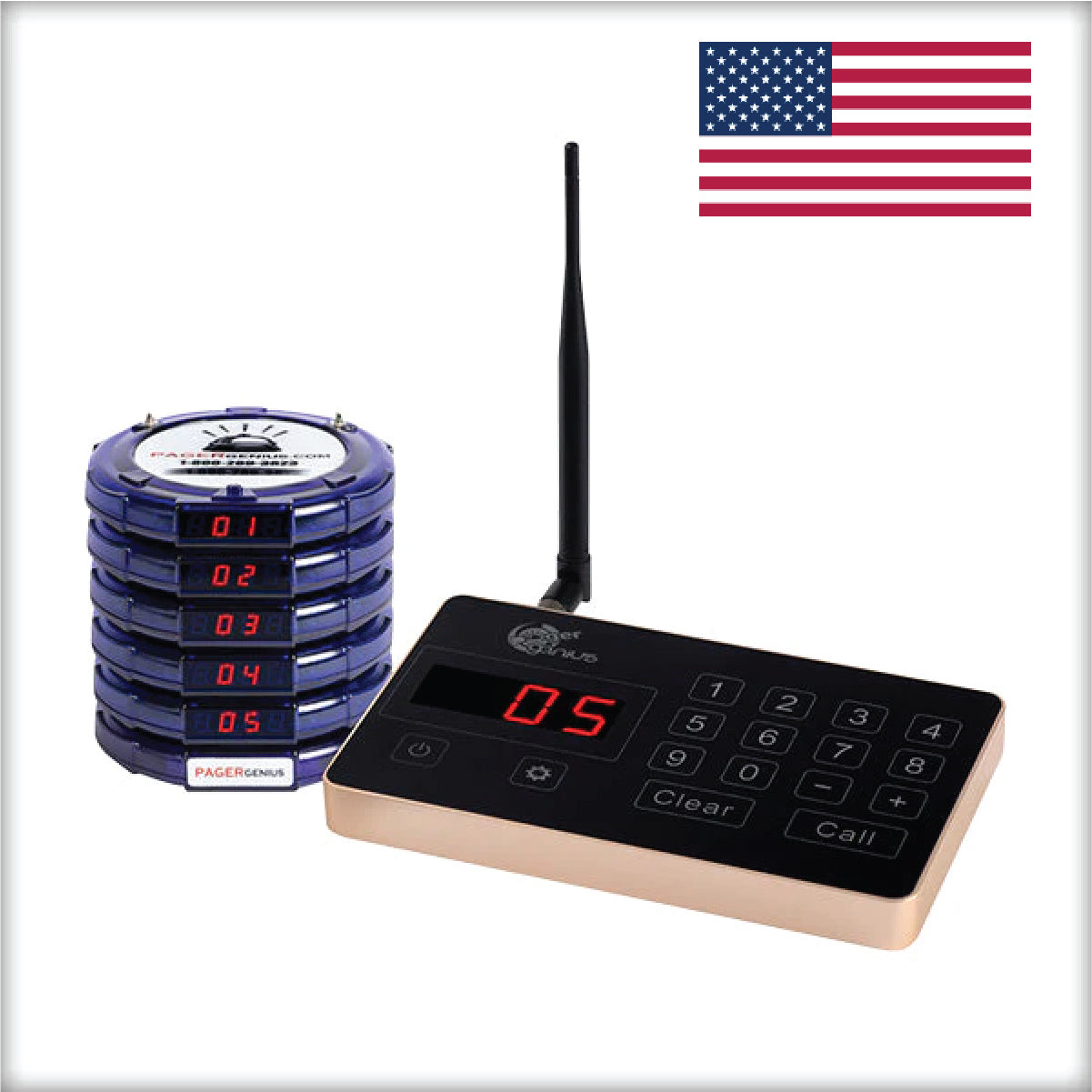
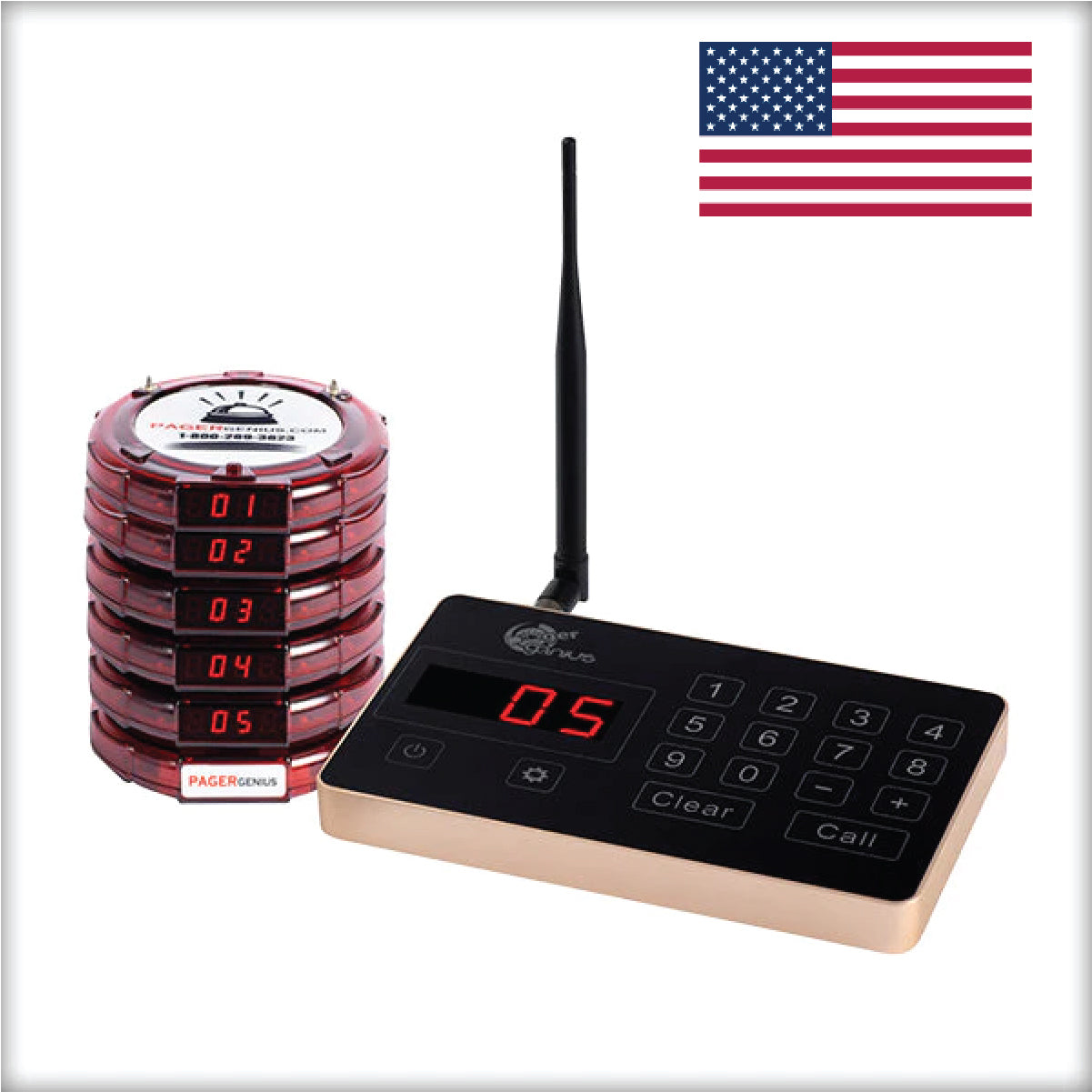
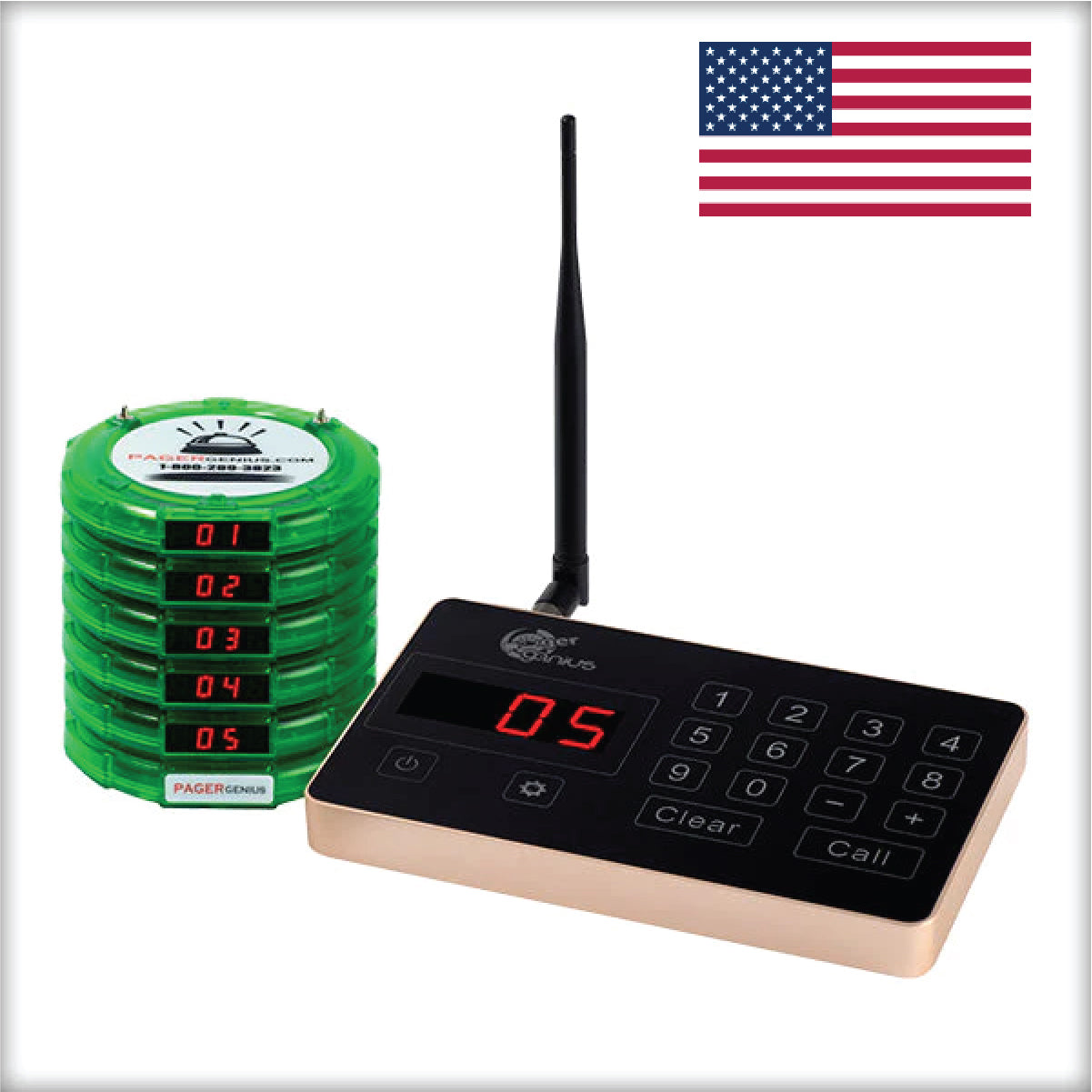
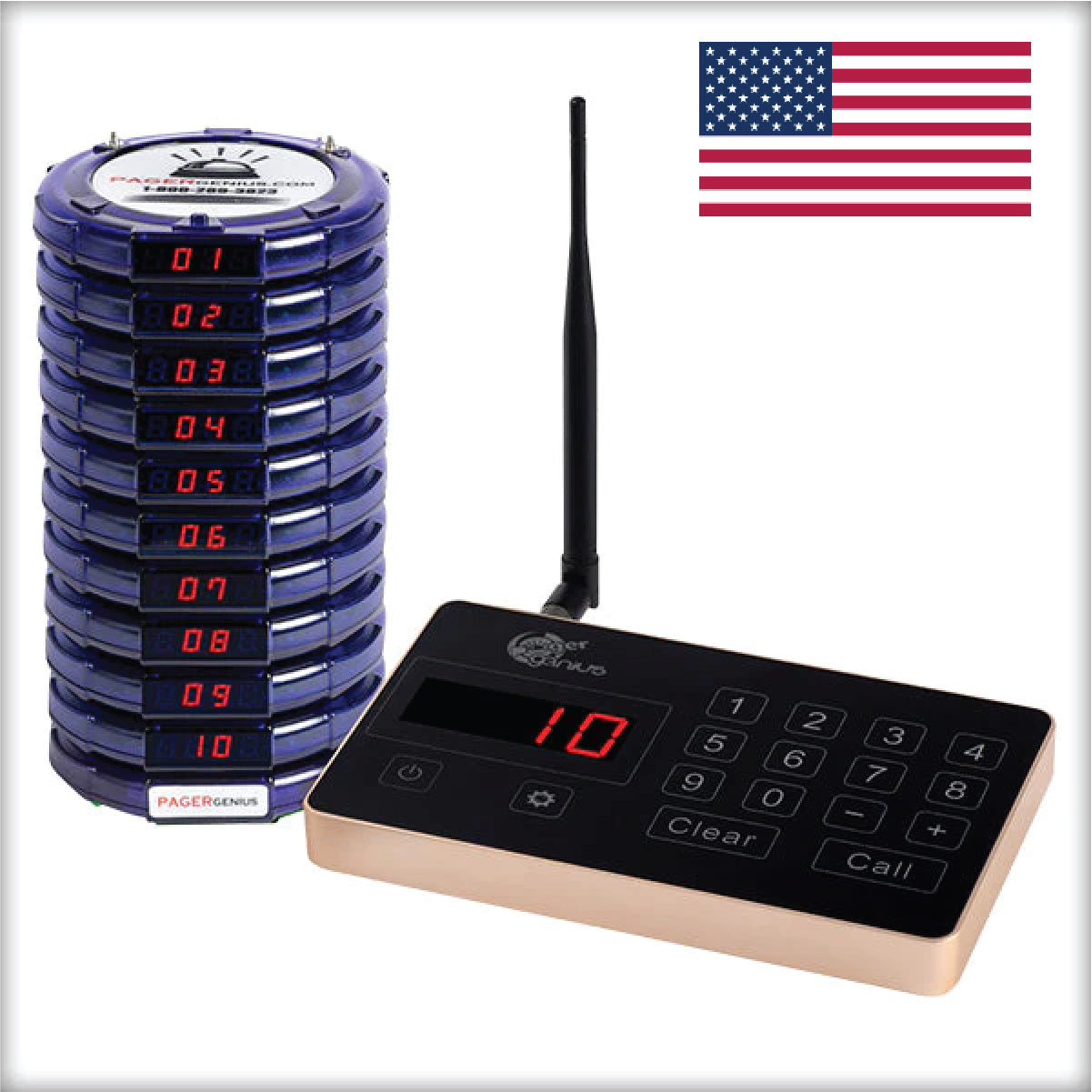
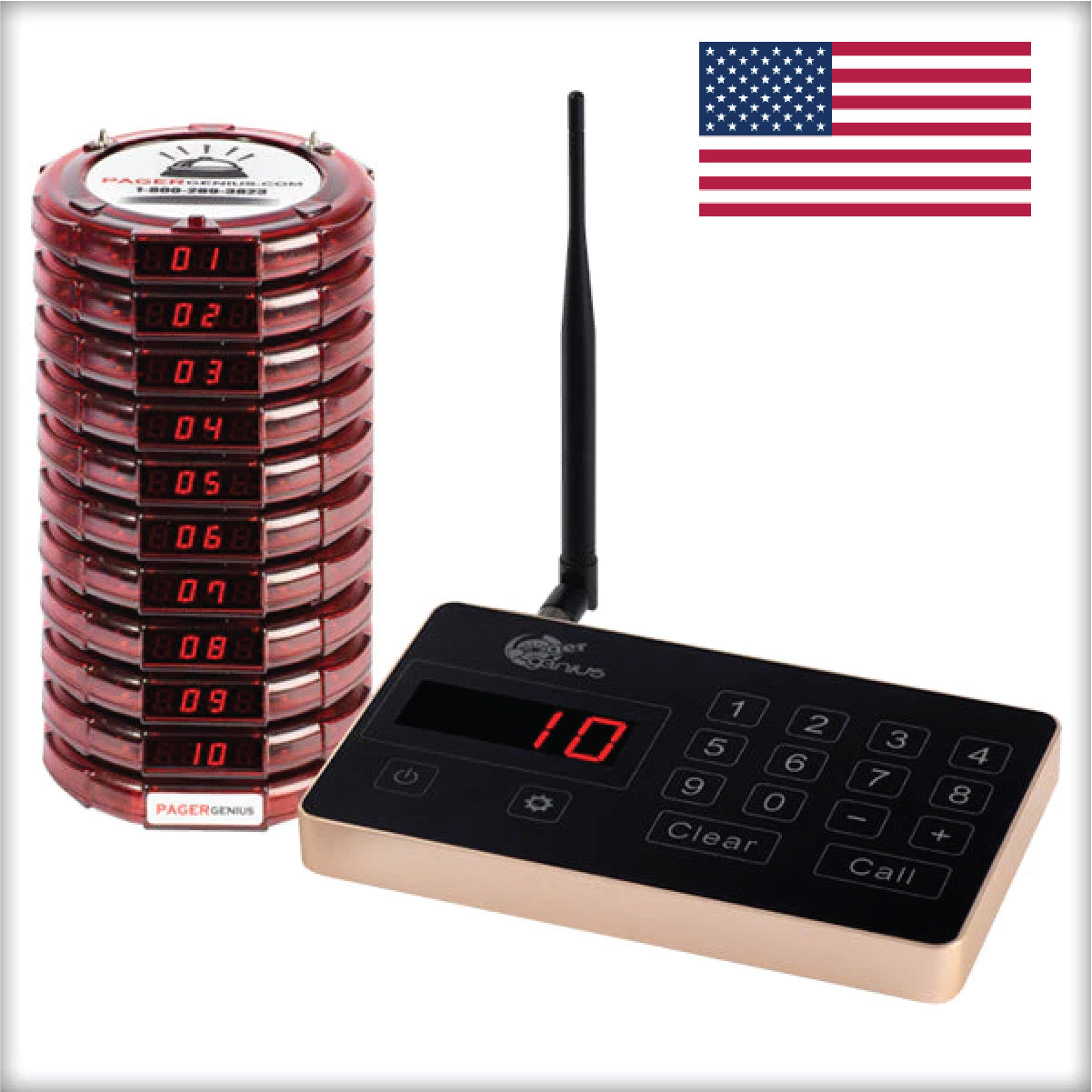
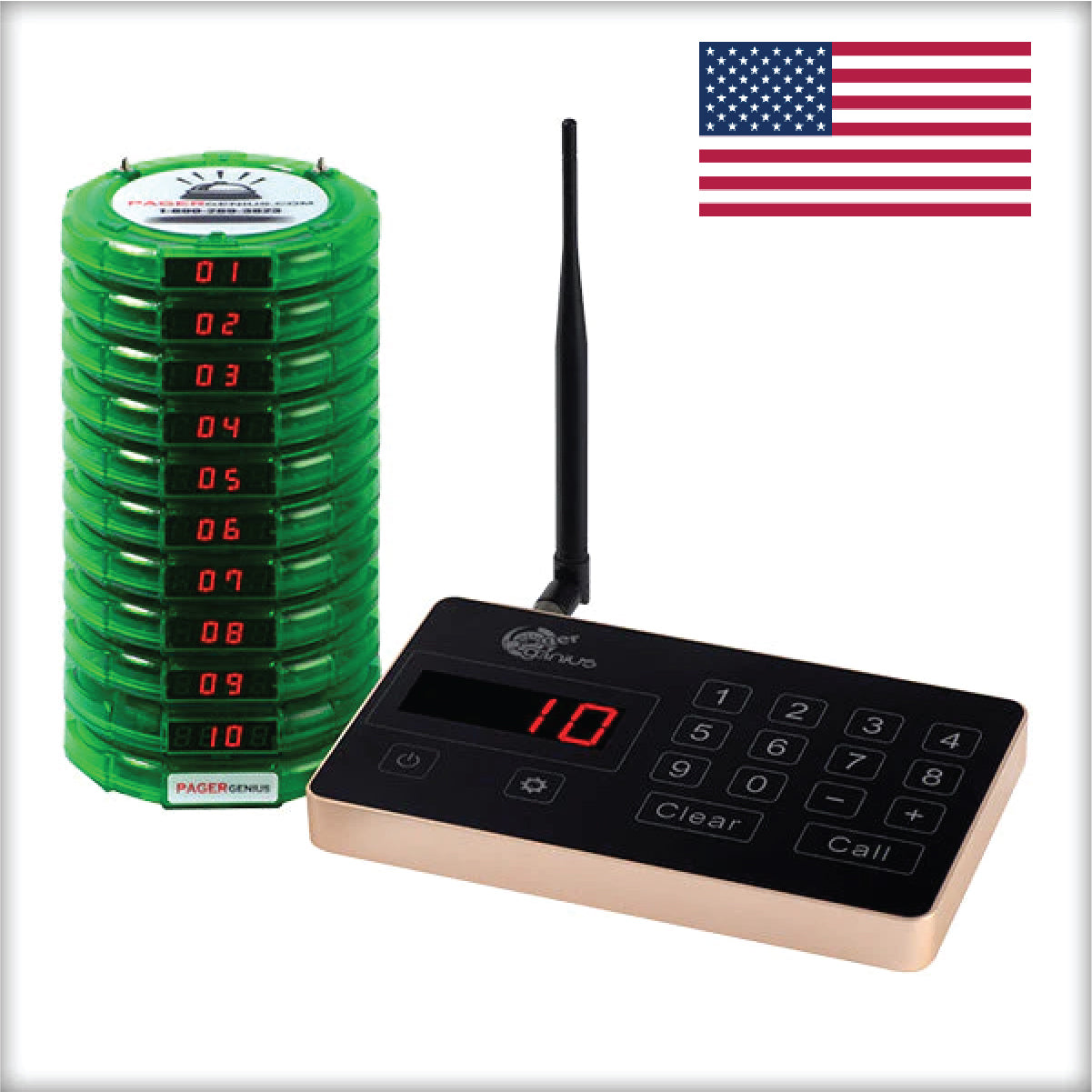
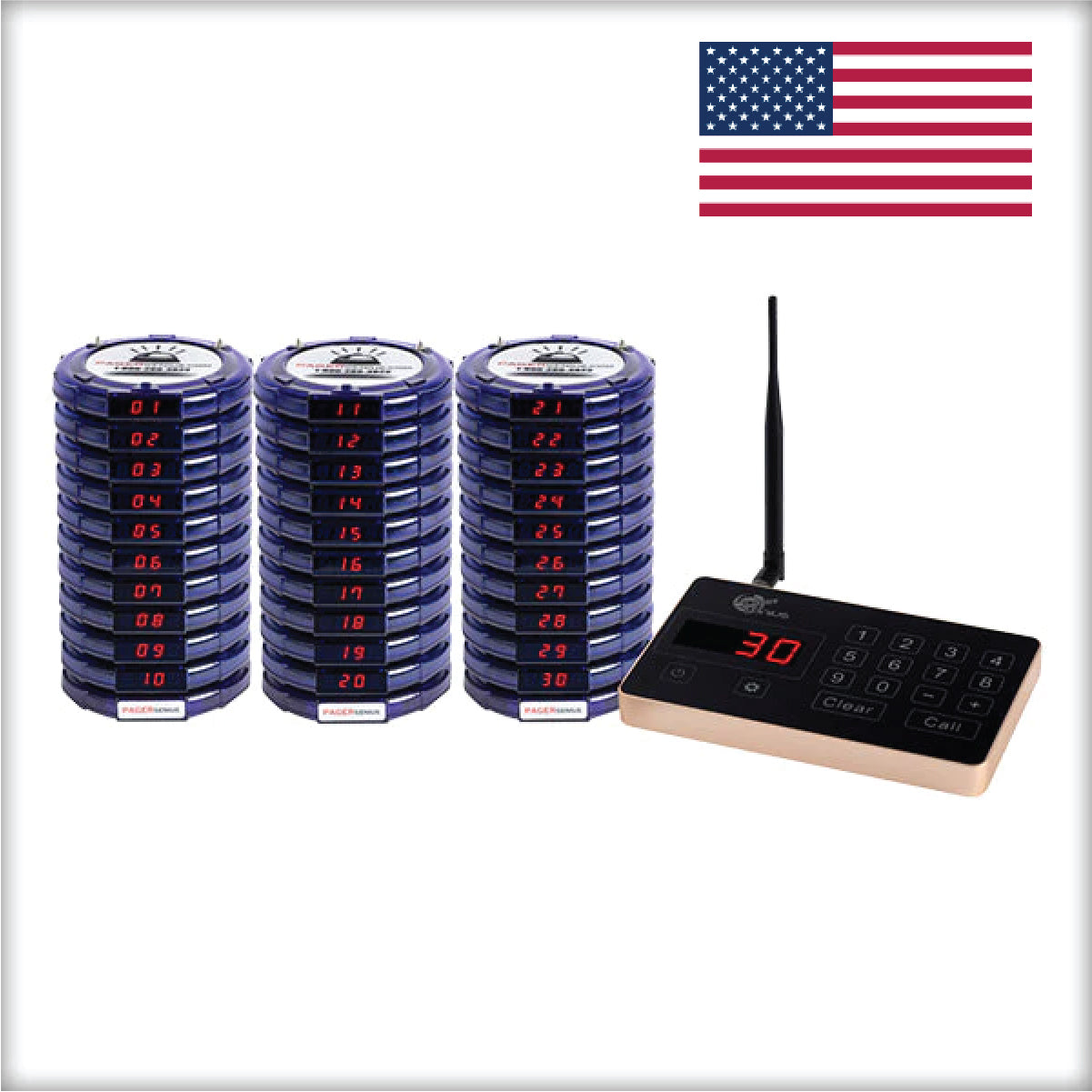
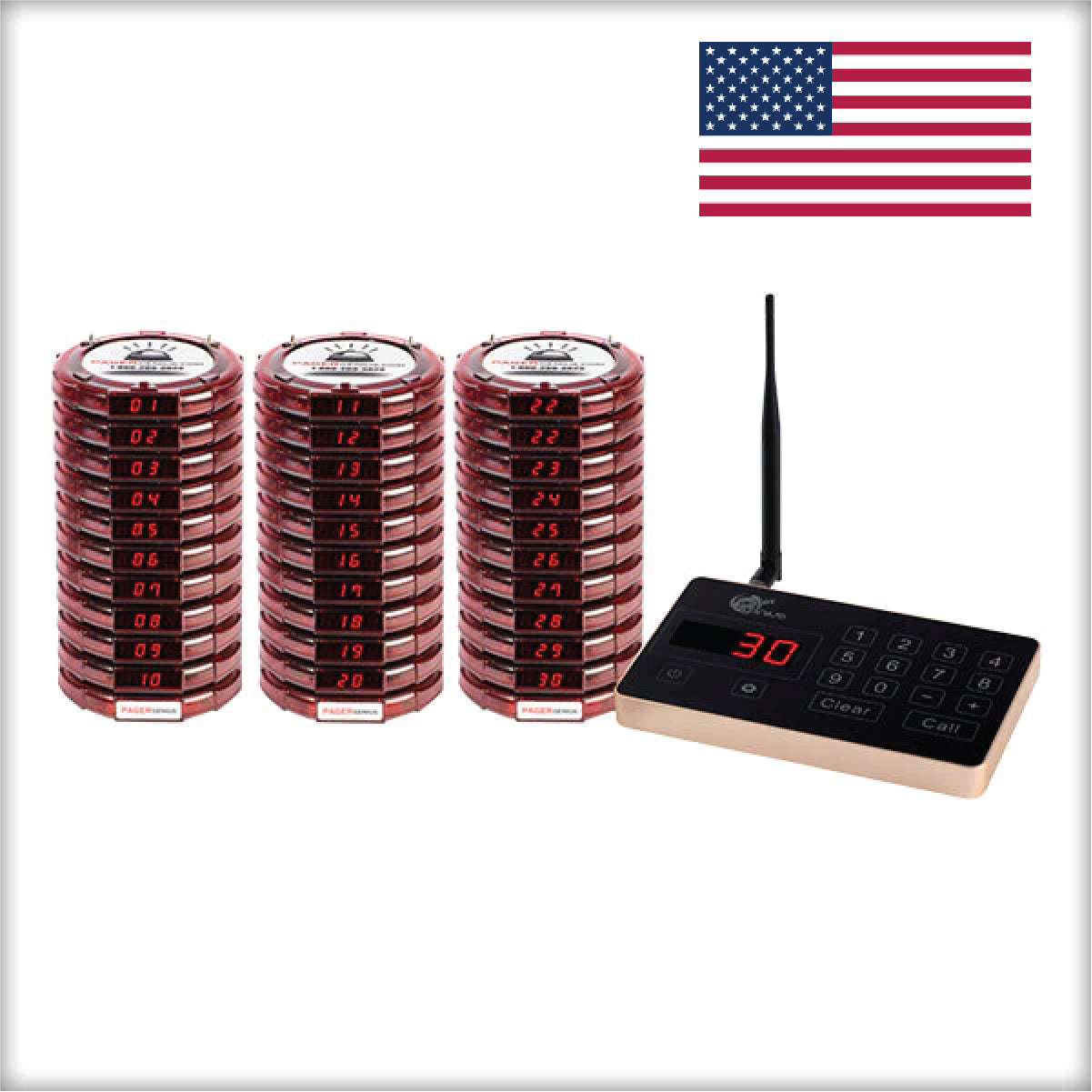
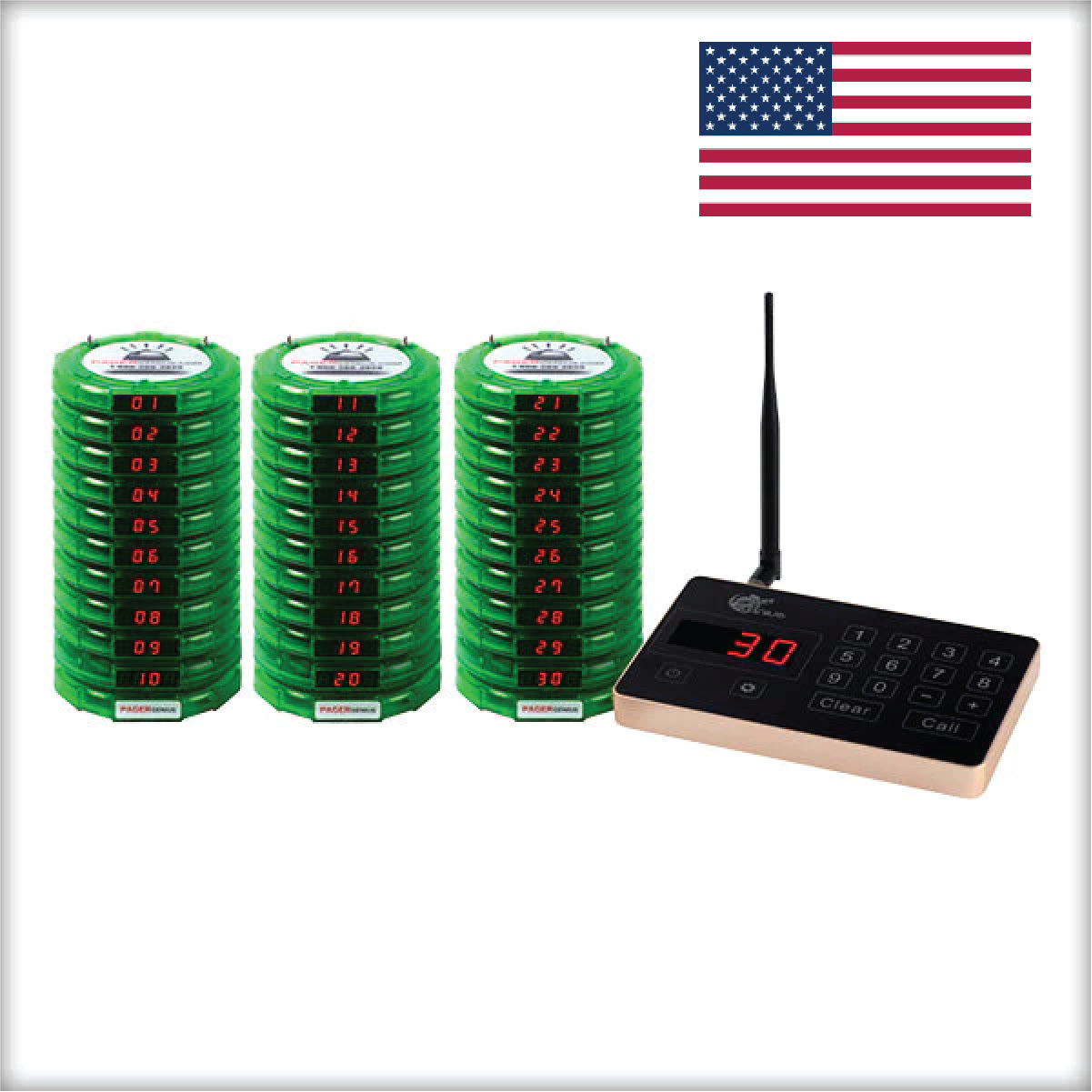
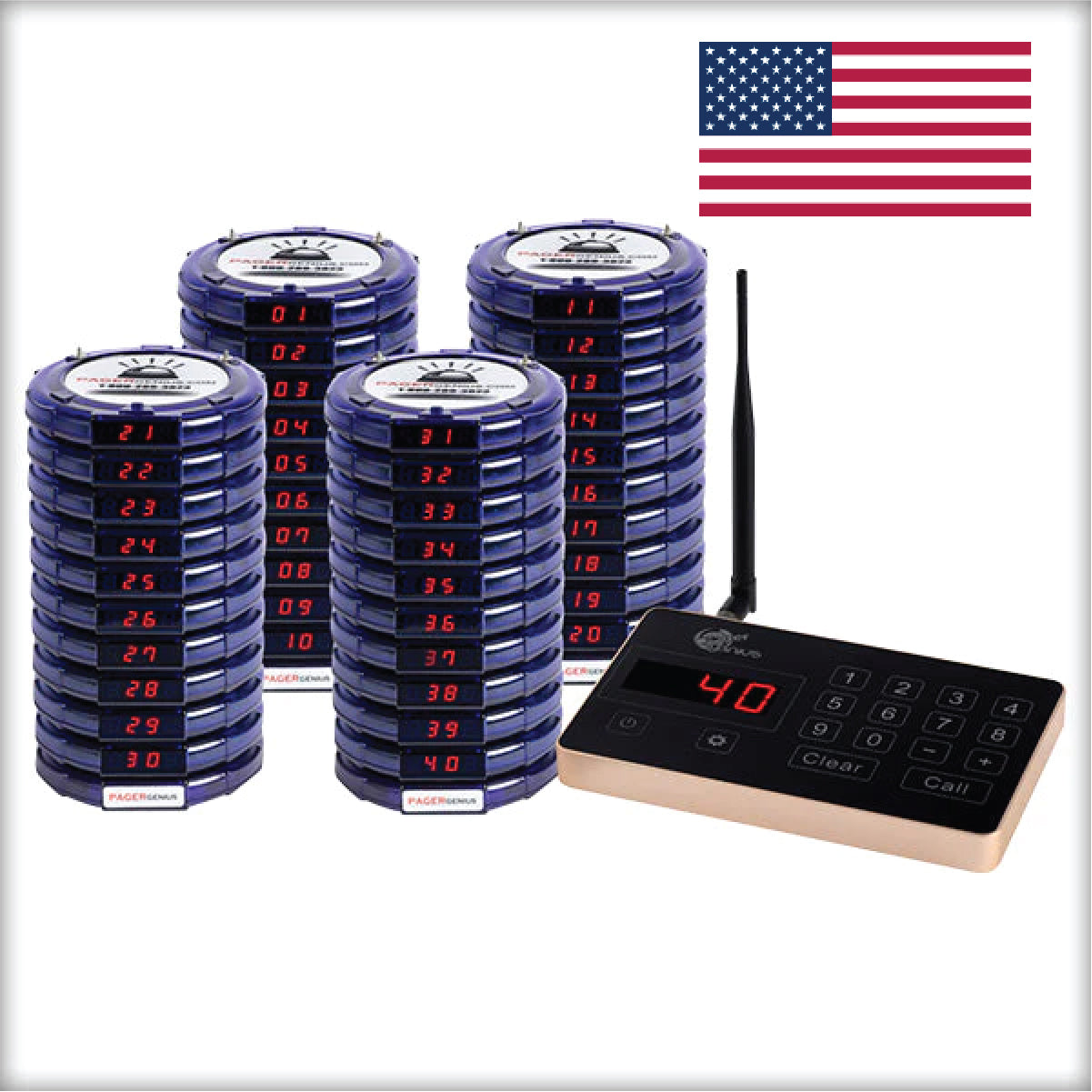
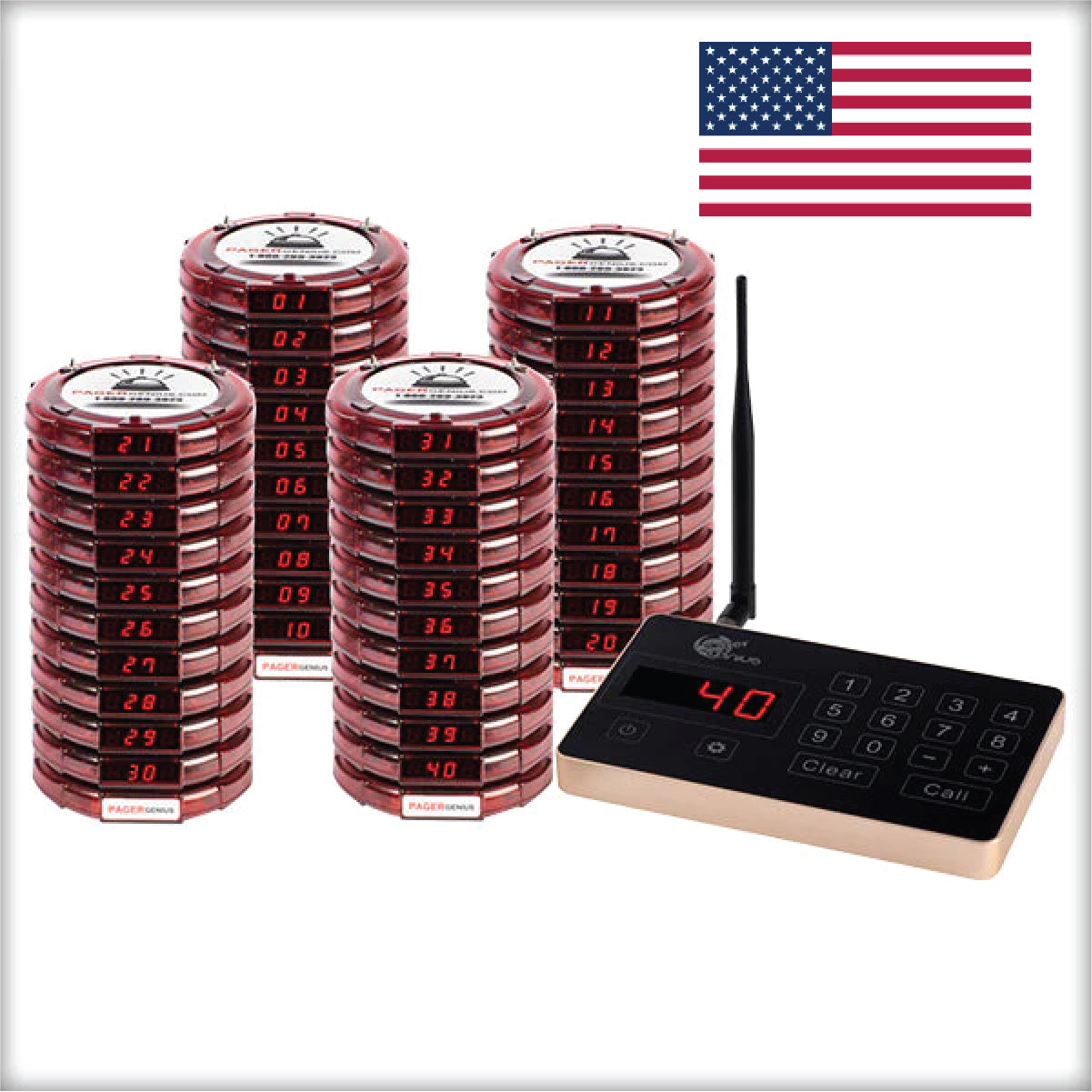
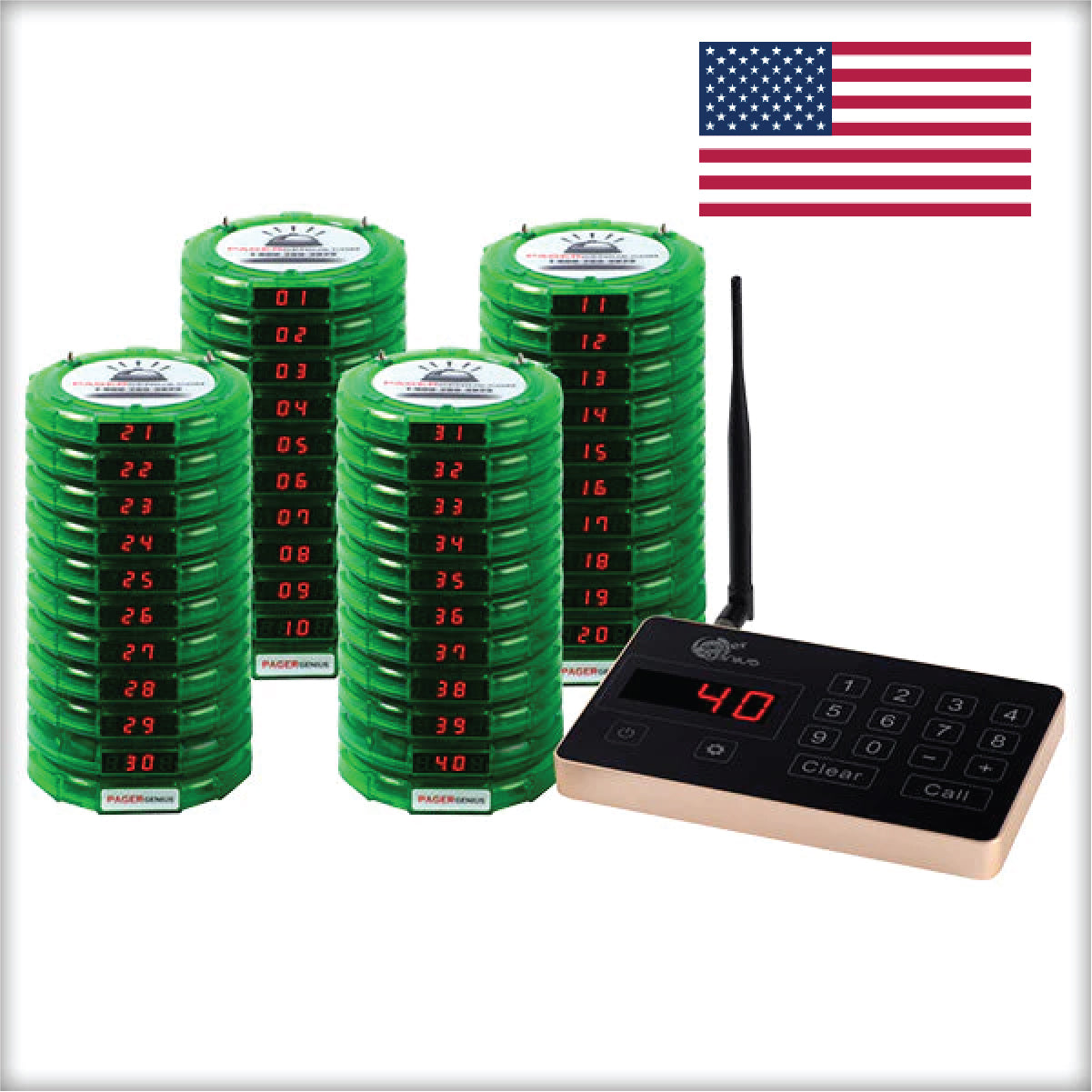
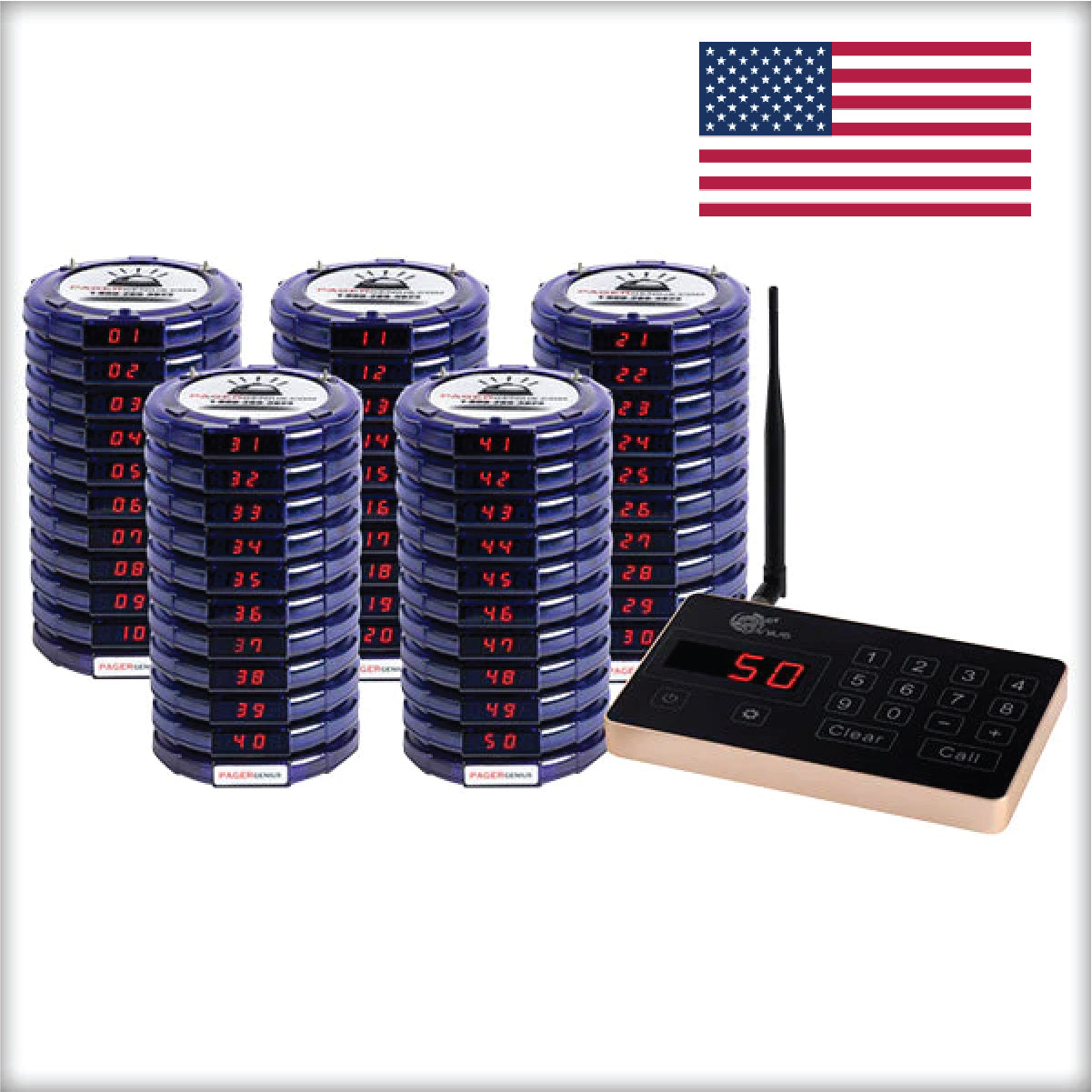
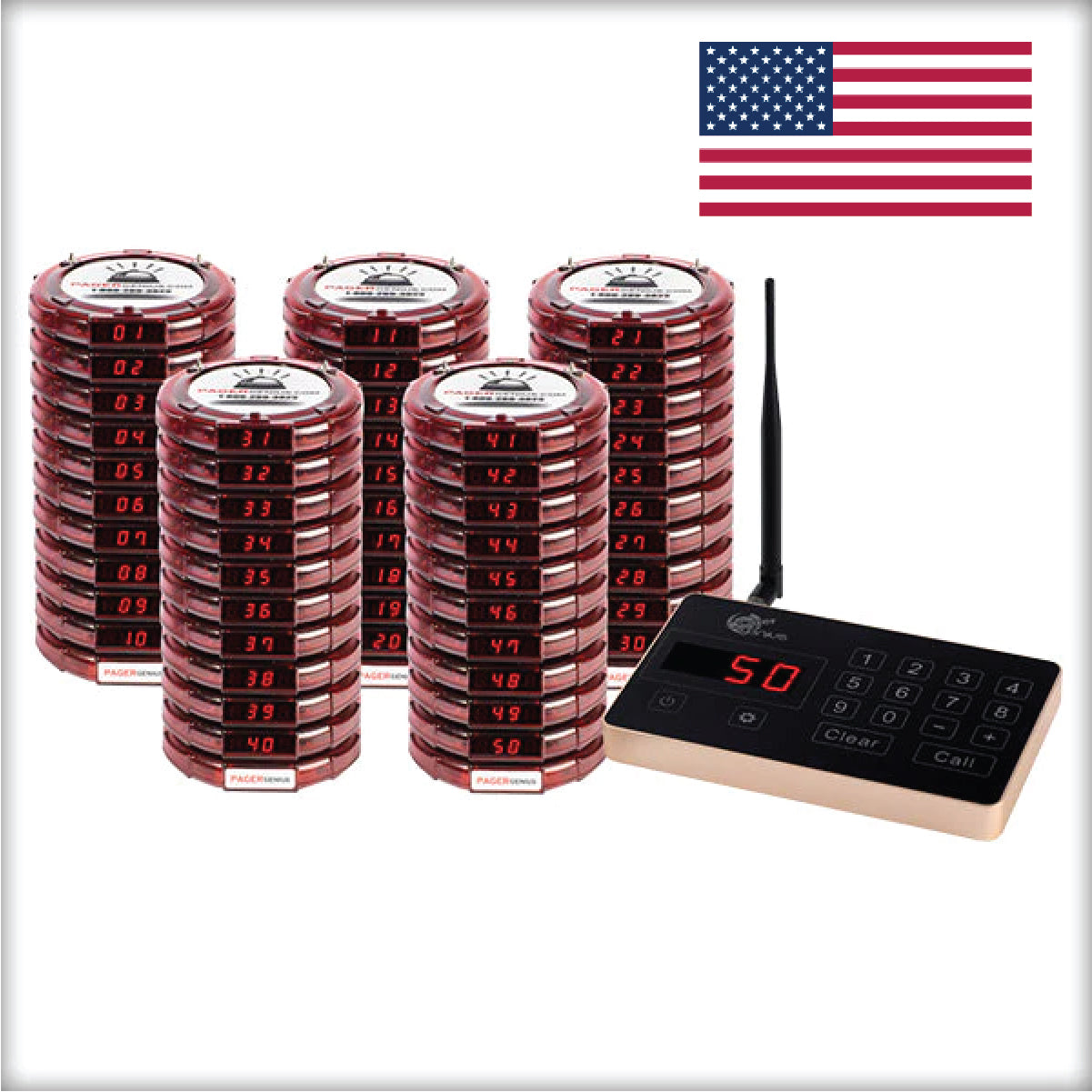
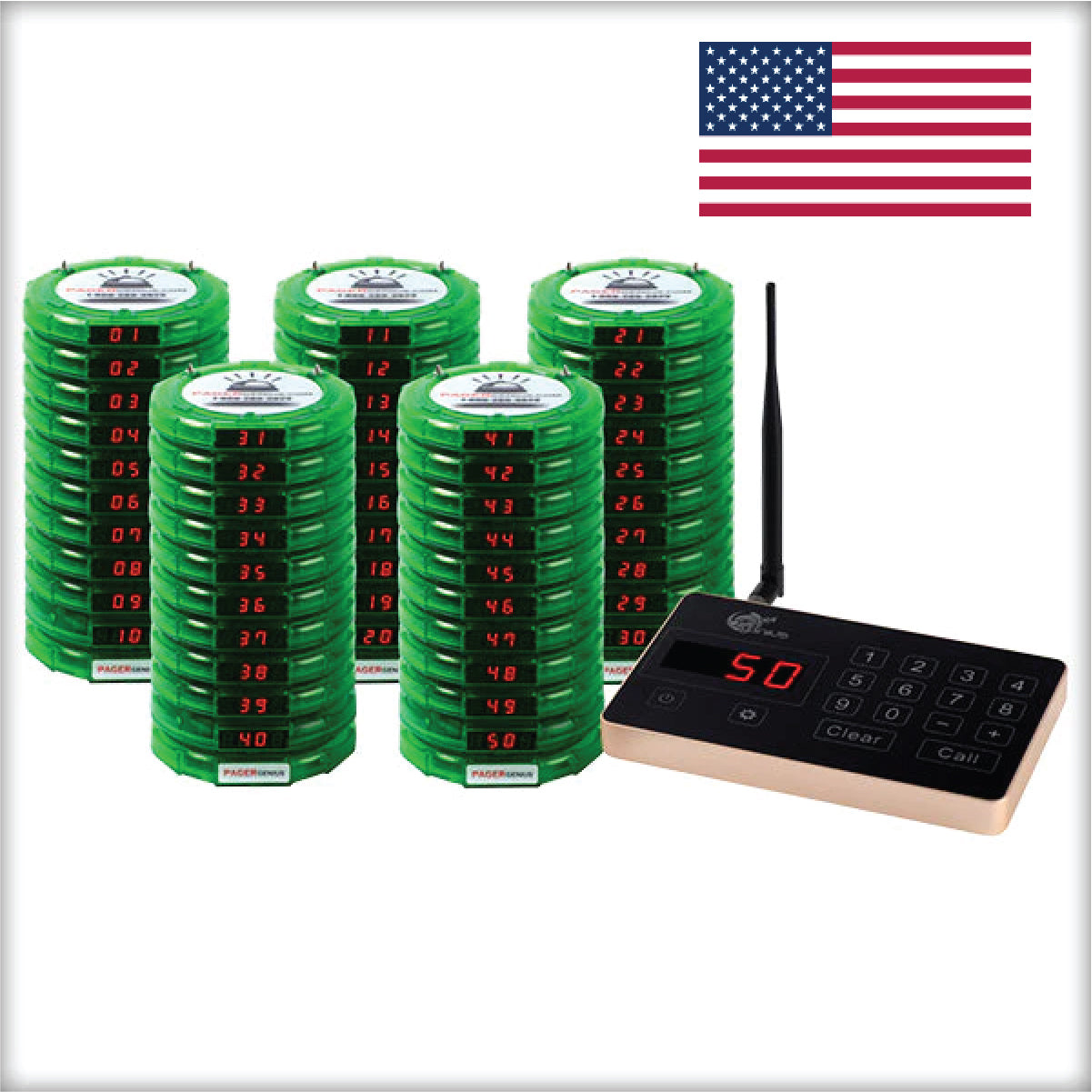
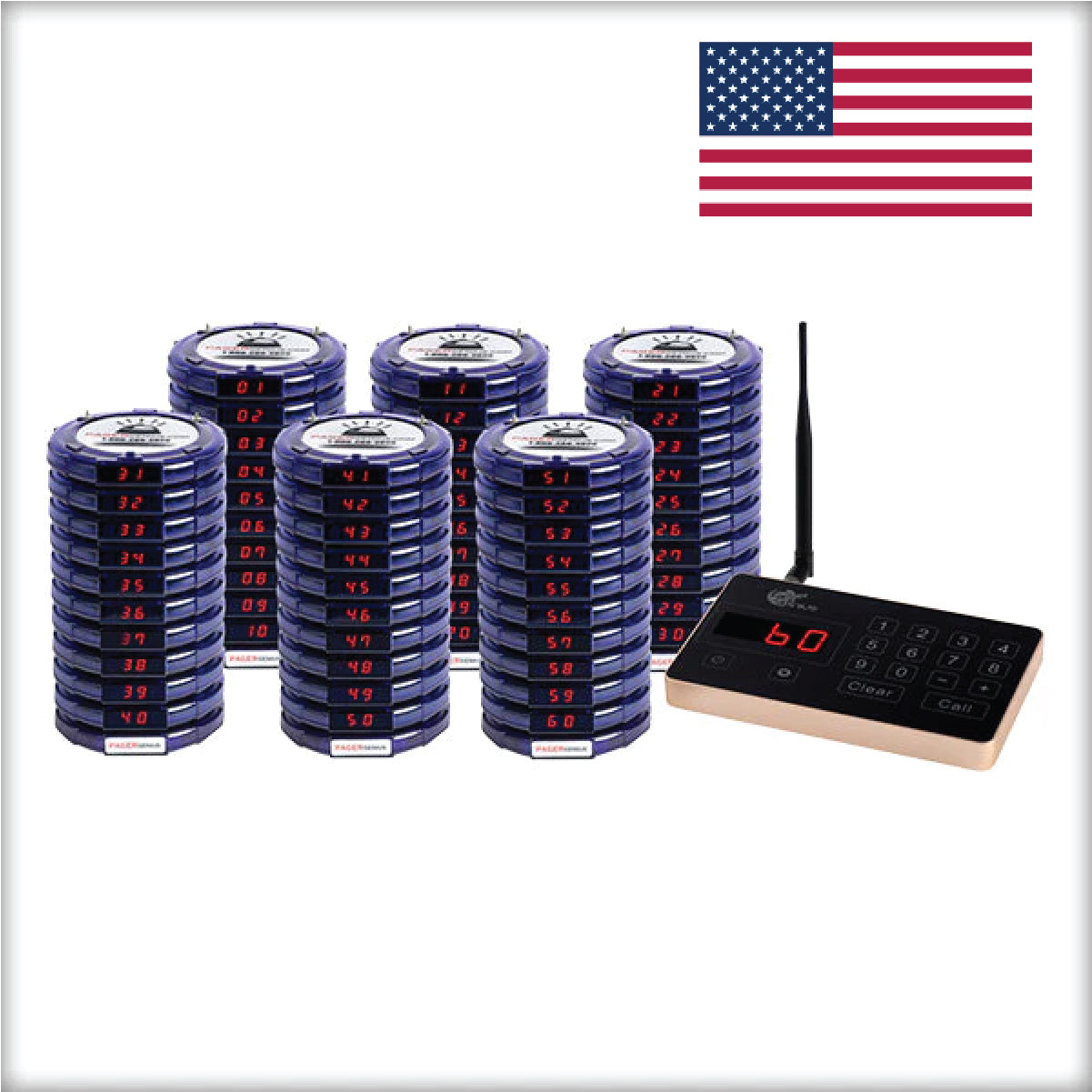
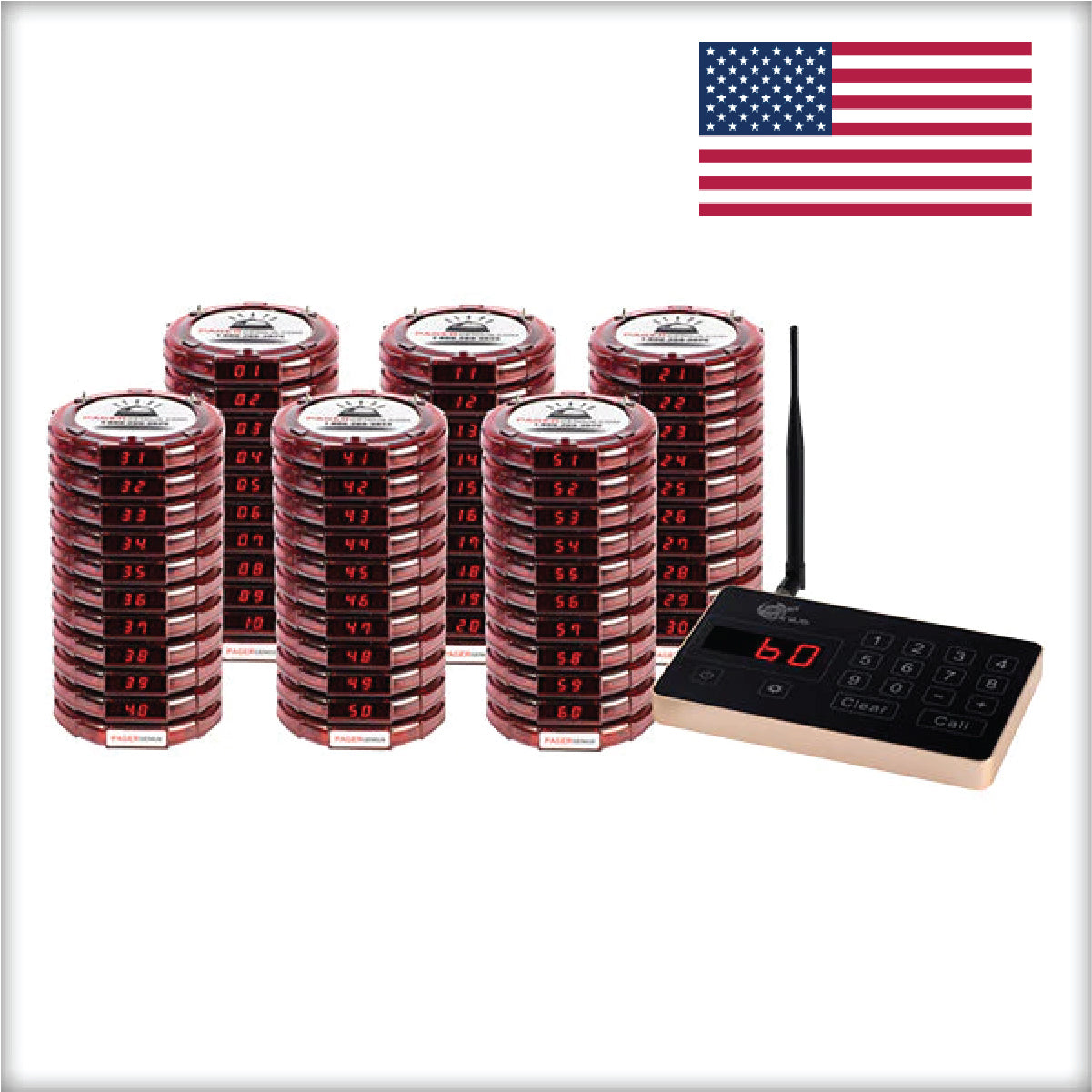
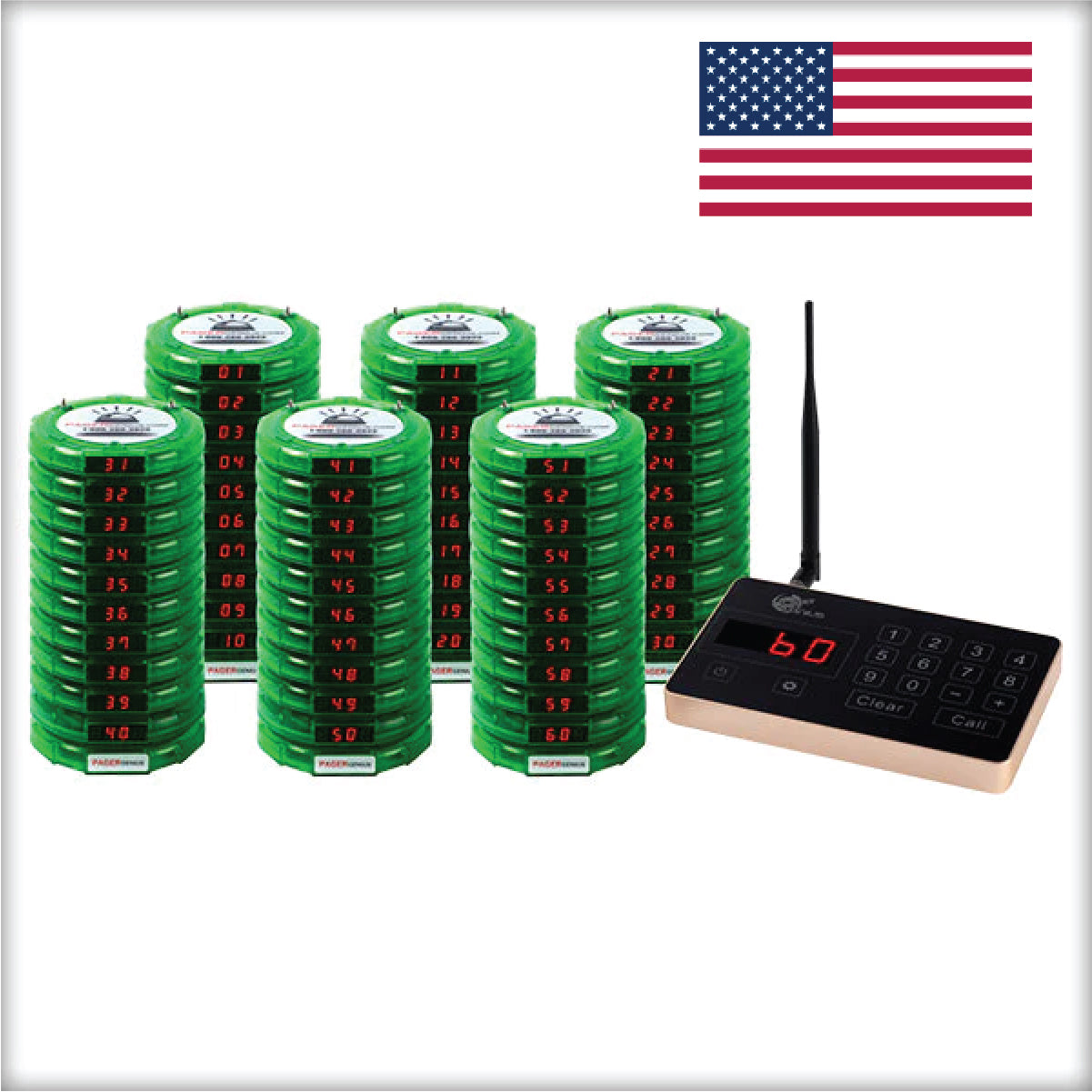
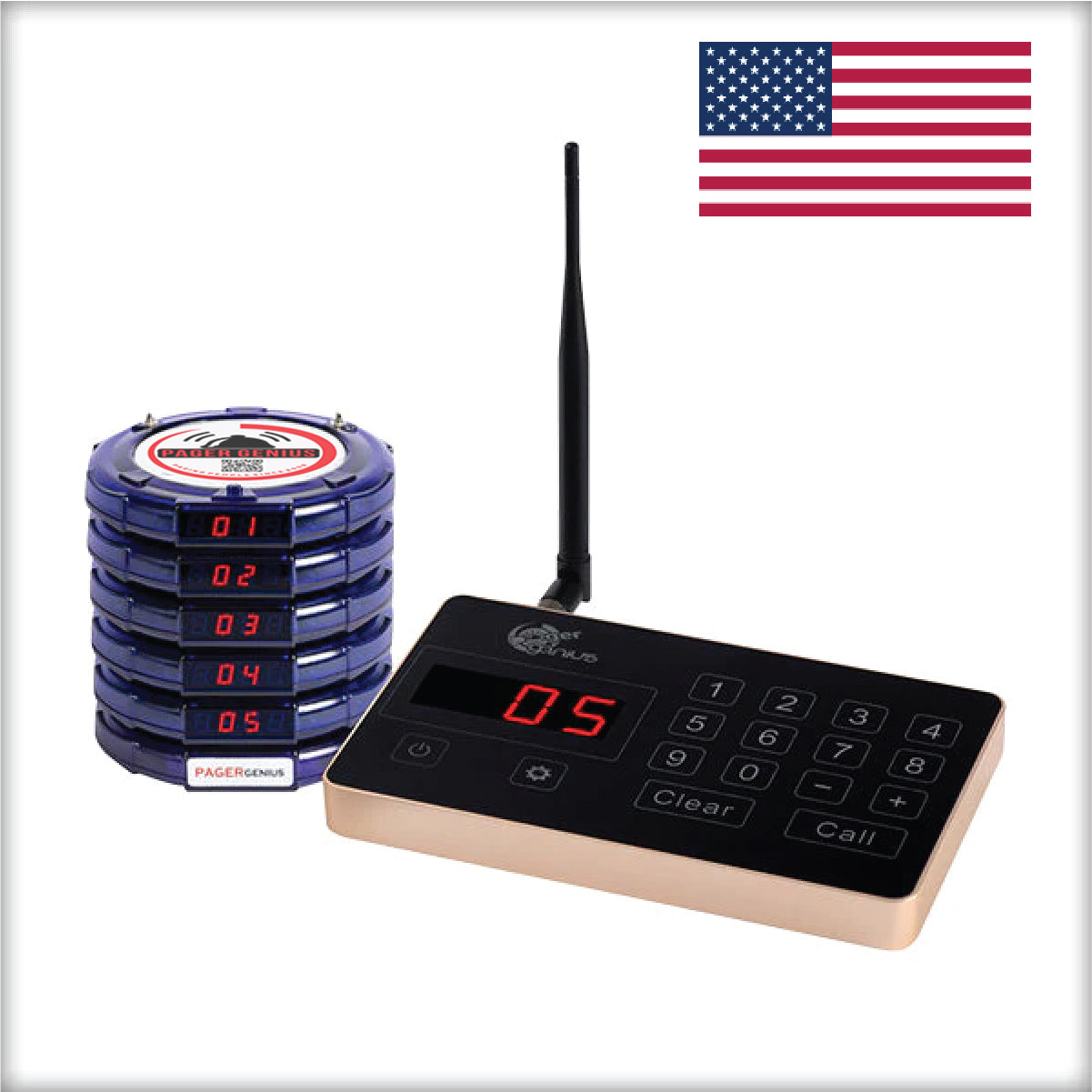
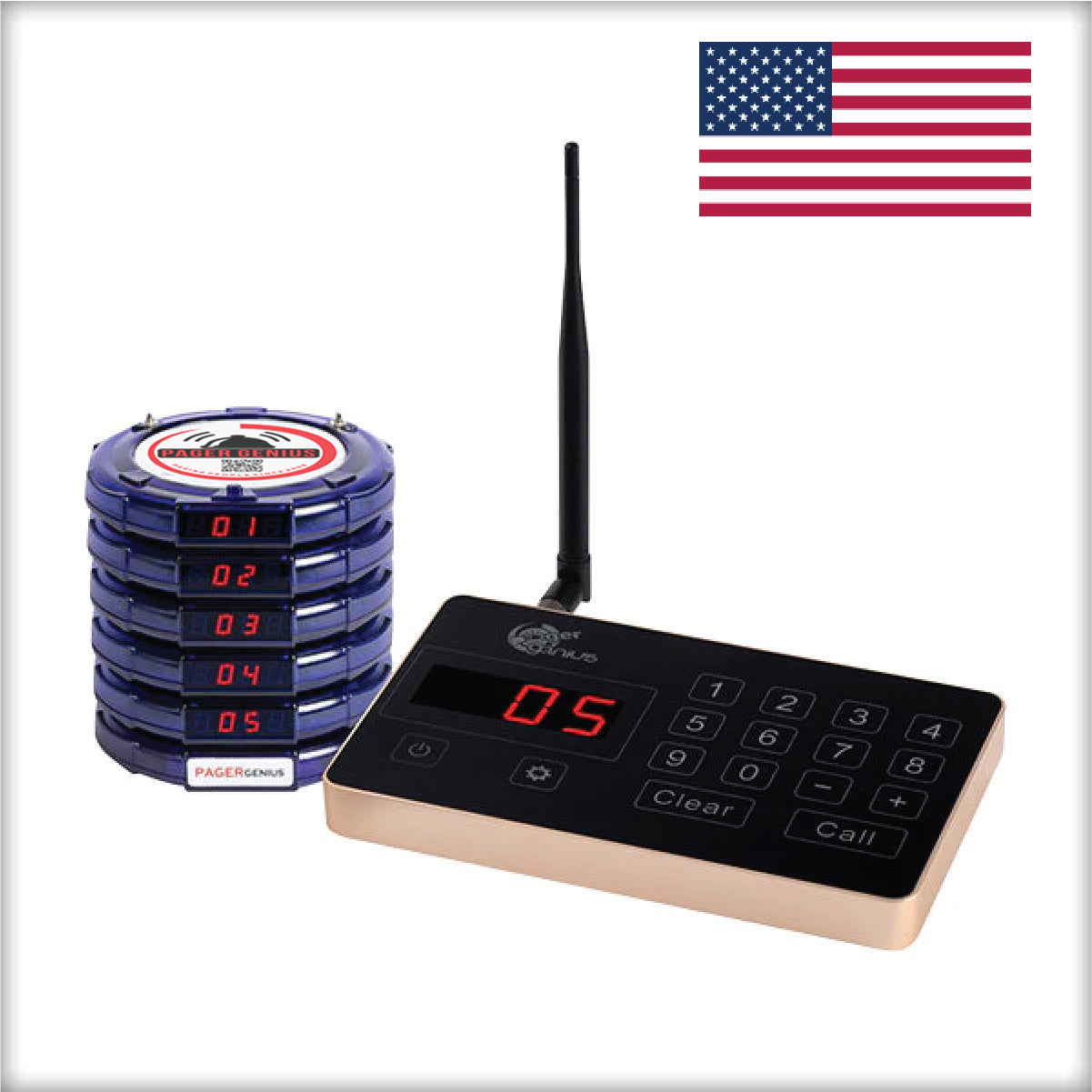
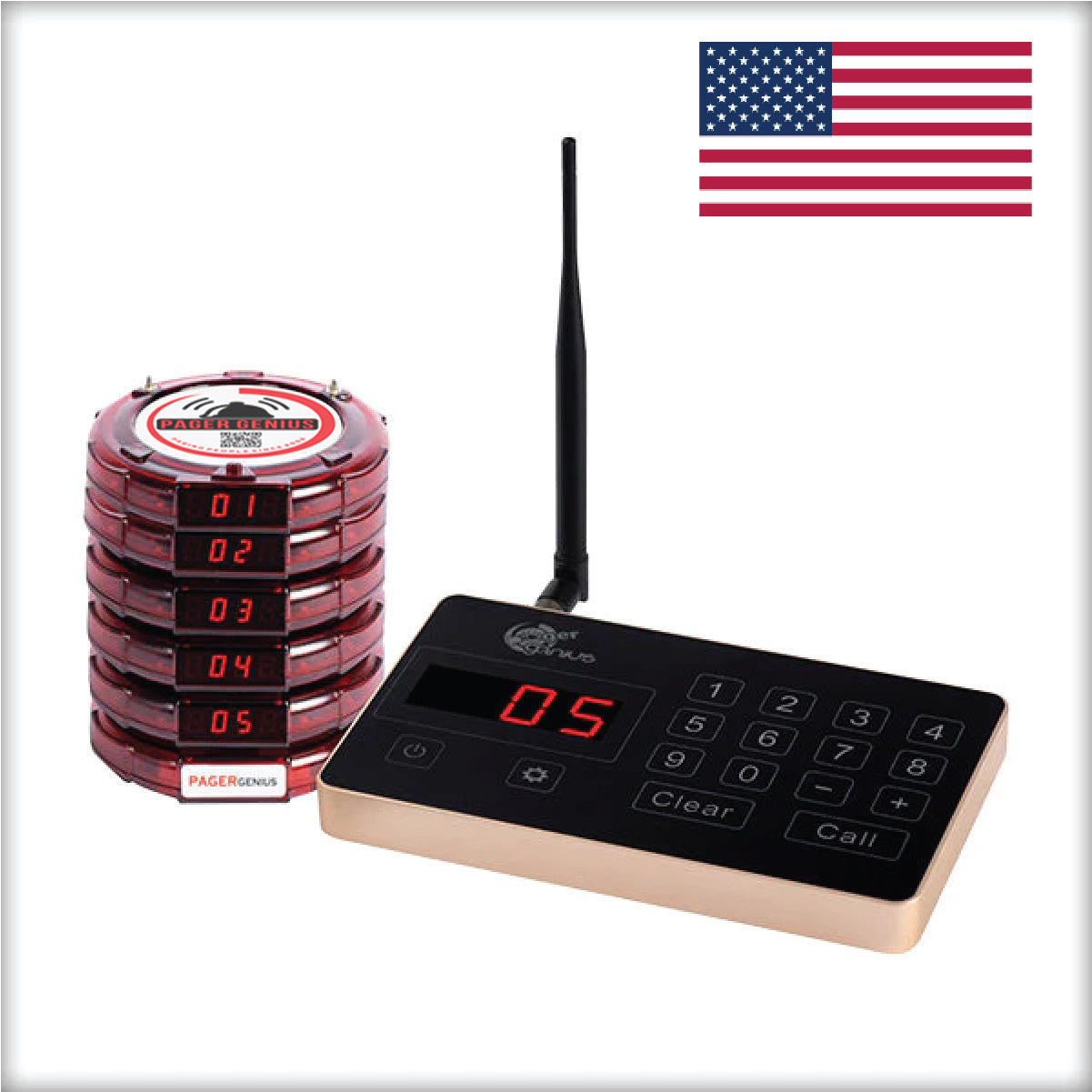
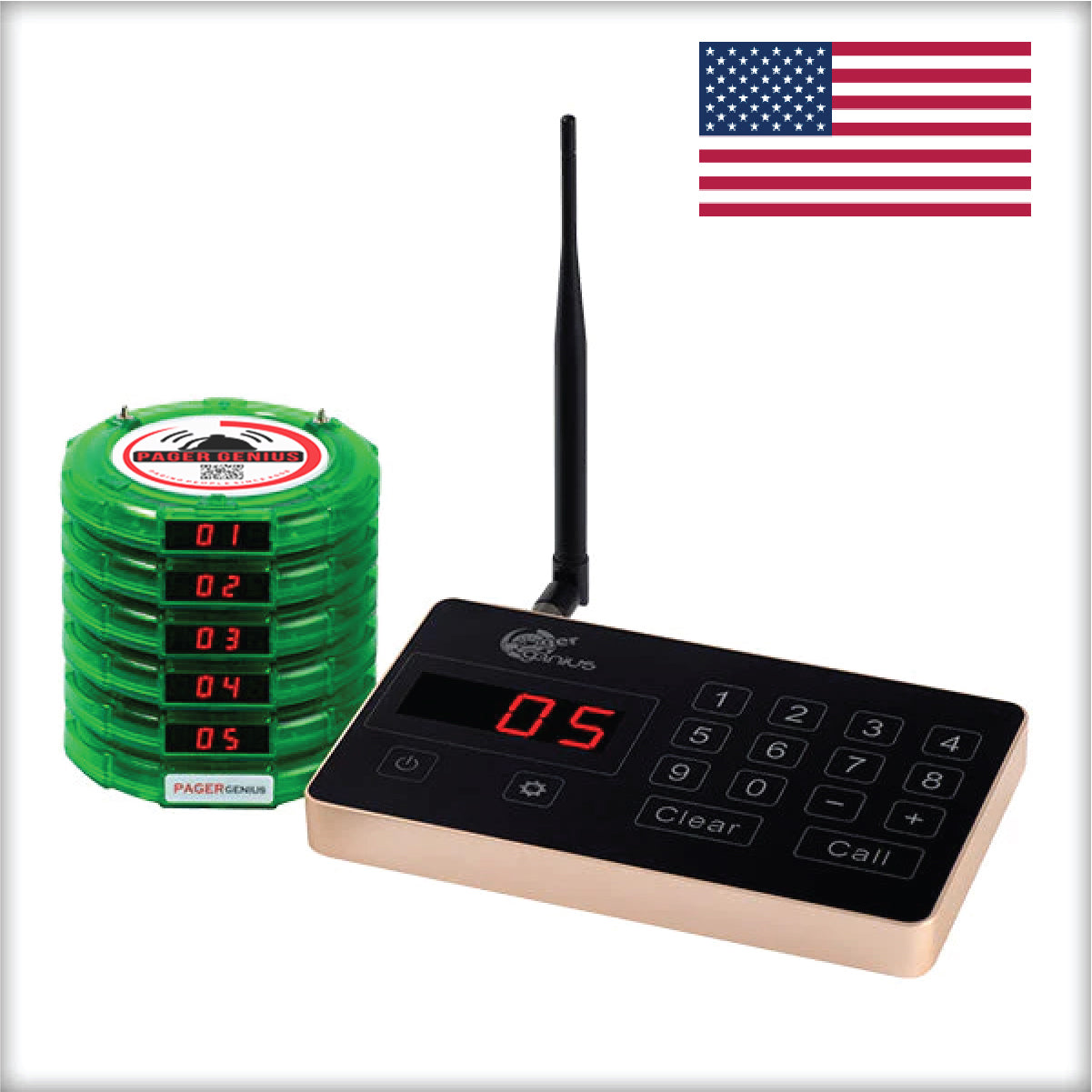
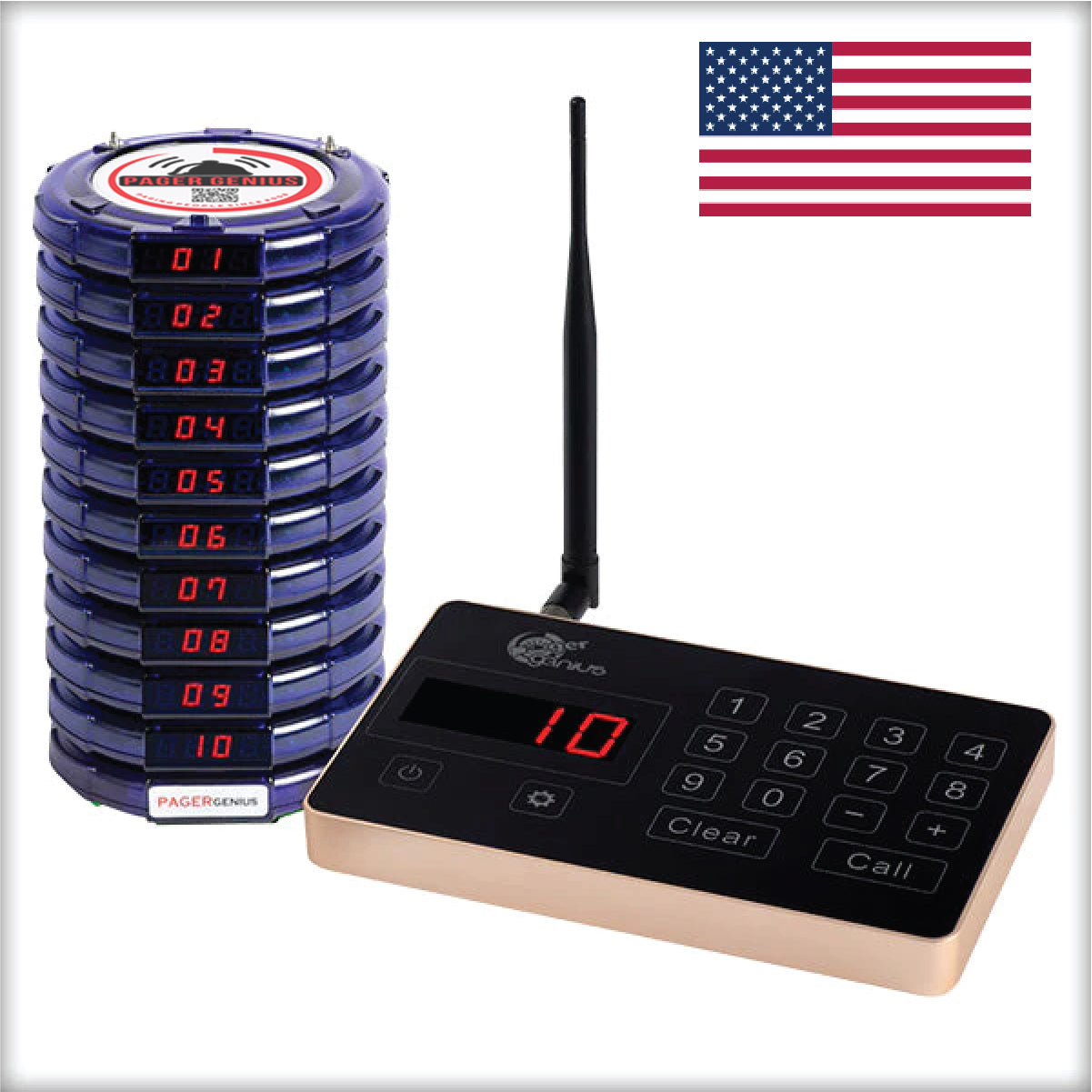
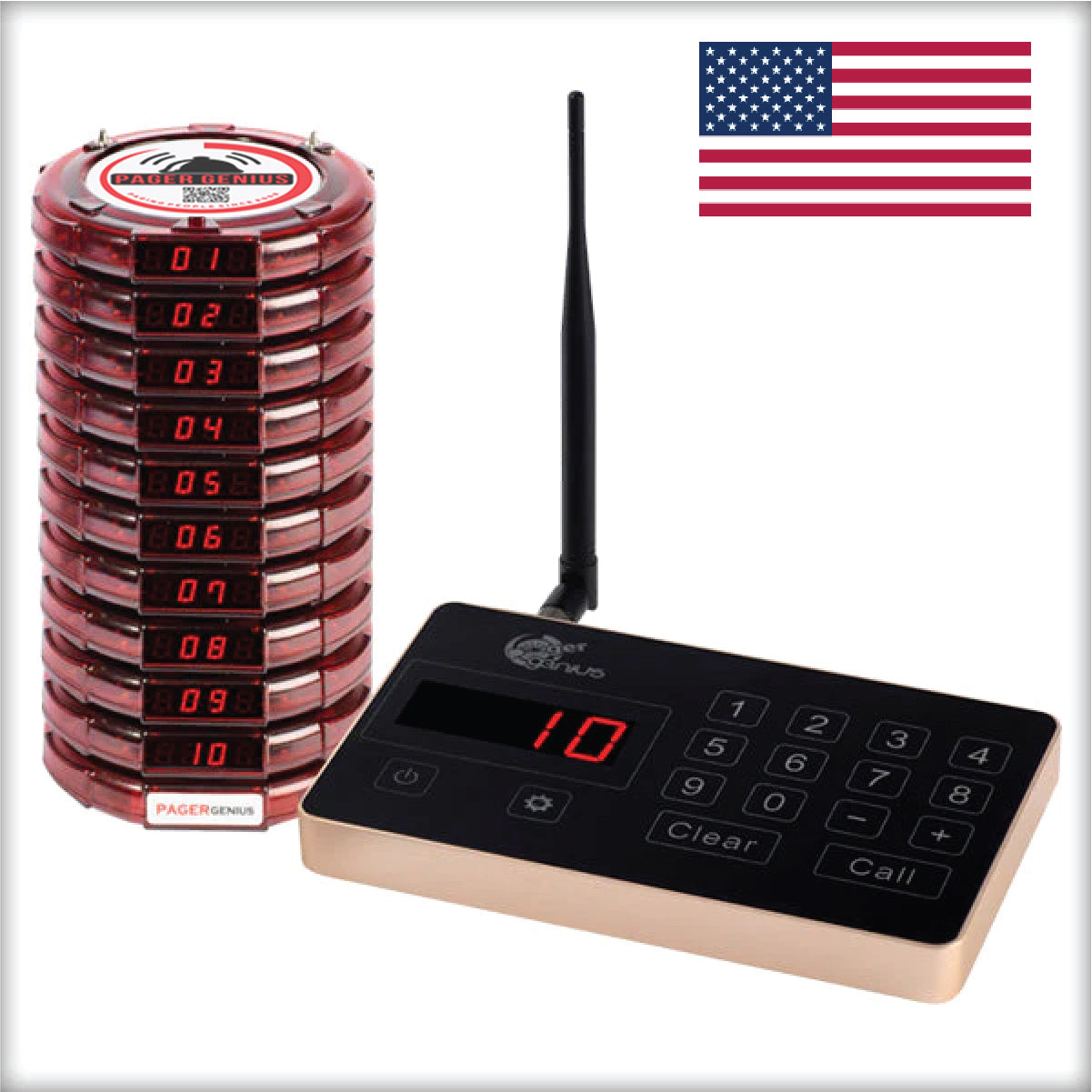
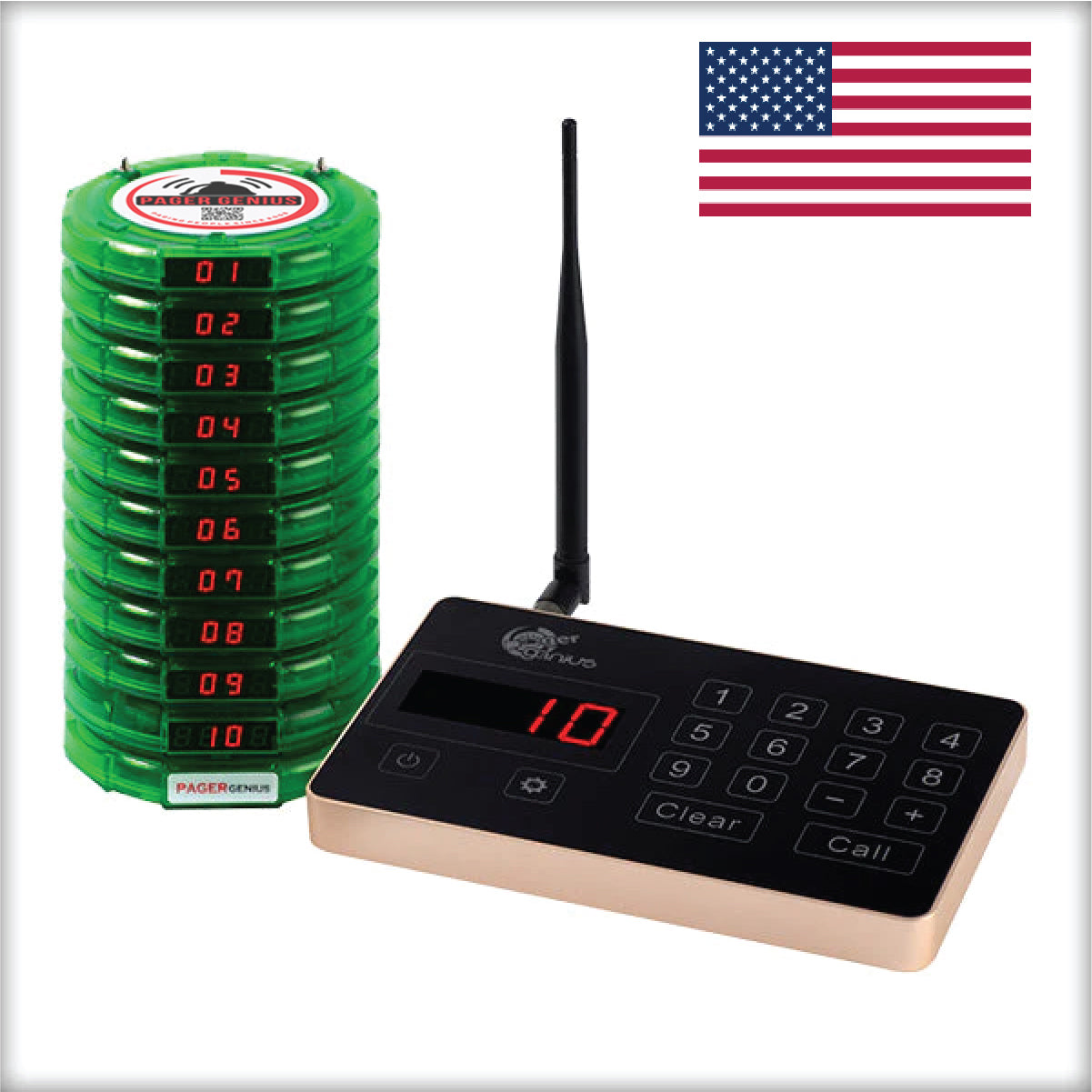
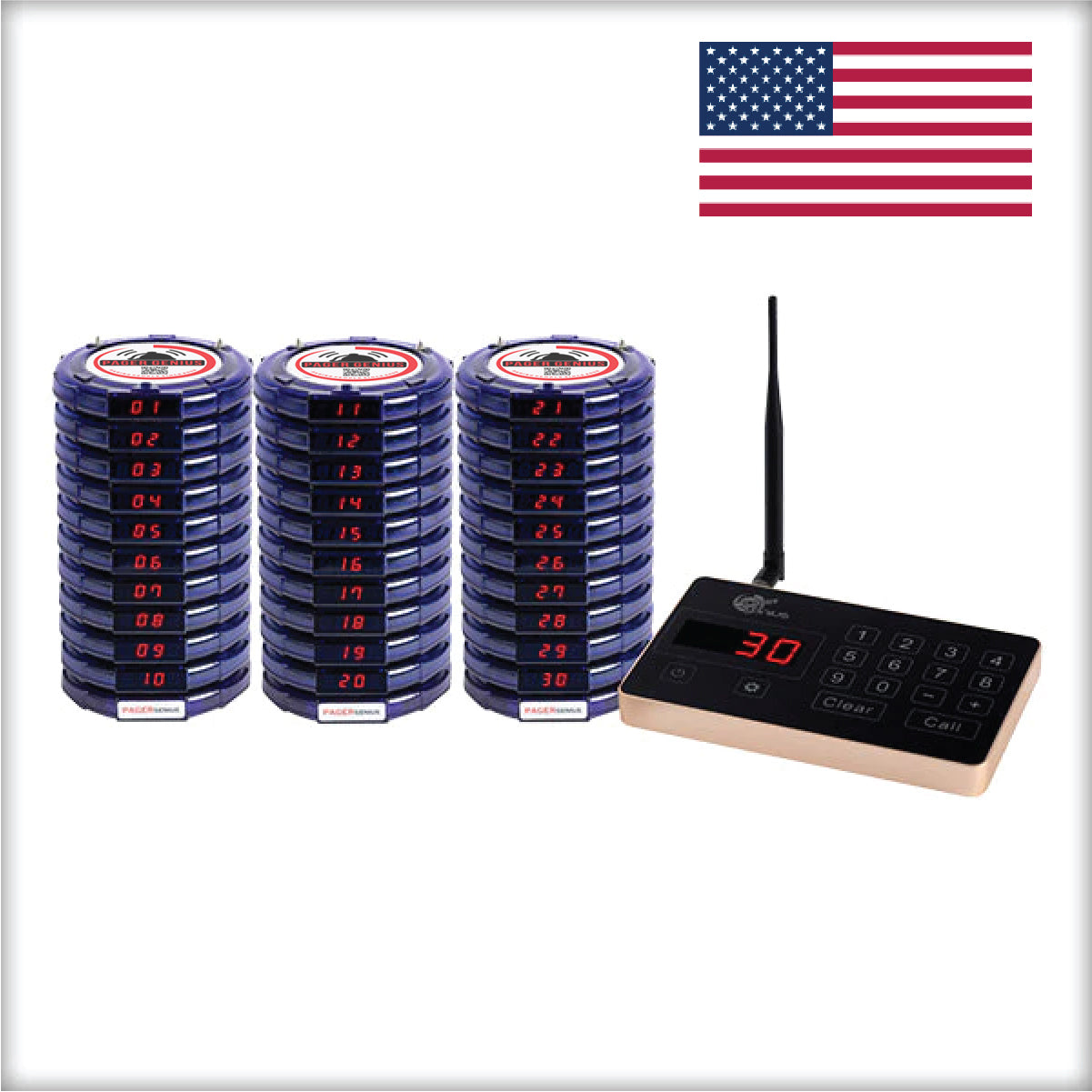
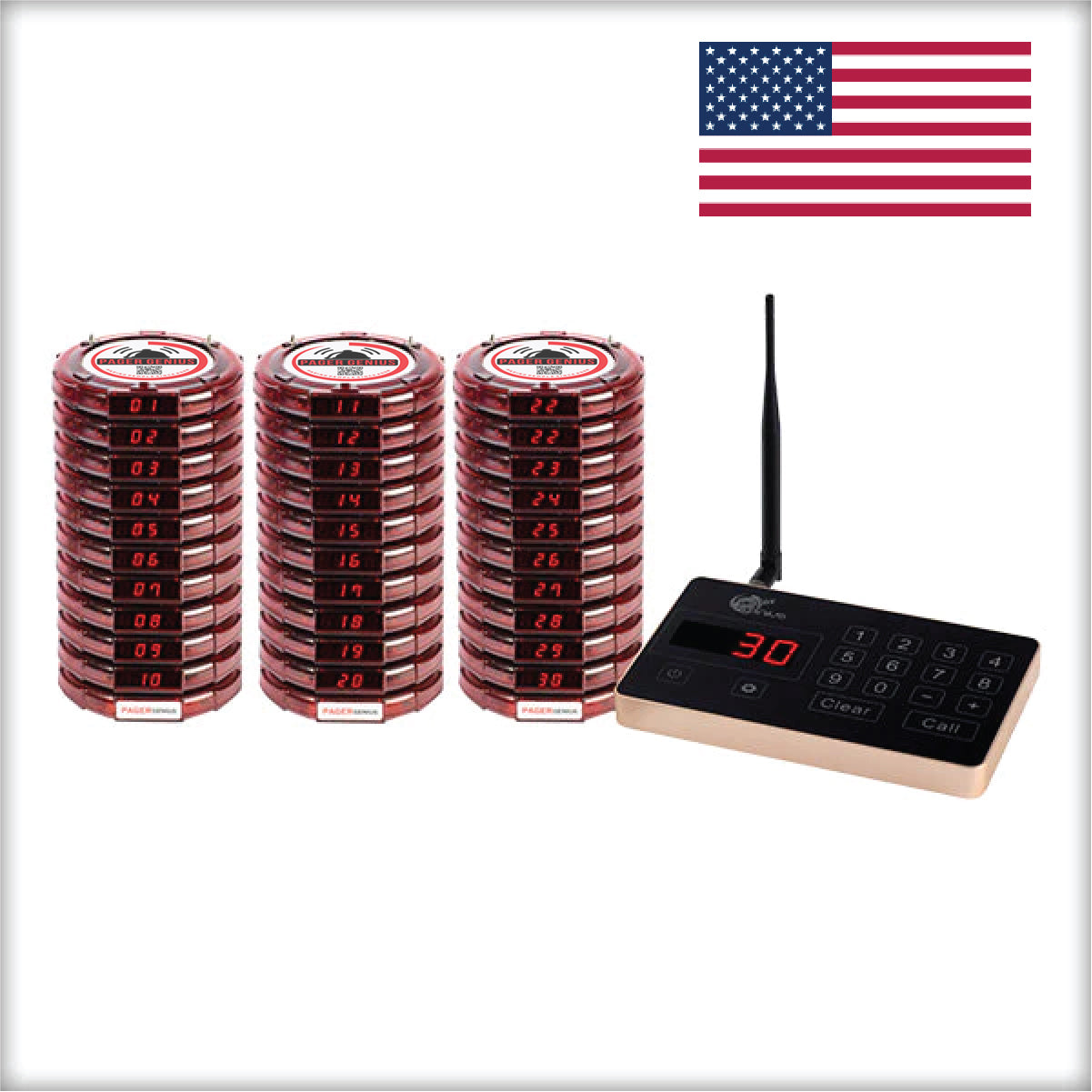
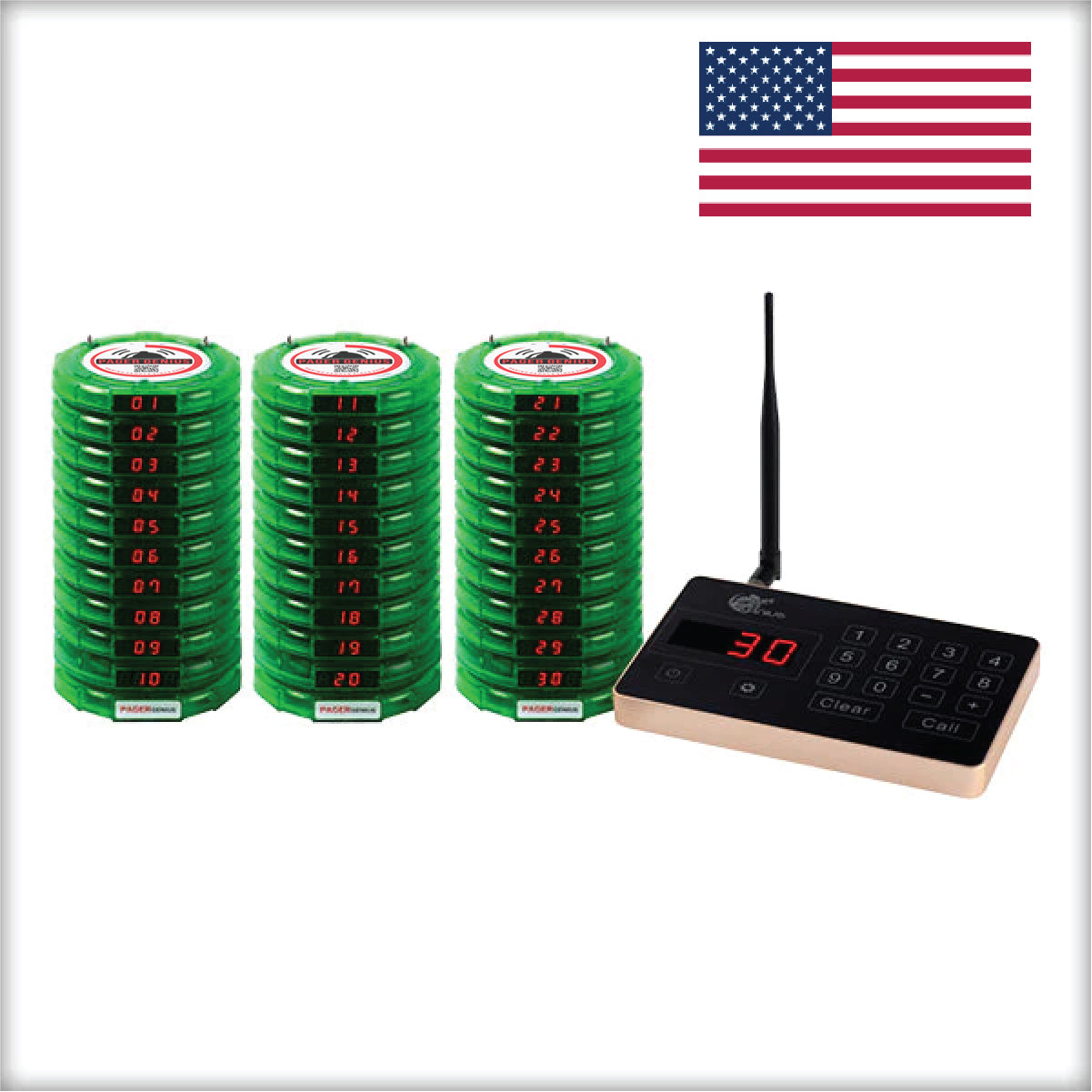
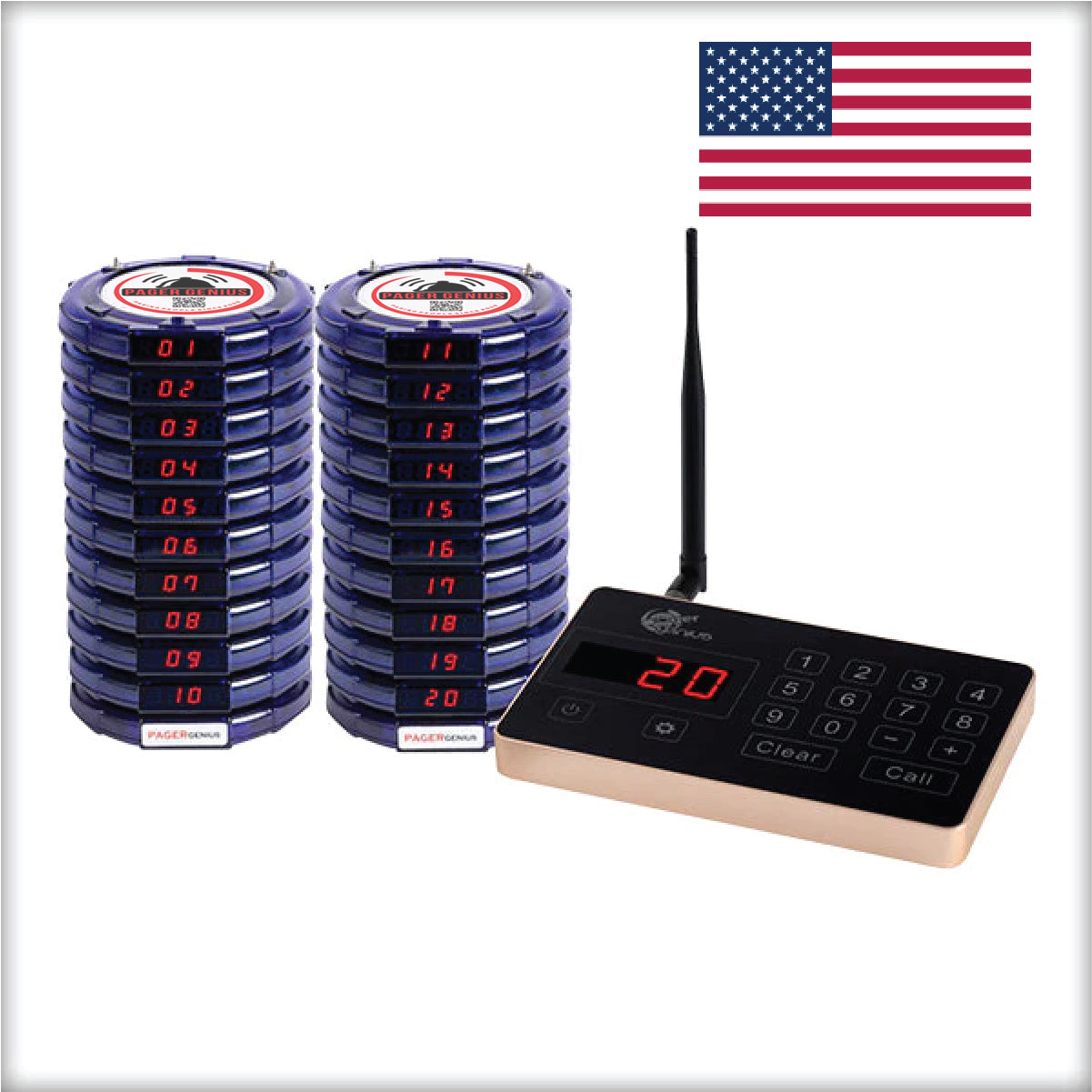
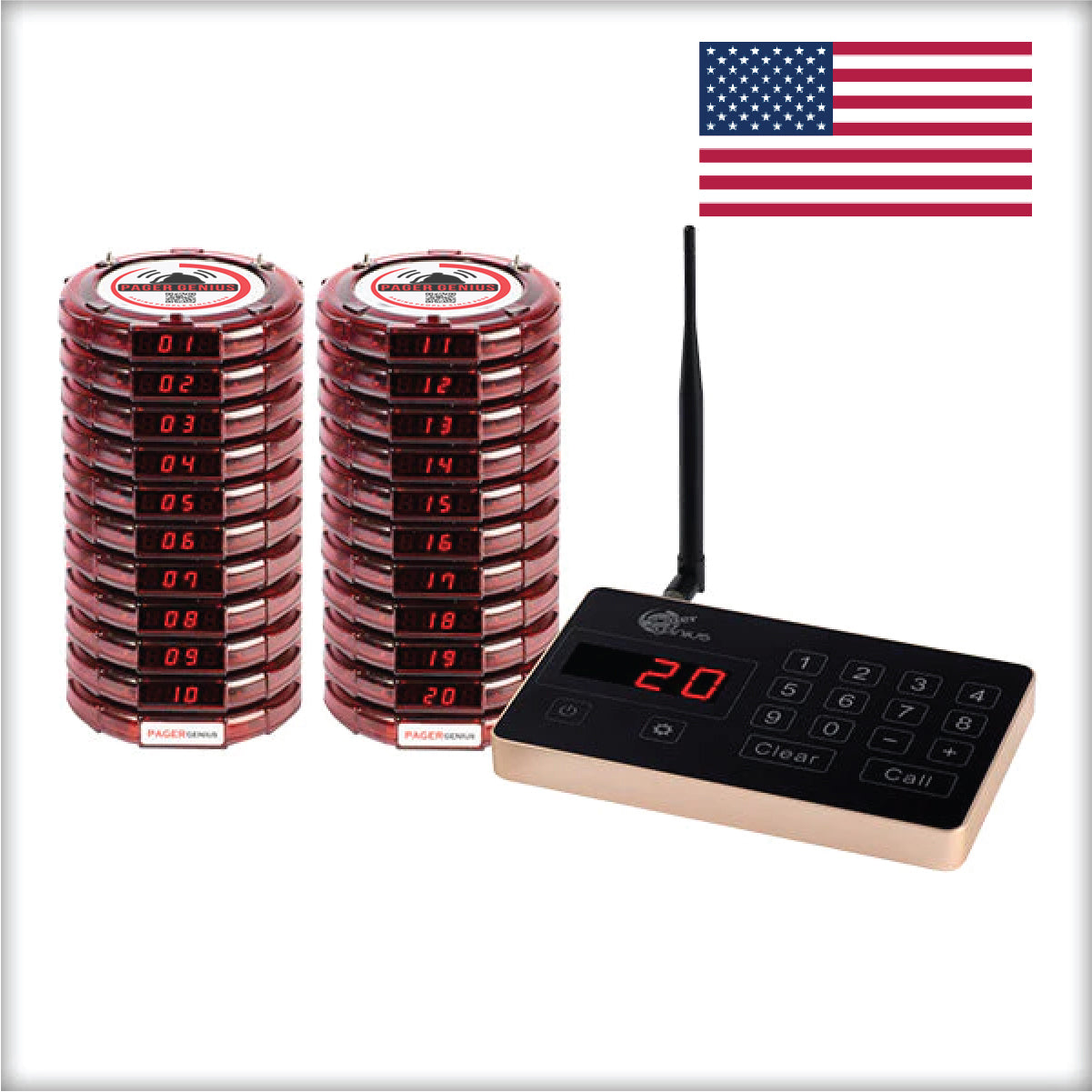
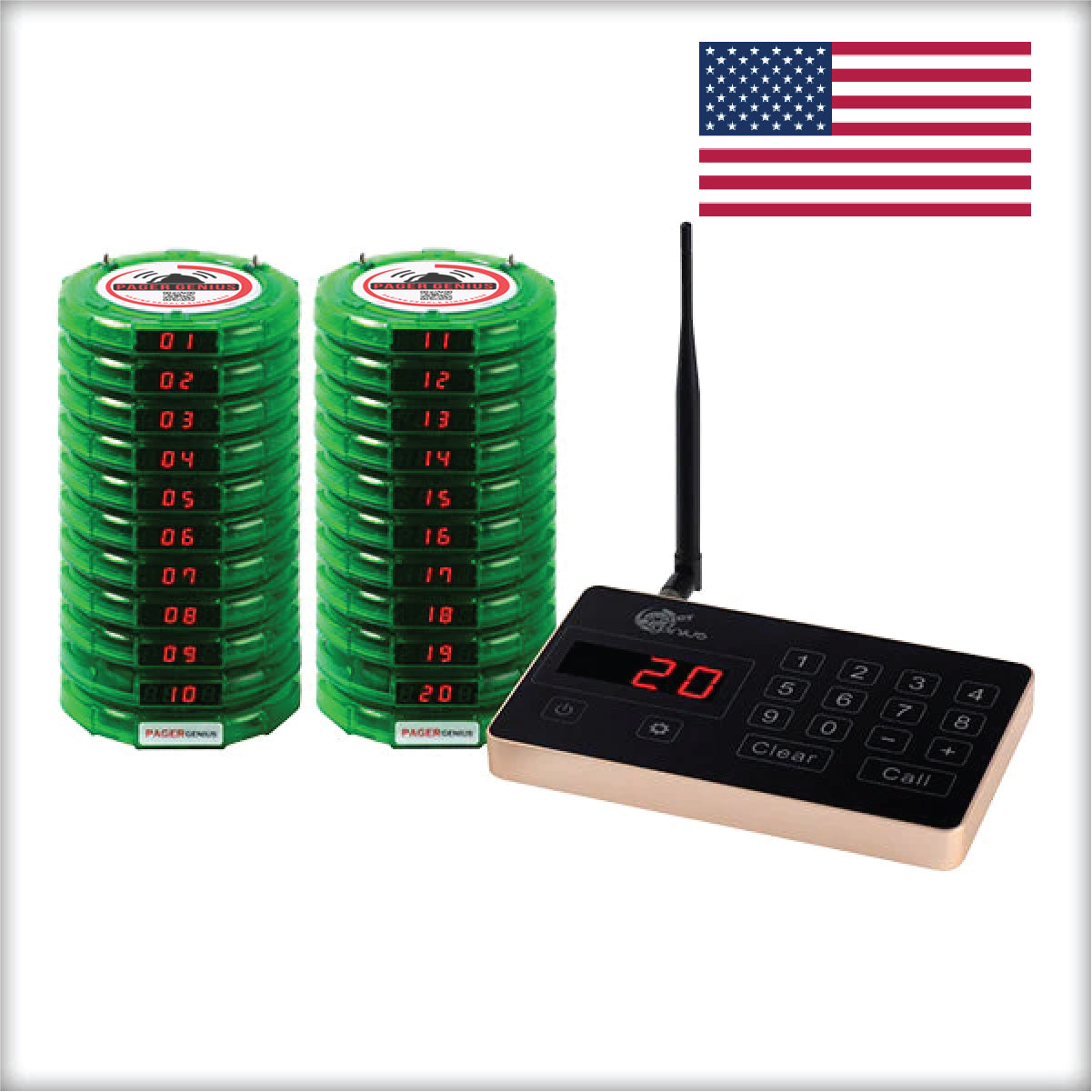
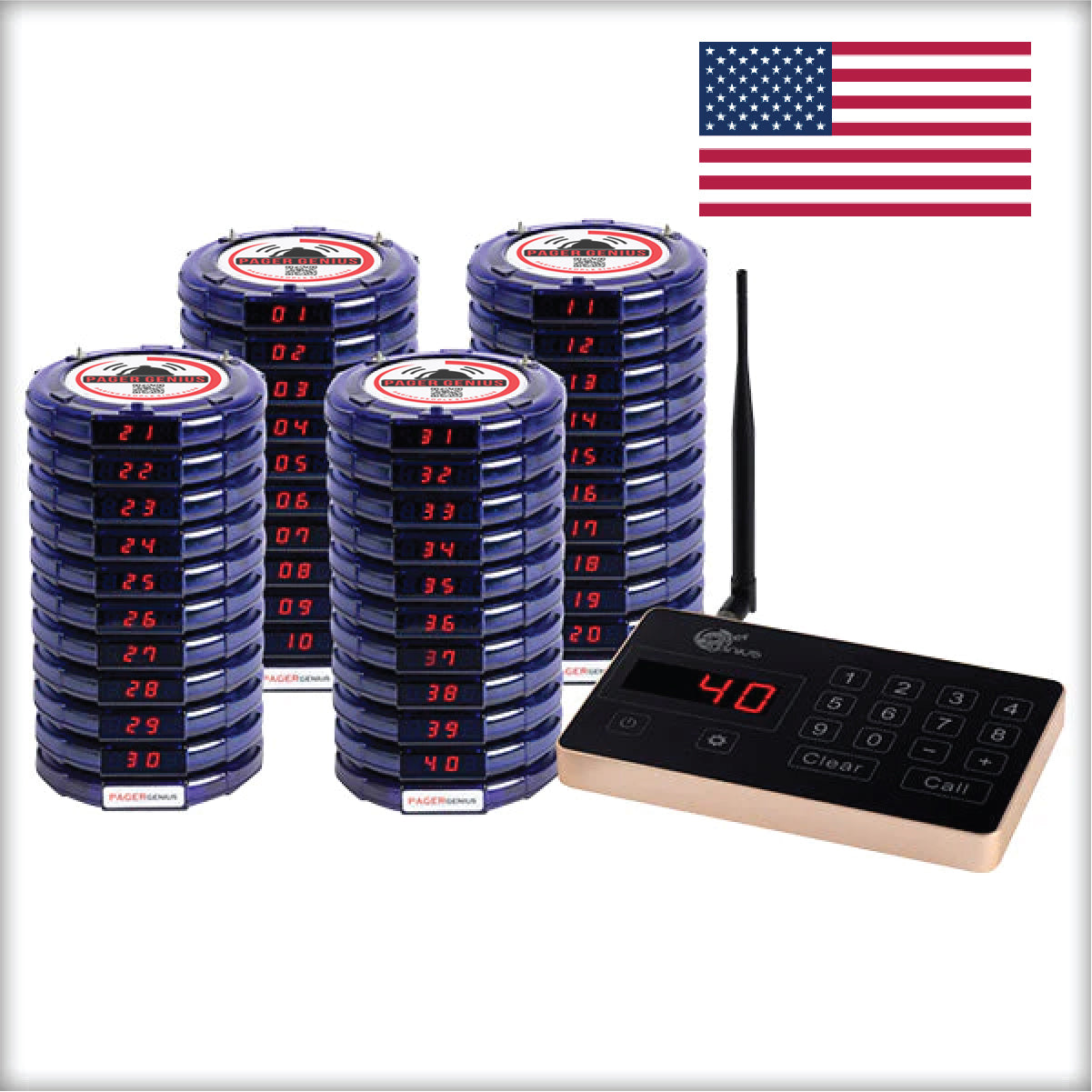
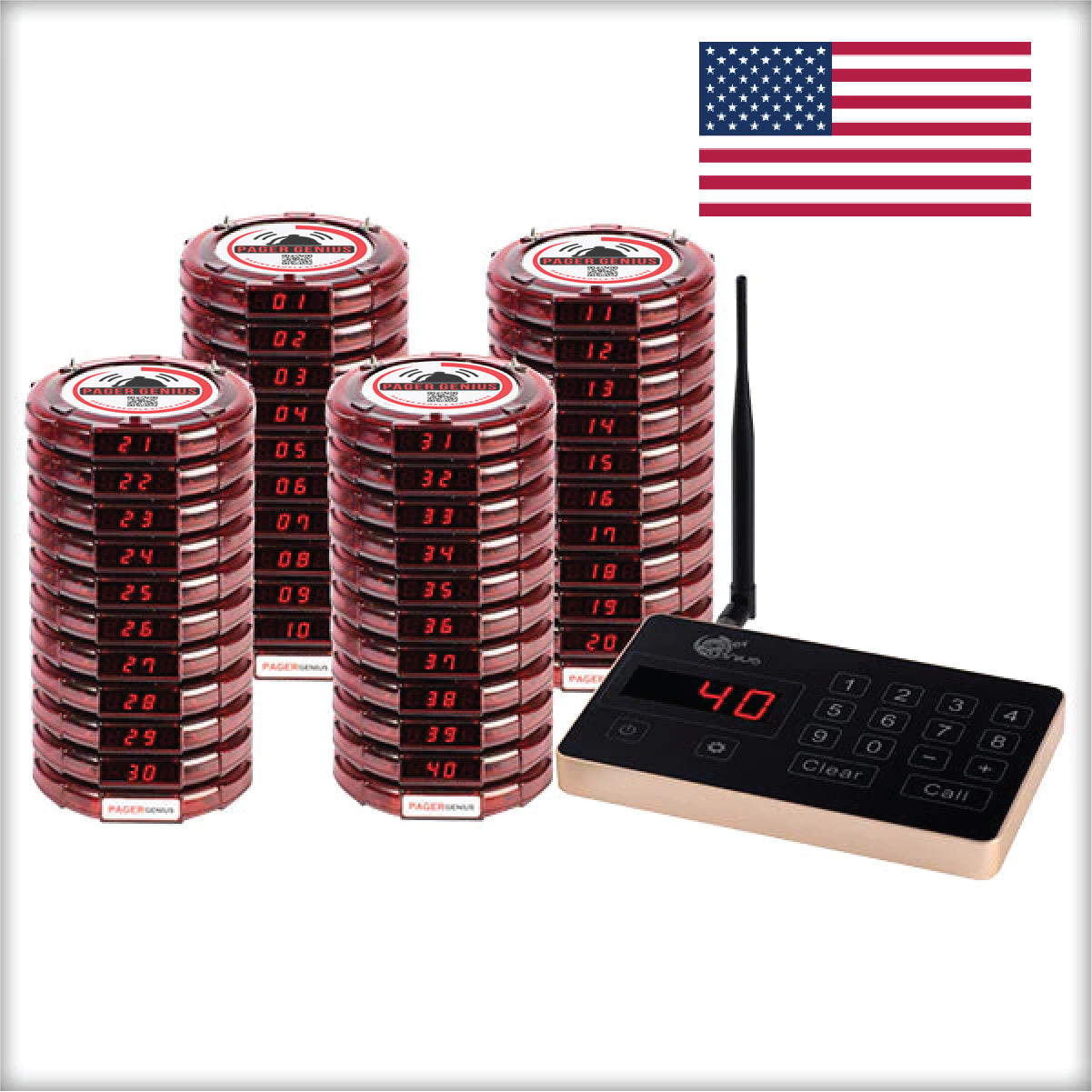
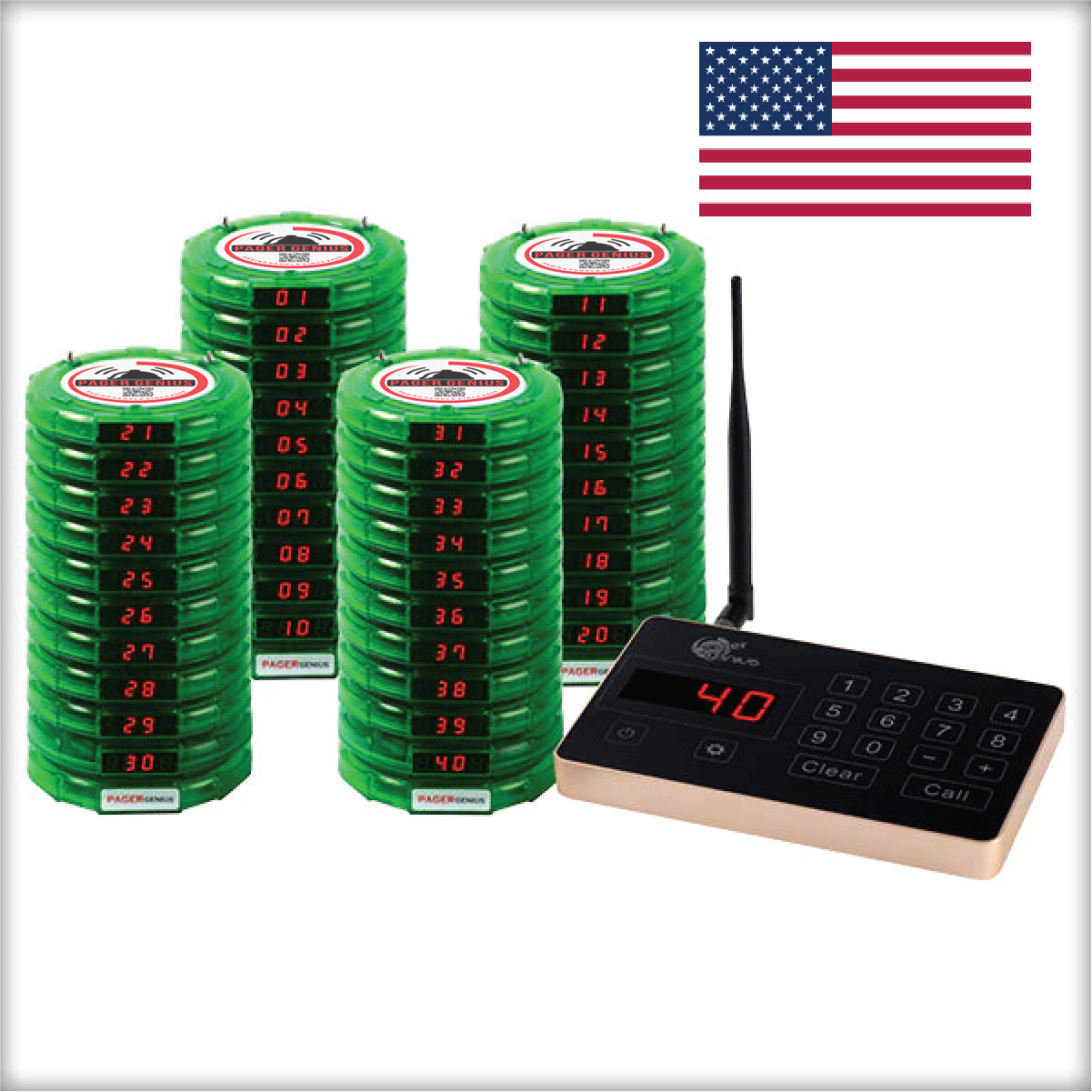
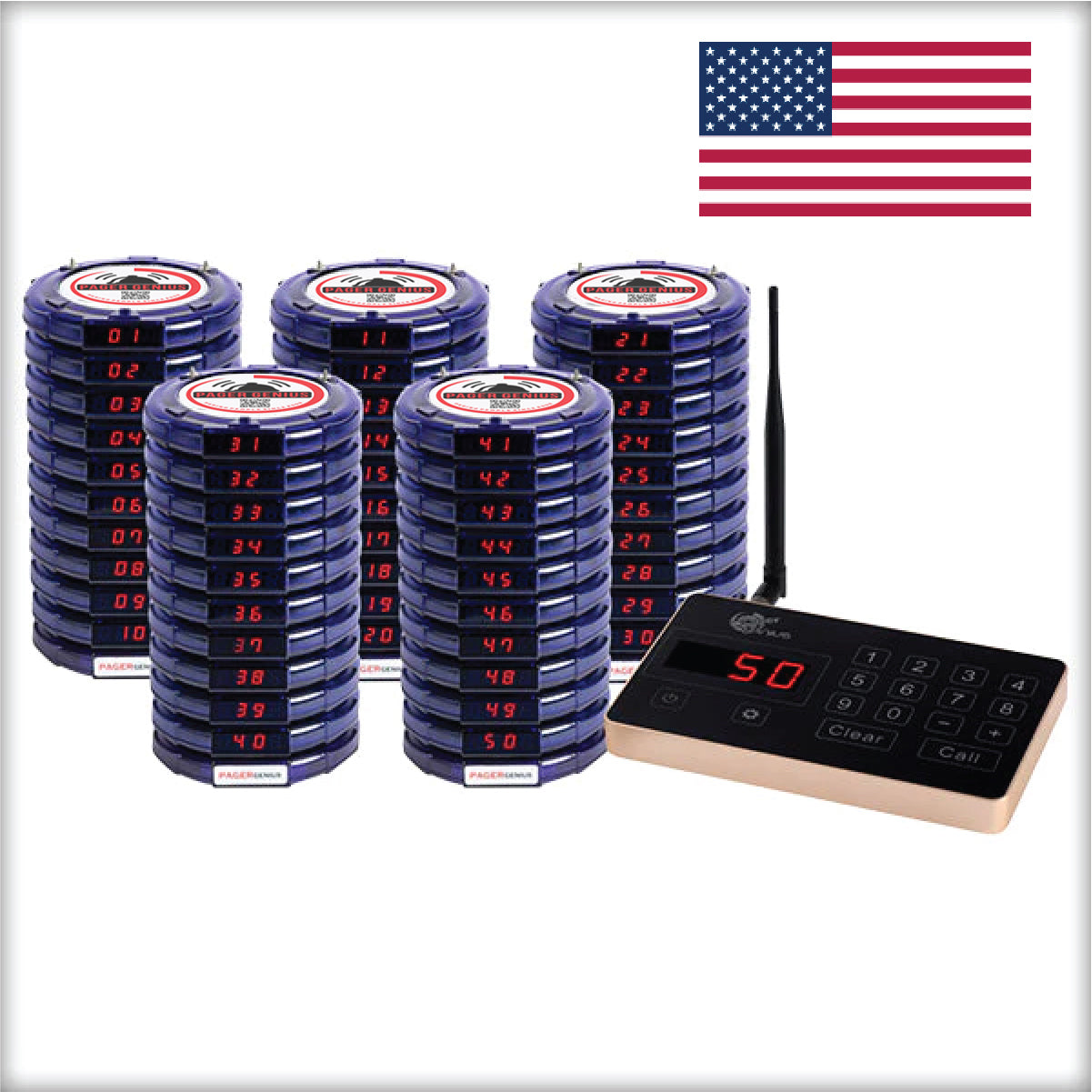
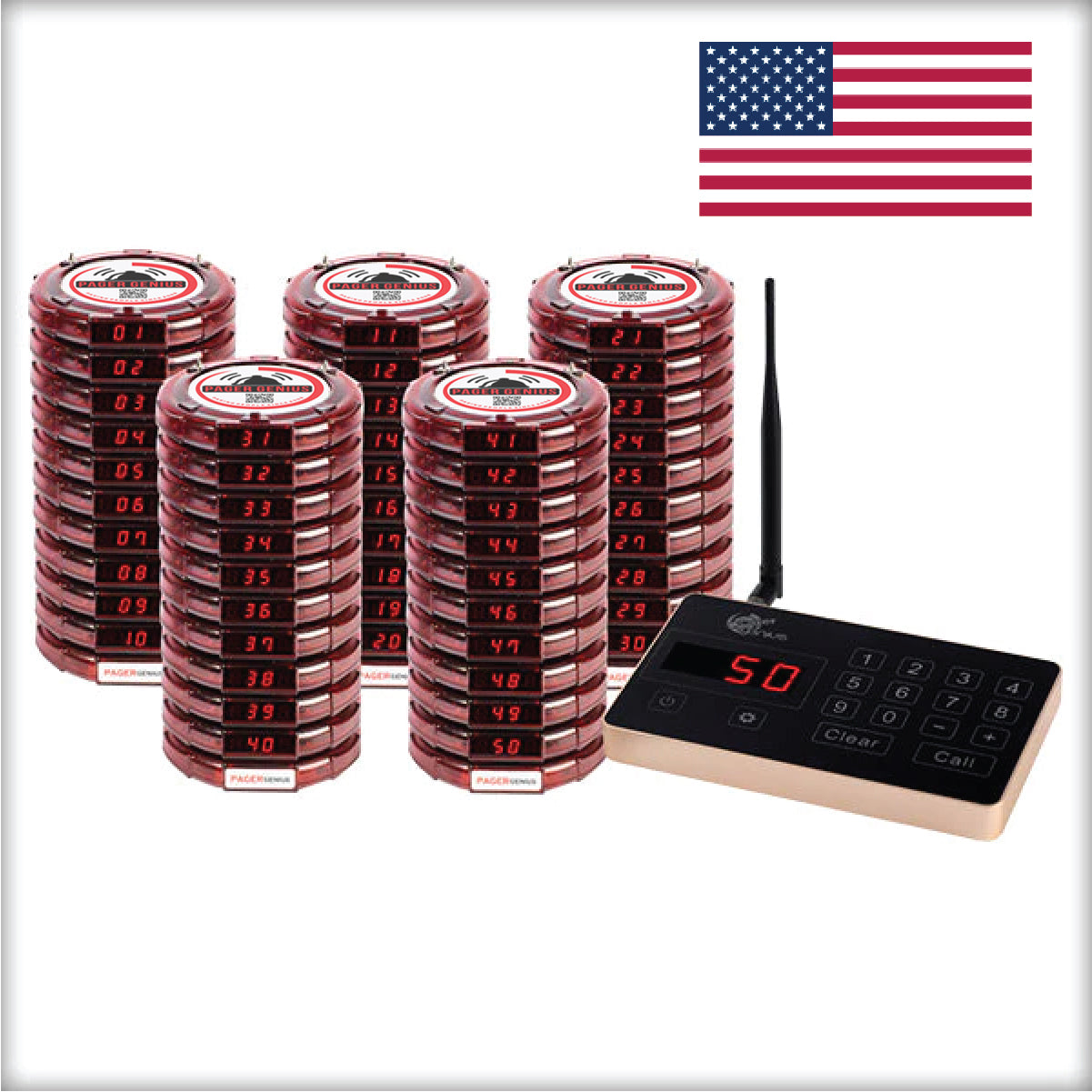
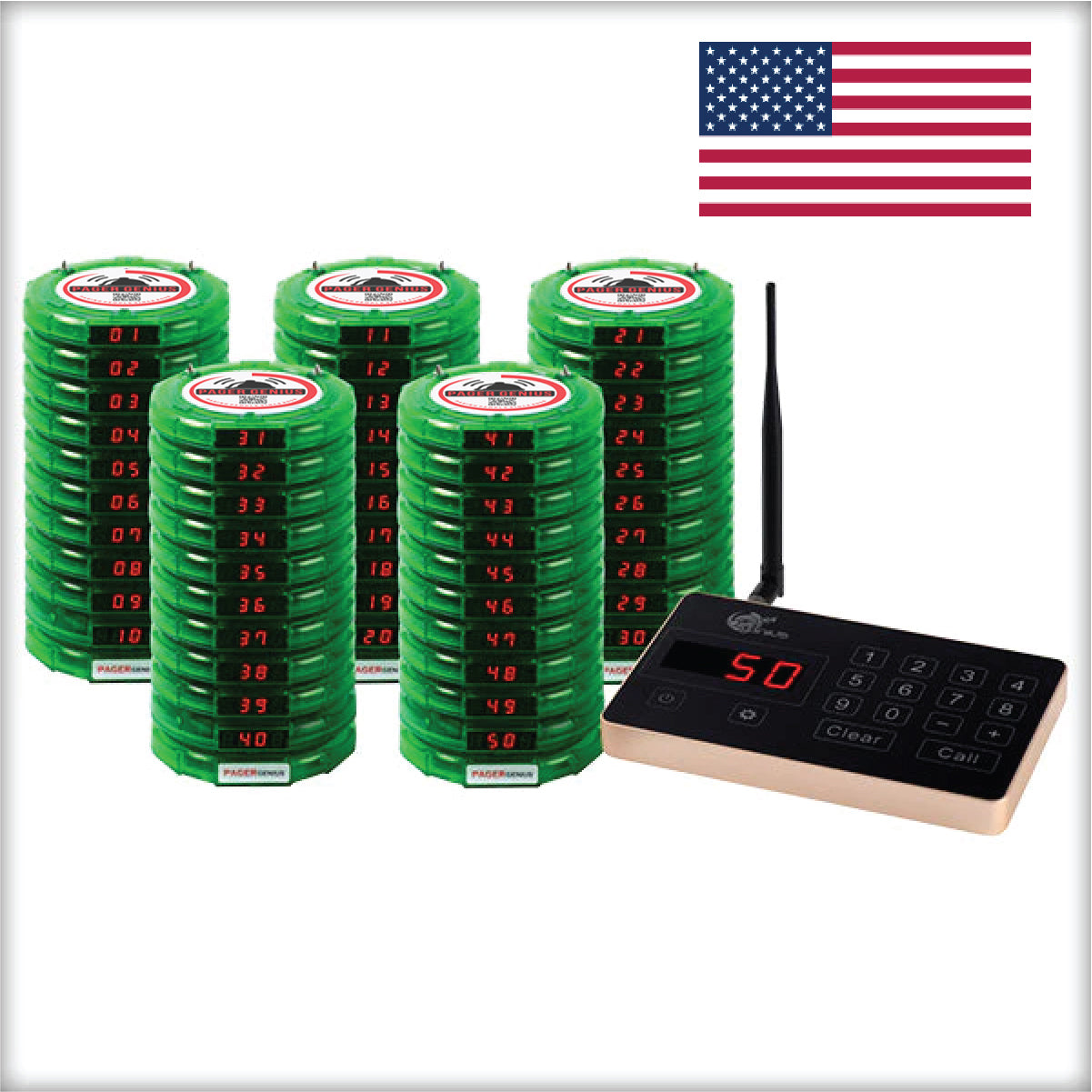
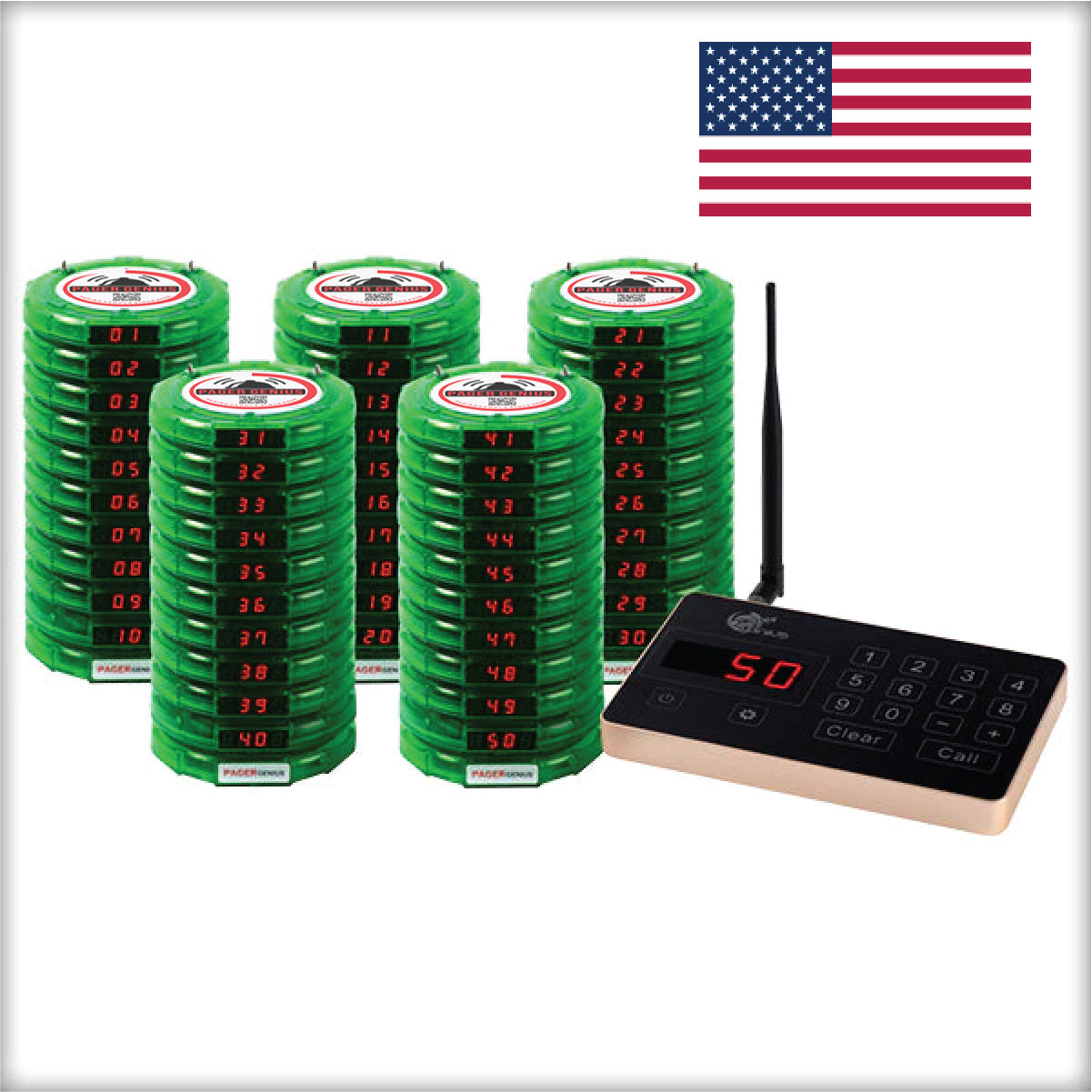
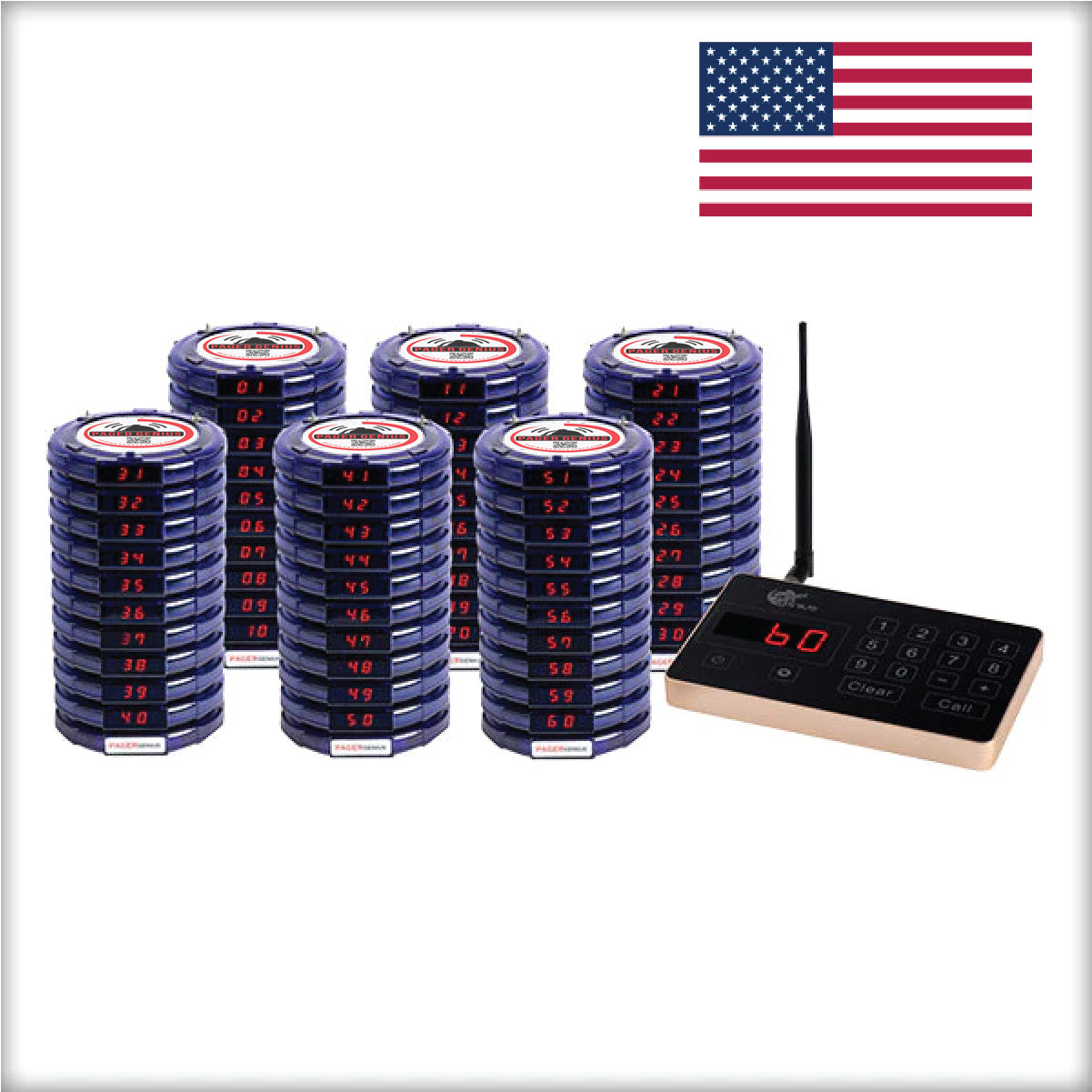
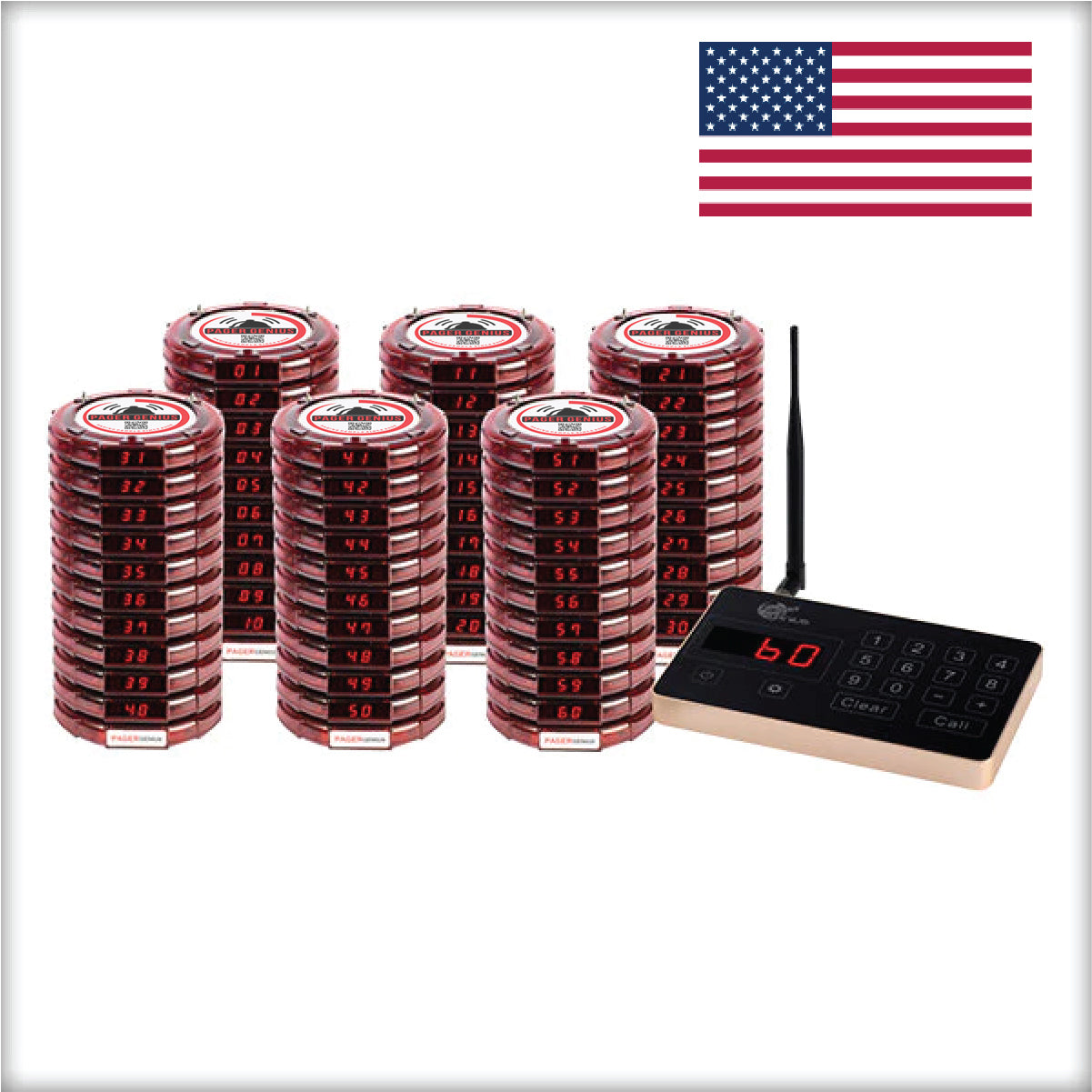
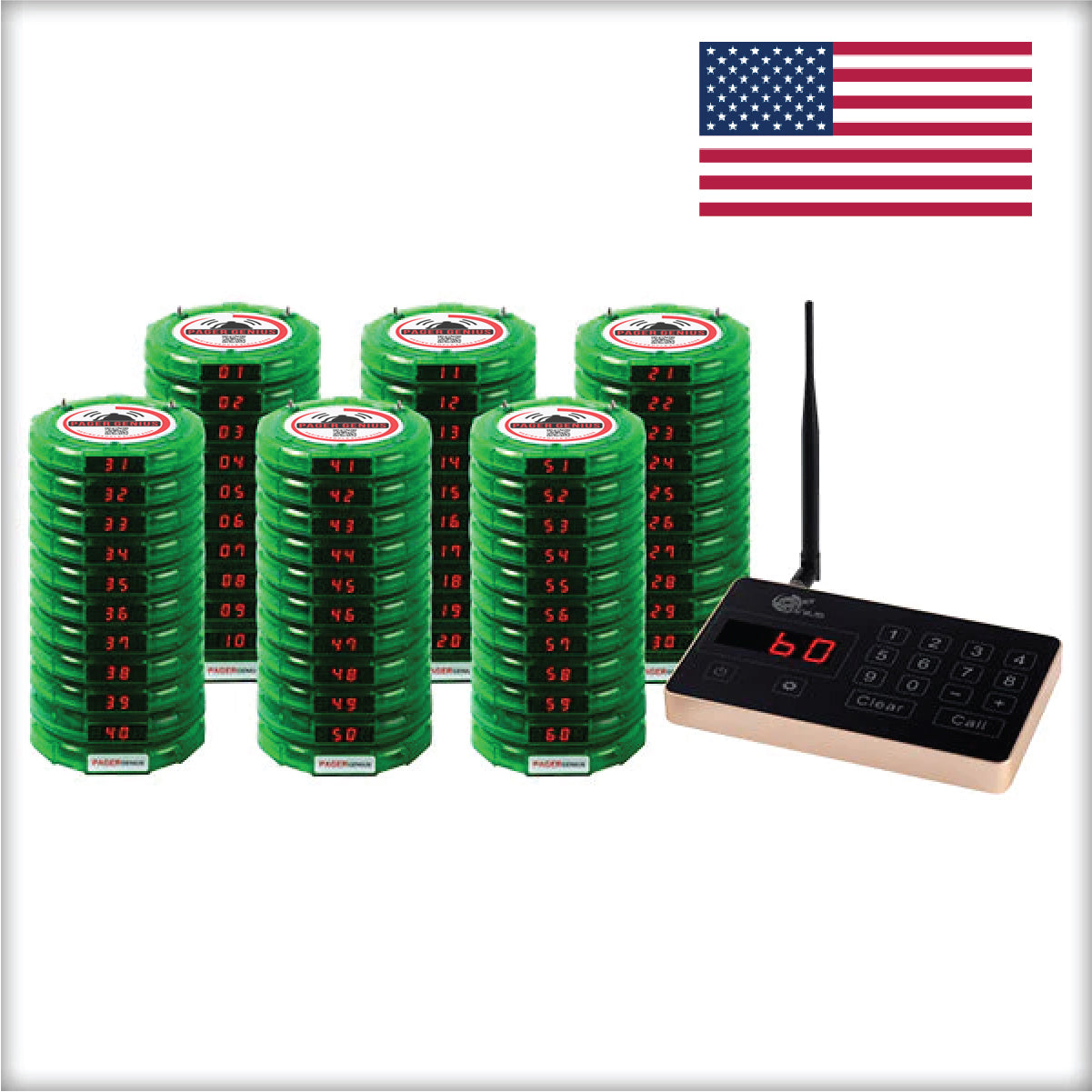
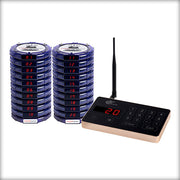
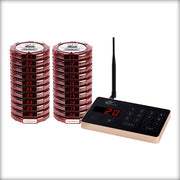
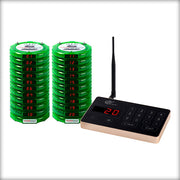
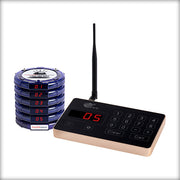
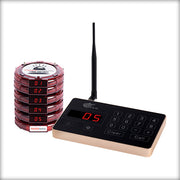
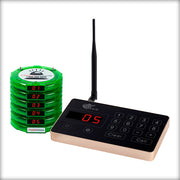
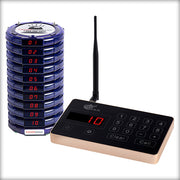
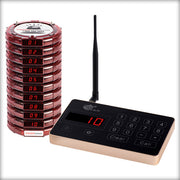
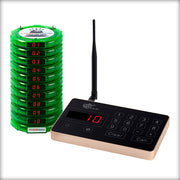
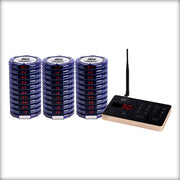
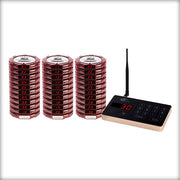
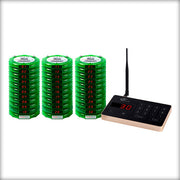
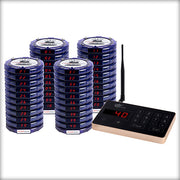
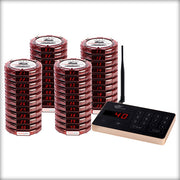
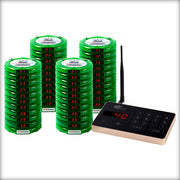
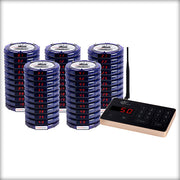
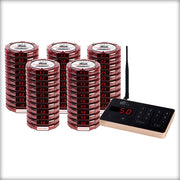
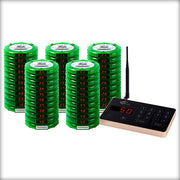
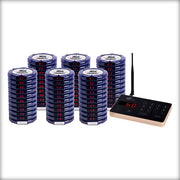
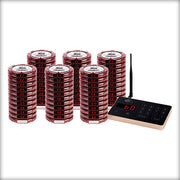
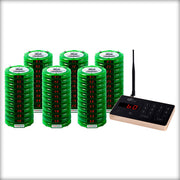
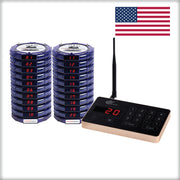
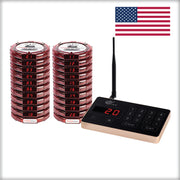
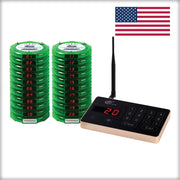
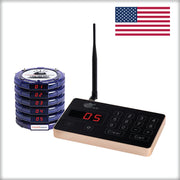
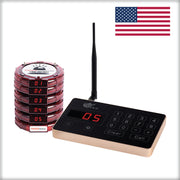
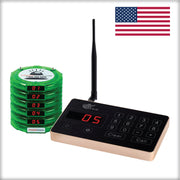
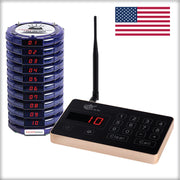
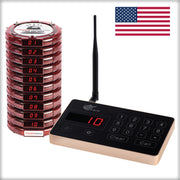
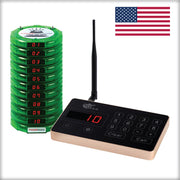
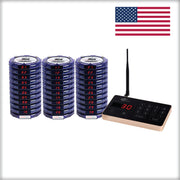
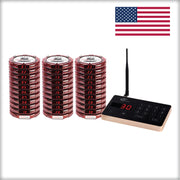
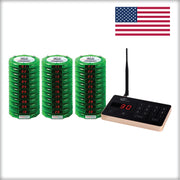
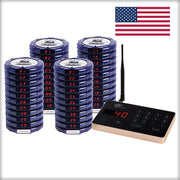
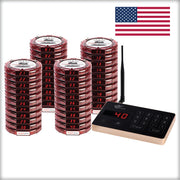
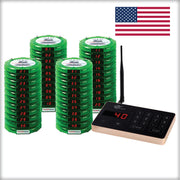
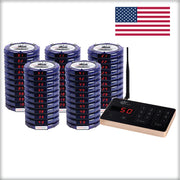
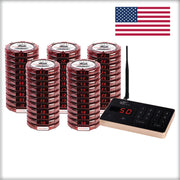
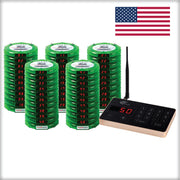
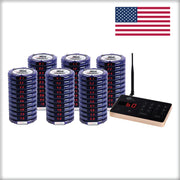
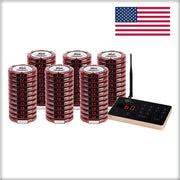
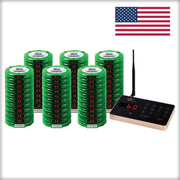
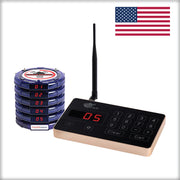
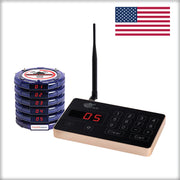
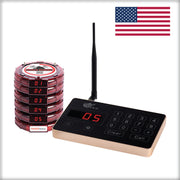
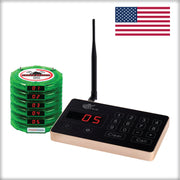
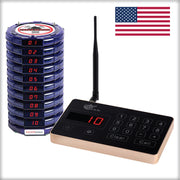
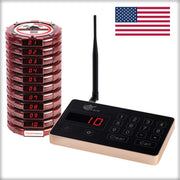
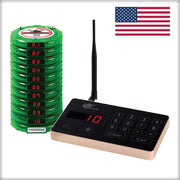
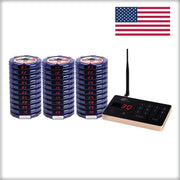
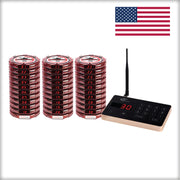
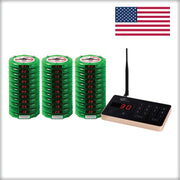
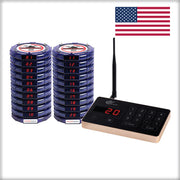
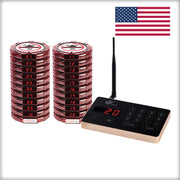
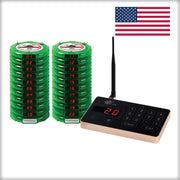
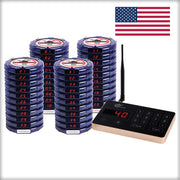
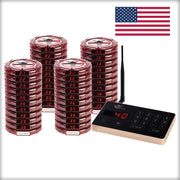
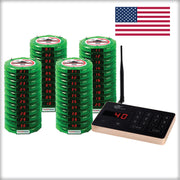
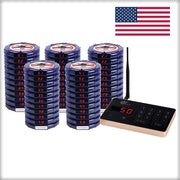
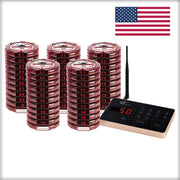
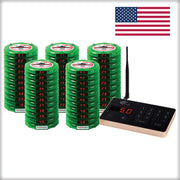
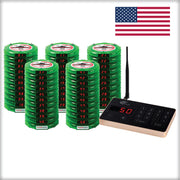
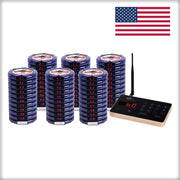
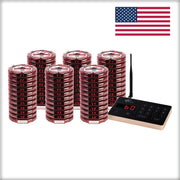
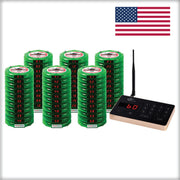
Available pager quantities: 5, 10, 20, 30, 40, 50, or 60. Choose blue, red, or green. Your selected bundle determines the number of guest pagers and the price shown in Shopify; photos of another configuration do not change what you have selected.
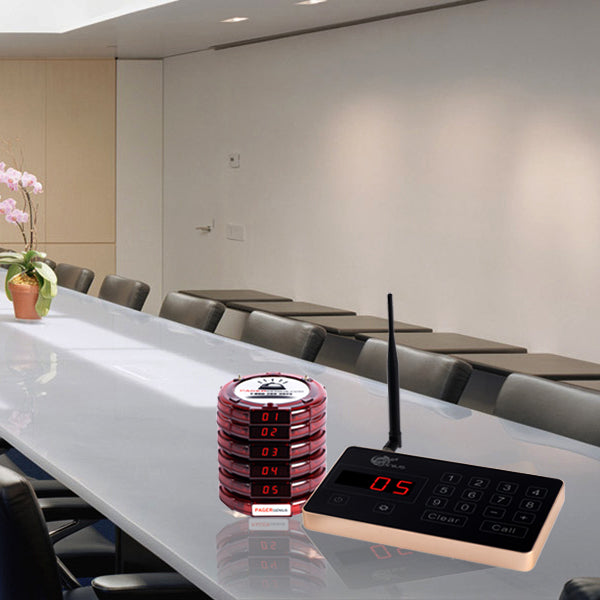
A complete guest-paging setup combines a keypad transmitter, rechargeable guest pagers, charging equipment, and power supplies. Check the included equipment for your selected configuration, particularly when expanding or ordering a custom system.

Optional extras: range extenders, additional transmitters, and extra pagers are not automatically included in every bundle. Get help choosing your setup for multiple stations or a larger property.
Cell phone paging vs. PagerGenius pagers
For food pickup and table waitlists, the difference is more than sending a message. It is whether your team controls the alert device or relies on a guest's personal phone.
1. No phone number to collect
Cell phone paging: Texting requires the guest's correct mobile number, whether staff enter it or the guest provides it through a sign-up form.
PagerGenius pagers: Hand over a numbered pager and page that number when ready. No customer phone number is needed.
2. You control the pager alert
Cell phone paging: Your staff cannot control the guest's notification volume, vibration, silent mode, or Do Not Disturb settings.
PagerGenius pagers: Choose the pager's available vibration, light, and optional sound alerts to suit your service environment.
3. A dedicated pickup alert
Cell phone paging: The alert depends on the guest's phone and notification settings.
PagerGenius pagers: Vibration rated at up to 5× that of a cell phone*, plus 19 flashing LED lights and an optional loud beeping alert.
*Vibration comparison is Pager Genius's published specification. Cell phone vibration varies by model and settings; the same difference is not guaranteed against every phone.
Give guests a device dedicated to one job: letting them know their food or table is ready. Keep them within your system's tested coverage area and collect the pager when they return.
One clear handoff from order to pickup
1. Assign the pager
Record the pager number with the order and hand the pager to the guest.
2. Let guests wait nearby
Direct guests to the areas covered by your installed system.
3. Page when ready
Enter the pager number on the keypad and send the alert when the complete order is ready.
4. Collect and reuse
Hand over the food, collect the pager, and prepare it for the next guest.
Use flashing lights, vibration, or audible alerts to suit your service environment. Keep a clear return point so devices come back to the team rather than being left on tables.
For table waitlists: give one pager to each waiting party and call them back to the host stand when their table is ready. One party normally needs one pager—not one per diner.
Coverage that can grow with your property
Your base transmitter does not have to define the edge of your waiting area. Expand the part of the system your operation needs.
More guests? Add capacity.
Add PagerGenius pagers and enough charging capacity for the number simultaneously in use.
More space? Add extenders.
Use as many compatible RE-100 range extenders as your property requires. There is no preset limit on the number you can add.
More stations? Add transmitters.
Compatible transmitters can call the same pager group from different staff stations. Ask us to help plan the configuration.
Each range extender receives and repeats the paging signal. It needs power and must be placed where it can receive a reliable signal. Plan around walls, floors, kitchen equipment, and outdoor waiting areas; test your required locations after installation.
Expandable coverage does not mean guaranteed reception regardless of placement. See the RE-100 range extender or get help choosing your setup before ordering a large-area setup.
Buy for your busiest service
Start with the highest number of pagers unavailable at the same time. For pickup, include the full cycle from handing out the pager until it is ready to issue again—not only kitchen preparation time.
Planning example: 90 pager-issued orders per hour × 12 minutes until reusable ÷ 60 = 18 pagers in circulation.
With an illustrative 25% reserve, round up to 23 working pagers. A listed 30-pager bundle covers that estimate; you can also ask about adding compatible pagers to another configuration.
This average-flow estimate can miss short bursts. Use a higher observed peak when more pagers are out simultaneously, and adjust the reserve for your operation. For a waitlist, use peak waiting parties rather than total seats.
Unsure which quantity is right? Call 1-800-289-3823 or email info@PagerGenius.com with your busy-hour order count, typical pager cycle, and waiting areas.
Simple daily use. Support when you need it.
Keep your ordering routine
Record the pager number alongside your current ticket or order process. Standalone paging does not require an automatic POS connection.
Recharge and organize
Use the specified charging equipment, check readiness before opening, and keep damaged or missing devices out of the active pager pool.
Get help after purchase
Contact U.S.-based support for setup, compatibility, and replacement questions. Call 1-800-289-3823, email info@PagerGenius.com, or use our contact page.
Your standard guest pagers provide up to 72 hours of battery life after a full charge. The extended up-to-125-hour option is special order, not the default. Guest-pager battery figures should not be confused with transmitter runtime.
Know the terms before you order
Warranty: one-year equipment warranty for the standard system. Contact us for applicable coverage and service information.
Shipping: review shipping options and timing for your destination. For an opening date or urgent installation, contact us before ordering to confirm availability and delivery options.
Returns: read the return policy for eligibility and timing. Ask about any return questions before placing an order.
Questions before you buy
Does it require Wi-Fi or a monthly fee?
No. Standard standalone guest paging does not require Wi-Fi, a phone line, or a monthly paging subscription. Charging equipment and range extenders need power.
Will it automatically connect to my POS?
You can use pager numbers alongside your existing ordering process. Automatic software integration is different; contact us before ordering when it is a requirement.
Can I expand later?
Yes. Compatible additional pagers increase guest capacity. Compatible range extenders increase coverage. Check model compatibility and charging capacity when expanding.
Do I need different equipment for table waitlists?
The same type of guest notification can support food pickup or table-ready alerts. Plan the pager quantity for both uses when they run at the same time.
Choose your bundle. Give guests a clear signal.
Select the pager quantity and color above, check the selected price, and use the existing Add to Cart button. For custom coverage or more than one staff station, contact us first.
Still researching? Read our restaurant paging systems buying guide .

Free Shipping and Zero Sales TaxOutside California
30 Day 100% Money Back Guarantee

1-Year Full Warranty

Paypal No Interest Financing Available
Page Smart With The Pager Genius System
The top rated Pager Genius System has perfected it's patented paging technology since 2008. Our products will help your business become more efficient and productive.
You will receive a high-end paging system at a great price point that works with your budget in mind. Our equipment is optimized to give you the tools to alert your patrons and employees when you need them
Pager Genius offers the industry's first patented fully wireless rechargeable pager system. With our rechargeable wireless transmitters you will be able to page pagers in remote areas. Whether you are paging from a remote hostess stand or in the middle of a warehouse Pager Genius Systems will have you covered.
Industry's First Rechargeable Wireless Transmitter(Optional)

Where To Use
In remote areas with no access to plug-in power supply available

Long Battery Life
Once fully charged the Pager Genius transmitter and pagers can operate up to 36 hours before needing to be recharged.

Fully Contained System
The Pager Genius System does not need wifi, phone lines, or cell service to operate.
Quick Recharge
Pager Genius products fully recharge in less than 60 minutes time.
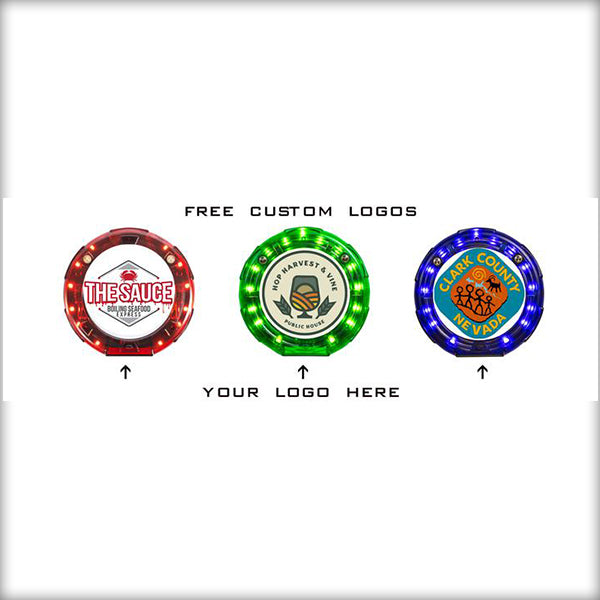
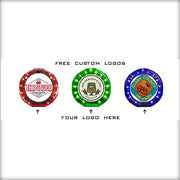
FREE Custom Logo

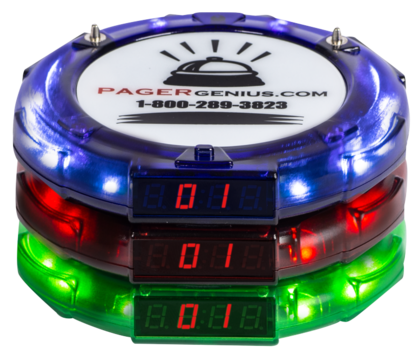
P-2000 Pager
Pair large text with an image to give focus to your chosen product, collection, or blog post. Add details on availability, style, or even provide a review.
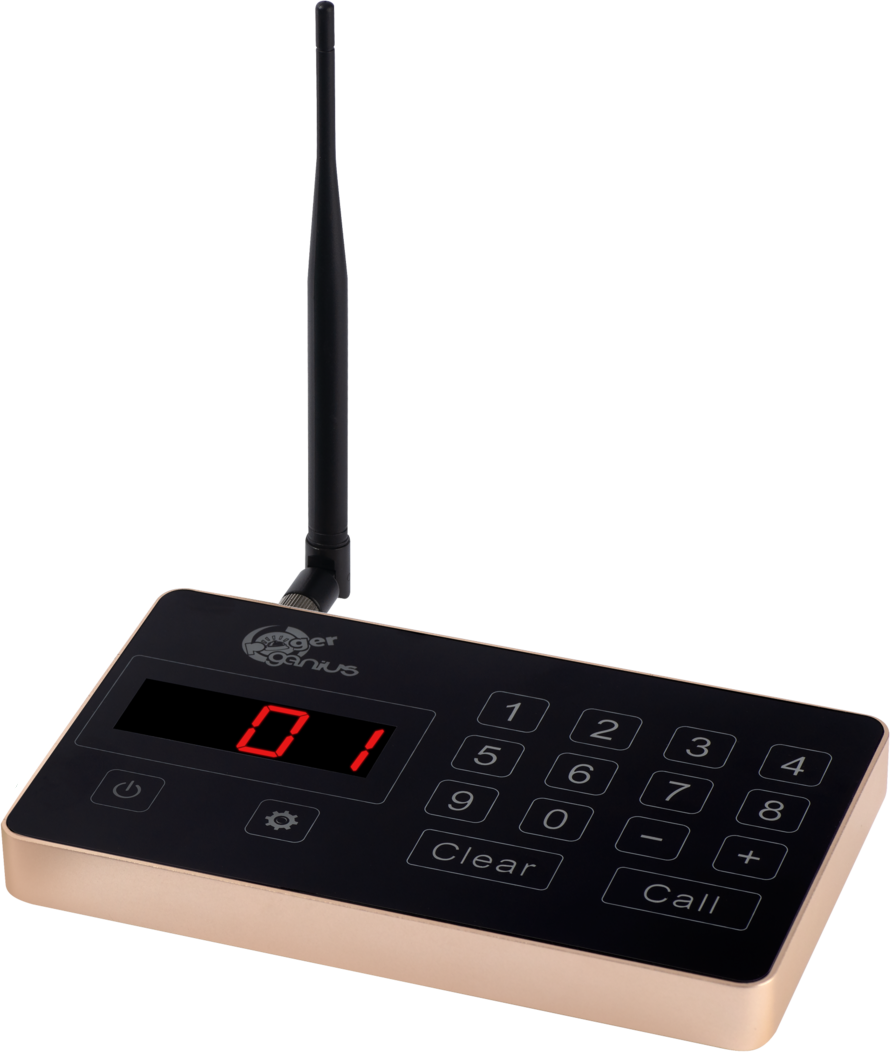
T-9050 Transmitter
Pair large text with an image to give focus to your chosen product, collection, or blog post. Add details on availability, style, or even provide a review.
Description
The Pager Genius System will help you manage your customers’ safety, ensuring they stay a safe distance away from each other and your staff. You will be able to get in touch with your customers from up to 1/2 a mile away. This effective call button system will put customers at ease and keep your team safe in this Covid-19 environment we live in today.
The Pager Genius System is a wireless call button system that does not connect to Wi-Fi or phone lines. Plug our equipment into a power outlet and start using it right away. The Pager Genius System has zero monthly fees and requires power. Charging takes less than one hour, and a fully charged pager stays active for up to four days.
Our systems are super easy to operate and teach others how to use. Your Pager Genius System will be programmed and ready to use out of the shipping box. All equipment is in stock and ready to ship the same day or next! INTERNATIONAL SHIPPING AVAILABLE.
How it Works
To call a Pager Genius pager, type in the number you want and press the call button. There’s no training involved, and anyone can operate the system. Call guests from up to half a mile away with the long-range signal transmitter. No more time wasted tracking down lost customers who strayed from the waiting area.
Thousands of satisfied customers across the United States love the Pager Genius Paging System. Find out how Pager Genius can improve your wait times and guest experience with a 30-day 100% money-back guarantee on all equipment from the date of delivery. Enjoy free shipping and zero sales tax outside the state of California.
Our pagers can withstand demanding conditions and abuse, but we offer the industry’s best two-year warranty to protect your investment from accidents so you can buy confidently.
Pager Genius range extenders can double your coverage area. Add as many as you need to cover the distance you require.
Features
- Easy to set up & operate
- Clears waiting area of foot traffic
- Helps protects staff & customers from Covid-19
- Faster turnaround of services
- Easy to use touch-sensitive keypad transmitter
- One-Year Warranty
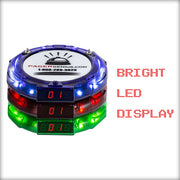
- Three alert types: LED, audible & vibrate
- Reduces labor costs
- Stack and charge design
- Tough, durable, waterproof & dust proof casing
- 1/2 mile transmitter line of sight
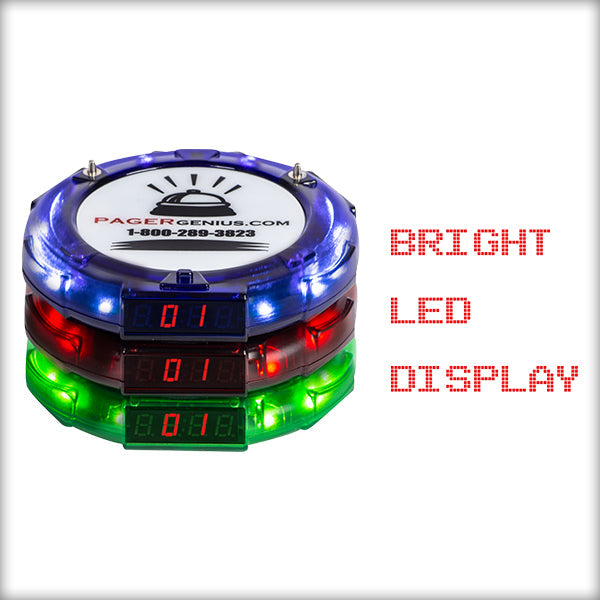
- Bright digital pager number display
- Works with any POS system
- Easily add pagers to your system at anytime
- Three different colors to choose from
Benefits
- Eliminates noisy overhead paging
- Let's your customers social distance and feel at ease
- Eliminates walkaway and lost revenues
- Maintains a quiet and pleasant atmosphere
- Faster turnaround of services
- Increases productivity of staff
- Reduces labor costs
- Increases bottom line
- Yelp reviews improve over time
Return Policy
Any product you purchase will be accepted for an exchange or refund within 30 days from the delivery date, as long as the contents are not damaged.
If making a return, we will credit your account within five business days (from receipt of package), and it will show on your following statement depending on the issuing bank and billing cycle.