
Table service

Restaurant Table Call Button System

Better service starts with a simple tap.

Give guests a direct way to reach your team. A simple press sends an alert to a staff watch pager, so your team knows where help is needed.

$320.00

Selected package
Free shipping on every orderNo sales tax*

*For orders shipped outside California.

Choose your package

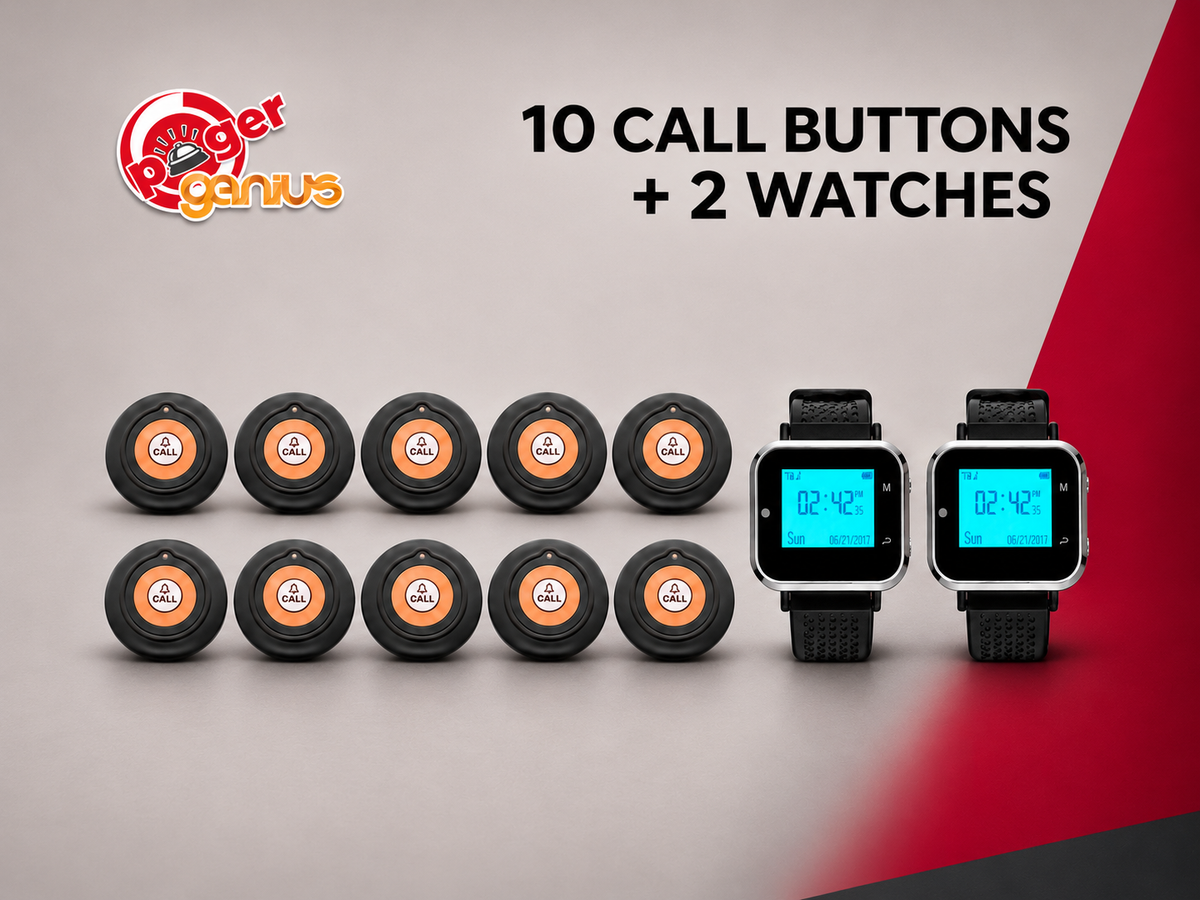
10 call buttons + 2 watch pagers.
Watch charging equipment included.

Questions before you order? 1-800-289-3823

How it works

One tap. A clear request. A ready response.

Keep help within reach for your guests and the right information on your team’s wrists.

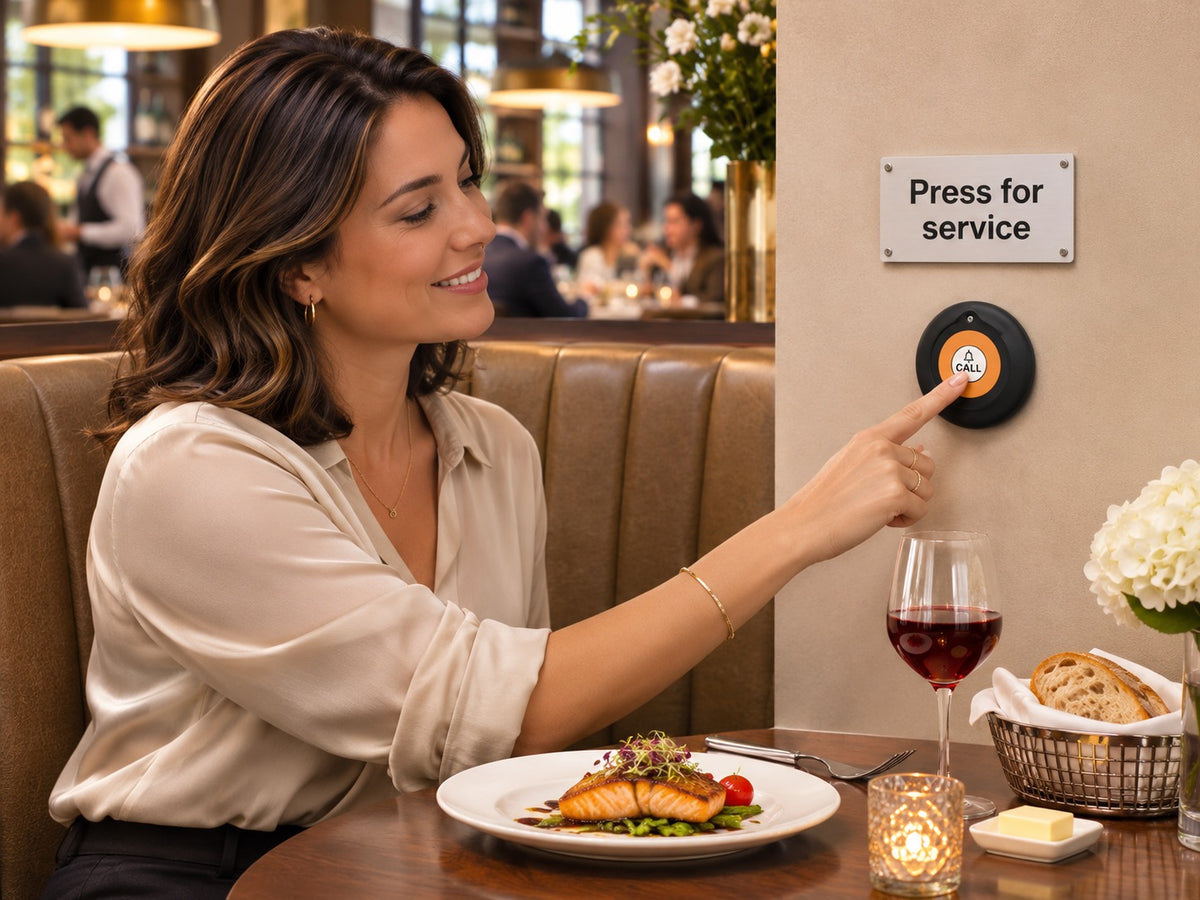
  1. A guest presses a wall-mounted Pager Genius call button beneath a Press for service sign.

    The guest presses CALL

    Place a call button where guests can reach it when they need assistance.

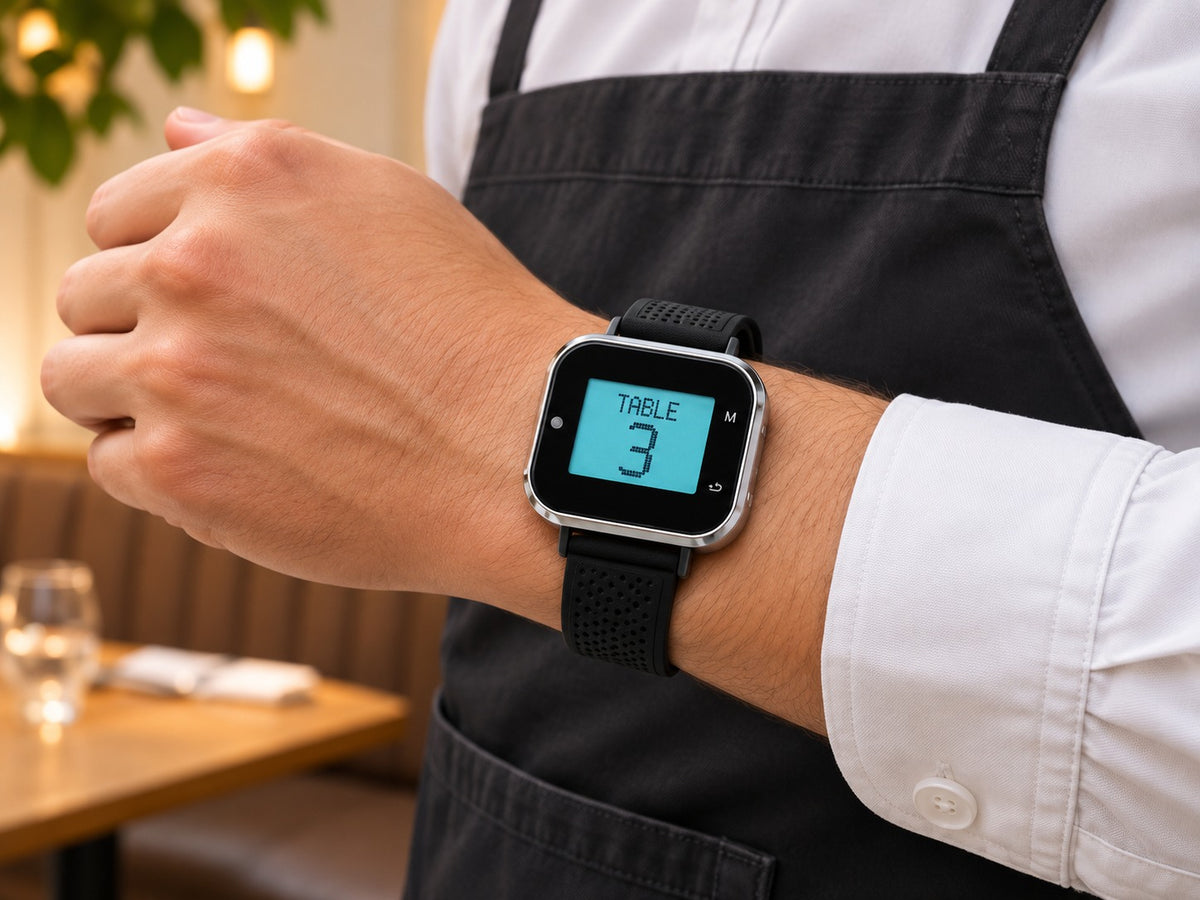
  2. A Pager Genius staff watch pager on a server’s wrist displays an alert for Table 3.

    The watch receives the alert

    The assigned watch pager alerts staff and displays the programmed table or station number.

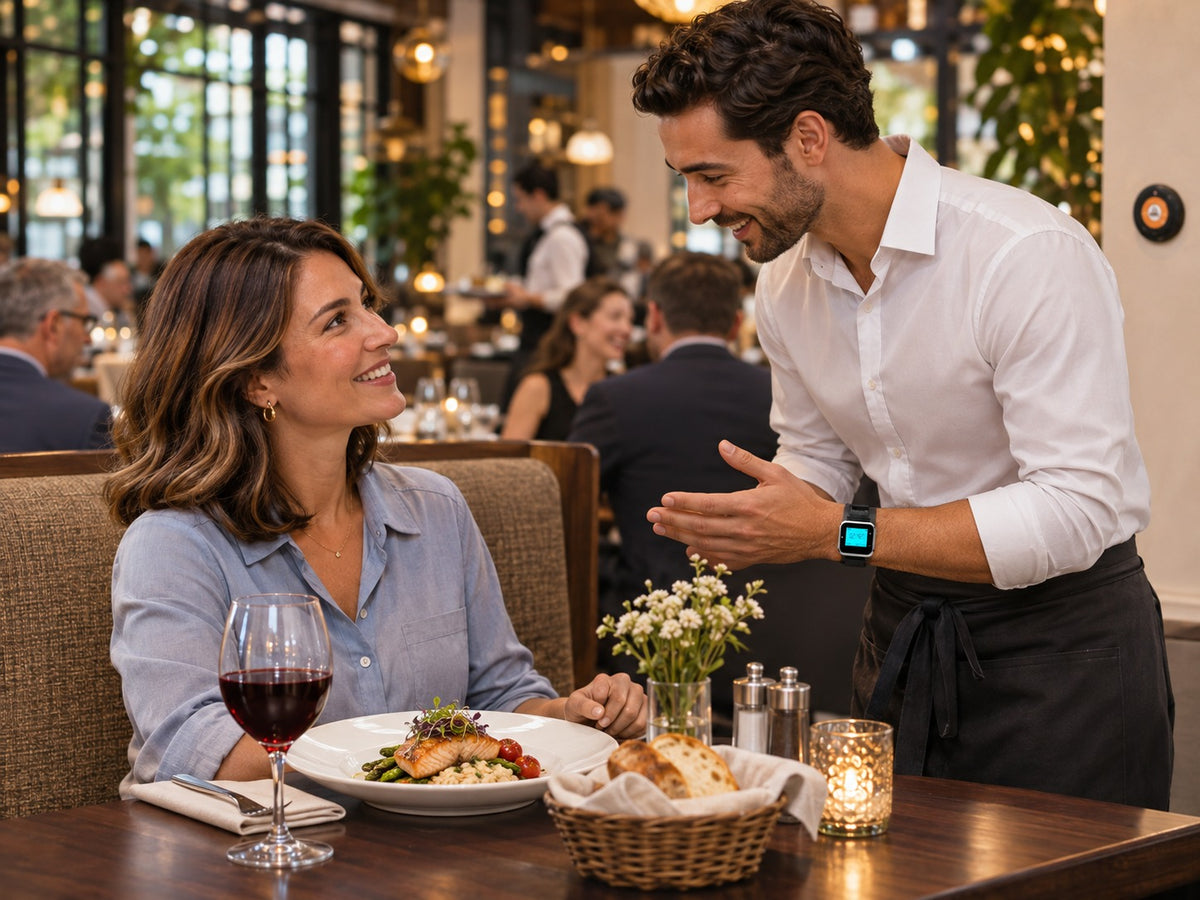
  3. A waiter responds to the service request and speaks with a guest at her table.

    Your team responds

    Staff know where the request came from and can head over to help.

How does the watch alert staff?

Pager Genius Can’t-Miss Alert. The staff watch lights up, delivers strong wrist vibration, and offers an optional audible beep. All alert settings are user-selectable.

Can’t-Miss Alerts. Your Way.

Lights up: A bright, easy-to-see alert.

Strong vibration: A powerful buzz you can feel on your wrist.

Audible beep: An optional sound alert.

You choose light, vibration, beep—or any combination.

BETTER SERVICE. BETTER BUSINESS.

Don’t let waiting cost you the next order.

An extra drink. A dessert to share. A table ready for the next guests.
Make it easier to ask for service at the moments that matter.

A guest with a finished meal and check folder tries to catch a passing server’s attention.THE CHECK

“Can we get the check?”

The meal is over. The wait shouldn’t drag on. Give guests a simple way to signal that they’re ready to pay.

THE BUSINESS OPPORTUNITY

Help keep tables moving.

Less waiting for the check can mean an earlier opportunity to seat your next guests.

A guest with a menu on the table raises her hand while a server attends to the dining room.DESSERT

“We were going to order dessert…”

They’re ready for something sweet—but can’t get anyone’s attention. Make it easier to ask before they decide to skip it.

THE BUSINESS OPPORTUNITY

Don’t miss the extra order.

Give your team the opportunity to take the dessert order while your guests still want it.

Guests with drinks on their table try to catch a server’s attention in a busy restaurant.ANOTHER DRINK

“Another round, please.”

A missed wave can become a missed order. Give guests a clear way to request another drink while your team serves the room.

THE BUSINESS OPPORTUNITY

More opportunity per table.

Make the next drink order easier to request, instead of leaving it to chance.

Your guests shouldn’t have to work to spend more with you.

Make asking for attention simple.
Pager Genius gives guests a way to call your team when they’re ready to order more—or ready for the check.

A FEW HELPFUL ANSWERS

Frequently asked questions

How does the system work?

A guest presses the CALL button at their table. The assigned staff watch pager receives an alert and displays the programmed table or station number, so your team can respond.

How do I choose which call buttons alert which watches?

After you place your order, we’ll email you to confirm which call buttons should alert each watch pager. Simply tell us how you’d like the buttons and watches paired.

Can one call button alert all of my watches?

Yes. A single call button can be set to alert multiple watch pagers, including every watch on your team.

How does the watch alert staff?

The watch lights up, delivers a strong vibration on the wrist, and can also emit an audible beep. These alert options are user-selectable: choose light, vibration, beep, or any combination to suit your team.

How long does the watch pager stay powered on after a full charge?

A fully charged watch pager stays powered on for 24 hours.

Does it need Wi-Fi or a phone line?

No. The call buttons communicate wirelessly with the staff watch pagers without an internet connection or phone line.

What is included in each package?

Choose 5 call buttons with 1 watch pager, 10 buttons with 2 watches, 15 buttons with 3 watches, or 20 buttons with 4 watches. Watch charging equipment is included.

How are the watch pagers charged?

Recharge the watch pagers with the watch power supplies. Keep the watches charged and ready for the next shift.

Can you help me choose a package?

Yes. Tell us how many tables or service areas you want to cover and how many staff members need a watch pager. We can help you choose the right package.